4.7 System setup
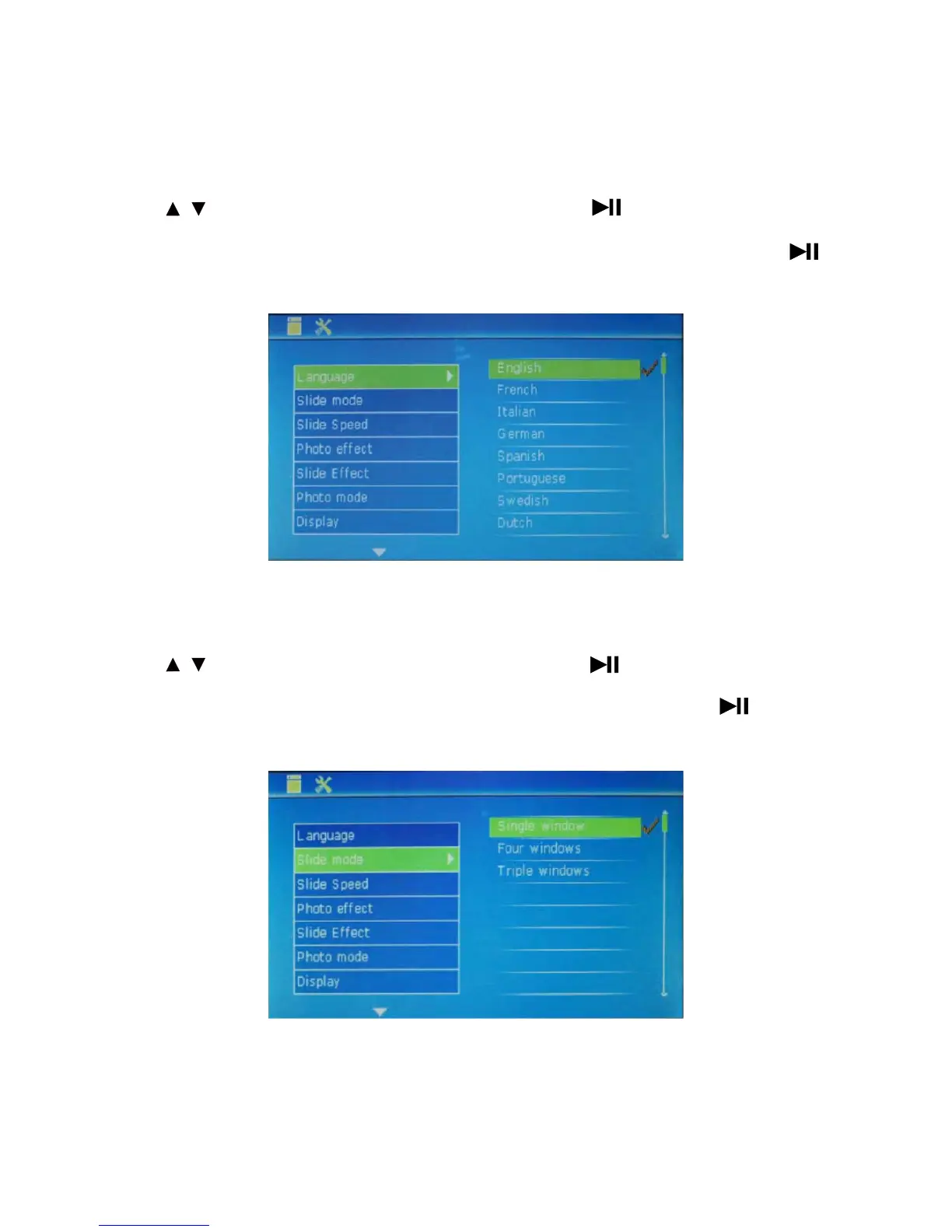
Language: OSD language setting.
Press to select this option and set the mode of slide play. Press to set sub-items (including
English, French, Italian, German, Spanish, Portuguese, Swedish and Dutch). After selection, press the key
to confirm it. Then, press MENU to exit.
Slide mode: used to set the mode of slide play.
Press to select this option and set the mode of slide play. Press to set sub-items (including
Single window, Four windows and Triple windows). After selection, press the key to confirm
it. Then, press MENU to exit.
11
/
/



 To Next Page