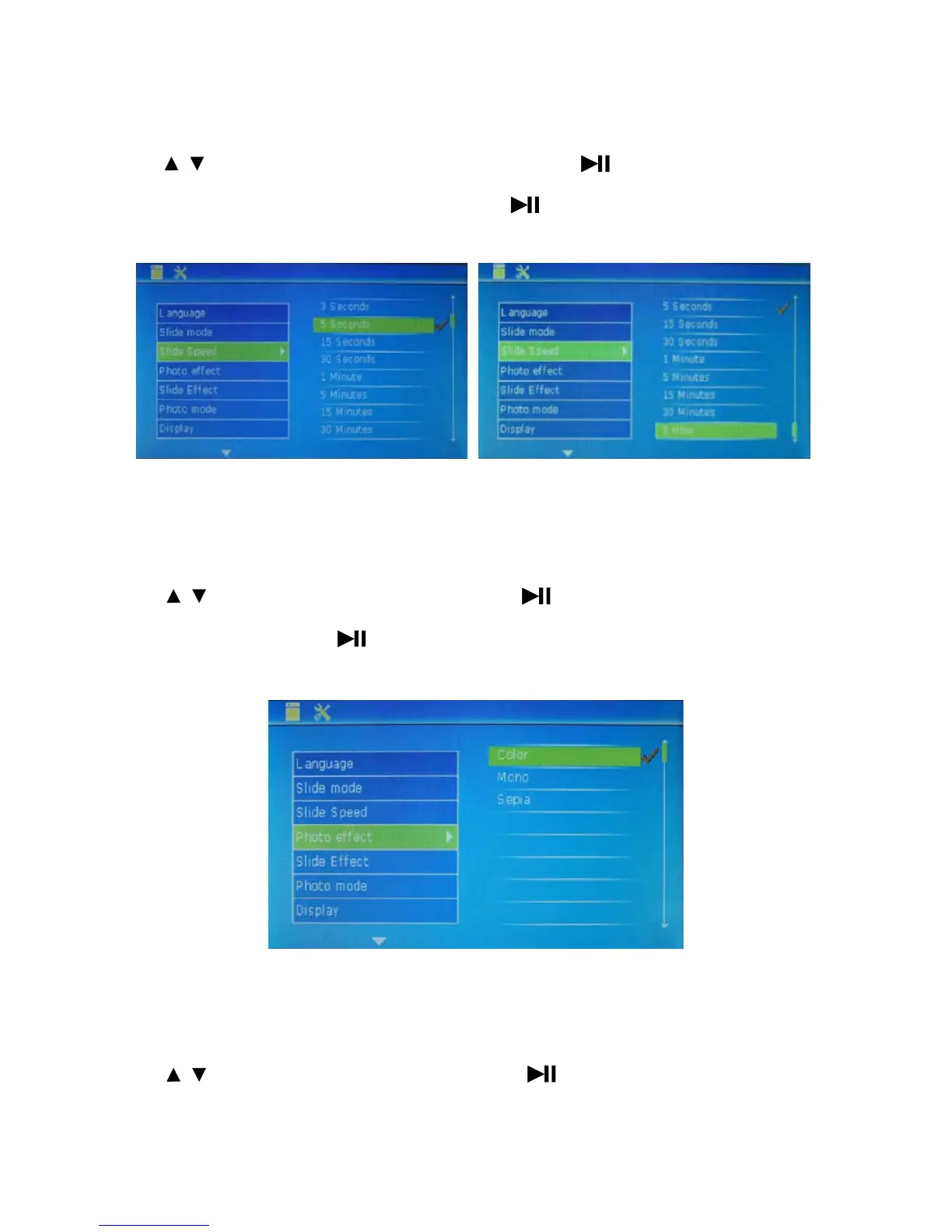
Slide Speed: set the slide play speed.
Press to select this option and set the play speed of slide. Press to set sub-items (minimum 3
seconds; maximum 1 hour
). After selection, press the key to confirm it. Then, press MENU to exit.
Photo effect: used to set photo effect.
Press
to select this option and set photo effect. Press to set sub-items (Color, Mono and Sepia
).
After selection, press the key to c
onfirm it. Then, press MENU to exit.
Slide Effect: used to set slide effect.
Press
to select this option and set slide effect. Press to set sub-items (15 optional effects:
Random, Split Horizontal in, Split Horizontal out, Jalou
sie, Split Vertical in, Split Vertical out, Radiation,
12
/
/
/



 To Next Page