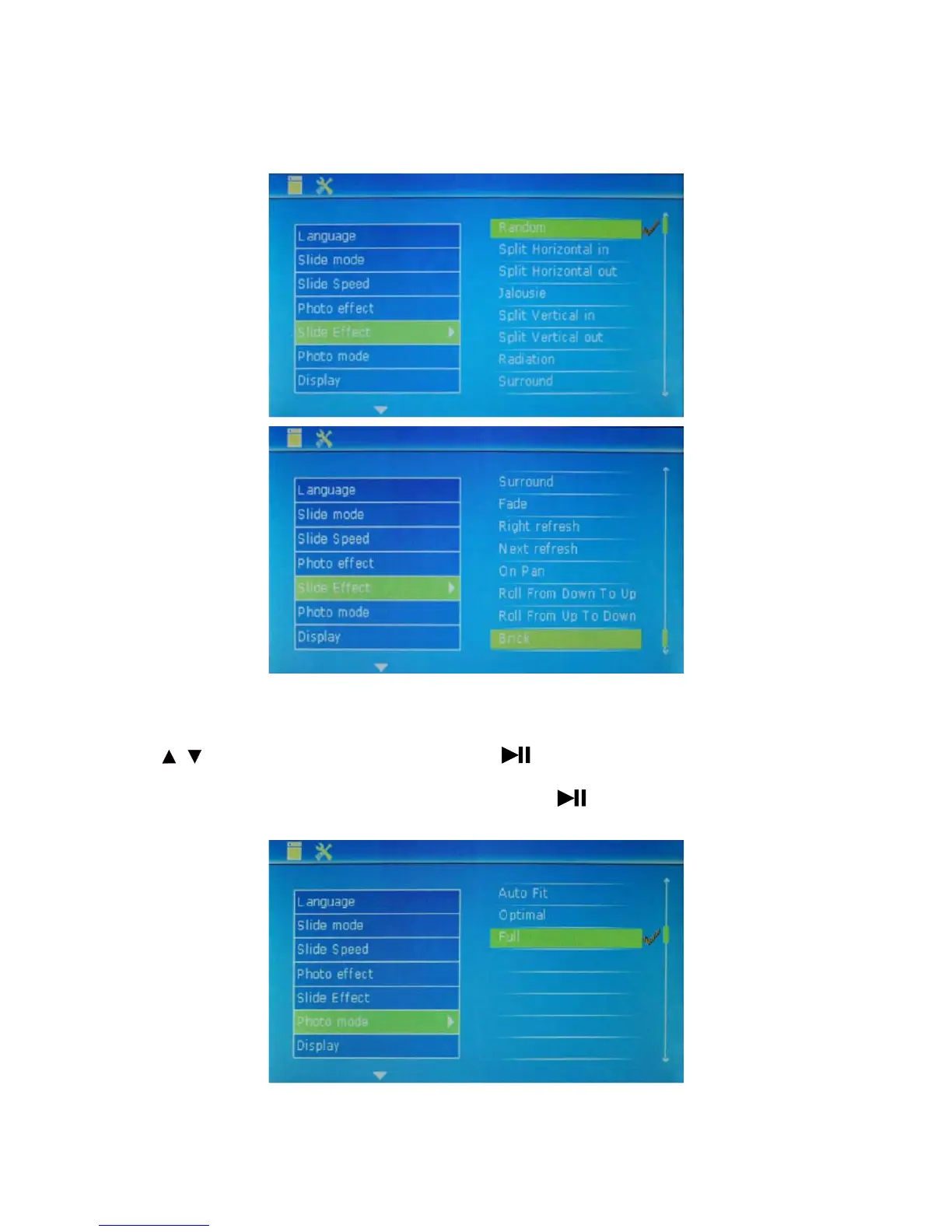
Surround, Fade, Right refresh, Next refresh, On pan, Roll from Down To Up, Roll from Up To Down Brick ).
After selection, press the key PLAY to confirm it. Then, press MENU to exit.
Photo mode: used to set photo mode.
Press to select this option and set photo mode. Press to set sub-items (3 optional effects: Auto
Fit, Optimal and Full (full screen)
). After selection, press the key to confirm it. Then, press MENU to
exit.
13
/



 To Next Page