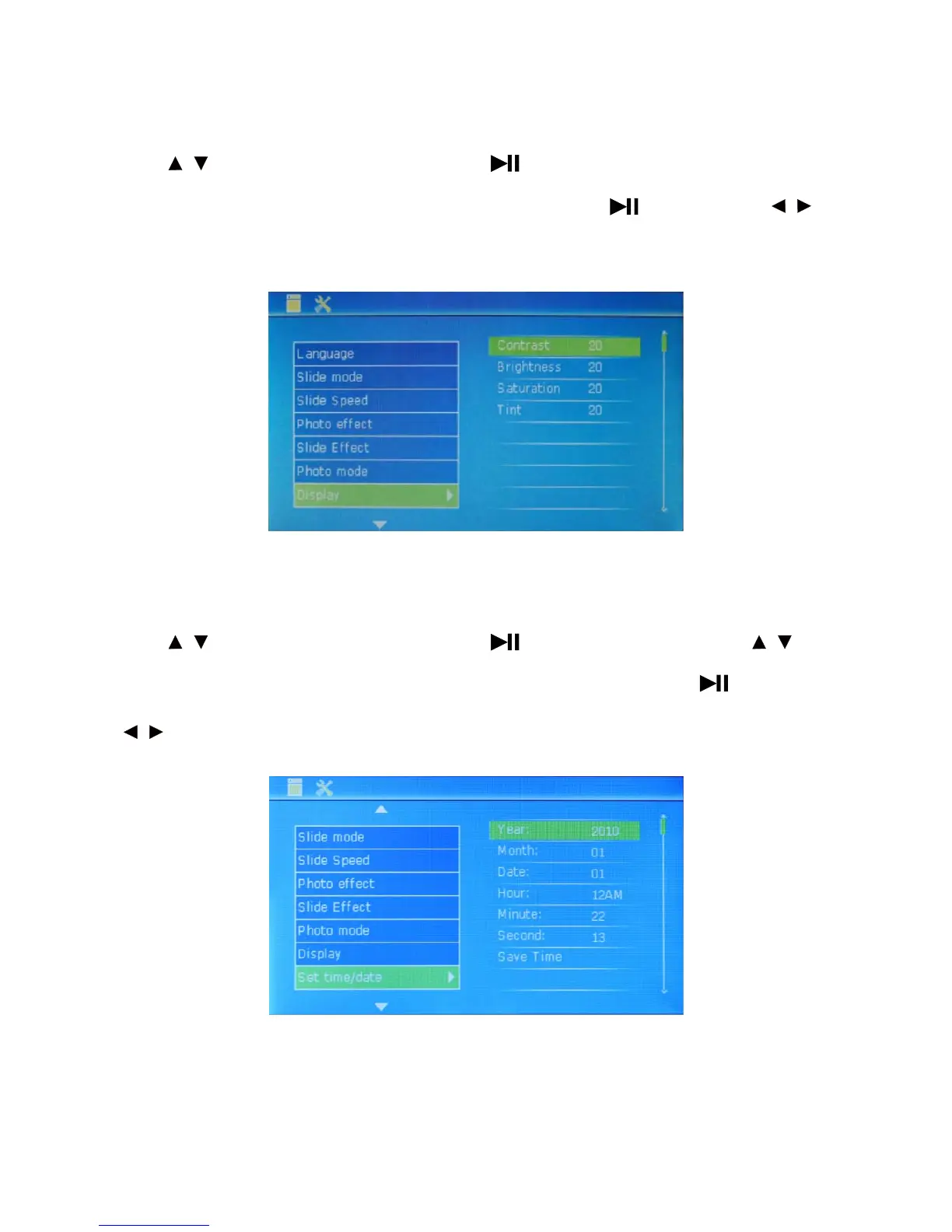
Display: used to set displayer.
Press to select this option and set displayer. Press to set sub-items (3 adjustable display effects:
Contrast, Brightness, Saturation and Tint).
After selection, press the key to confirm it and
to adjust proper value. Then, press MENU to exit.
Set Time/date: used to set time/date.
Press to select this option and set time/date. Press to set sub-items. In this case, press
ear, Month, Date, Hour, Minute and Second.
After selection, press the keyto set Y to enter and
to set. After setting, select Save Time to save it. Then, exit the setting.
14
/
/
/
/ /



 To Next Page