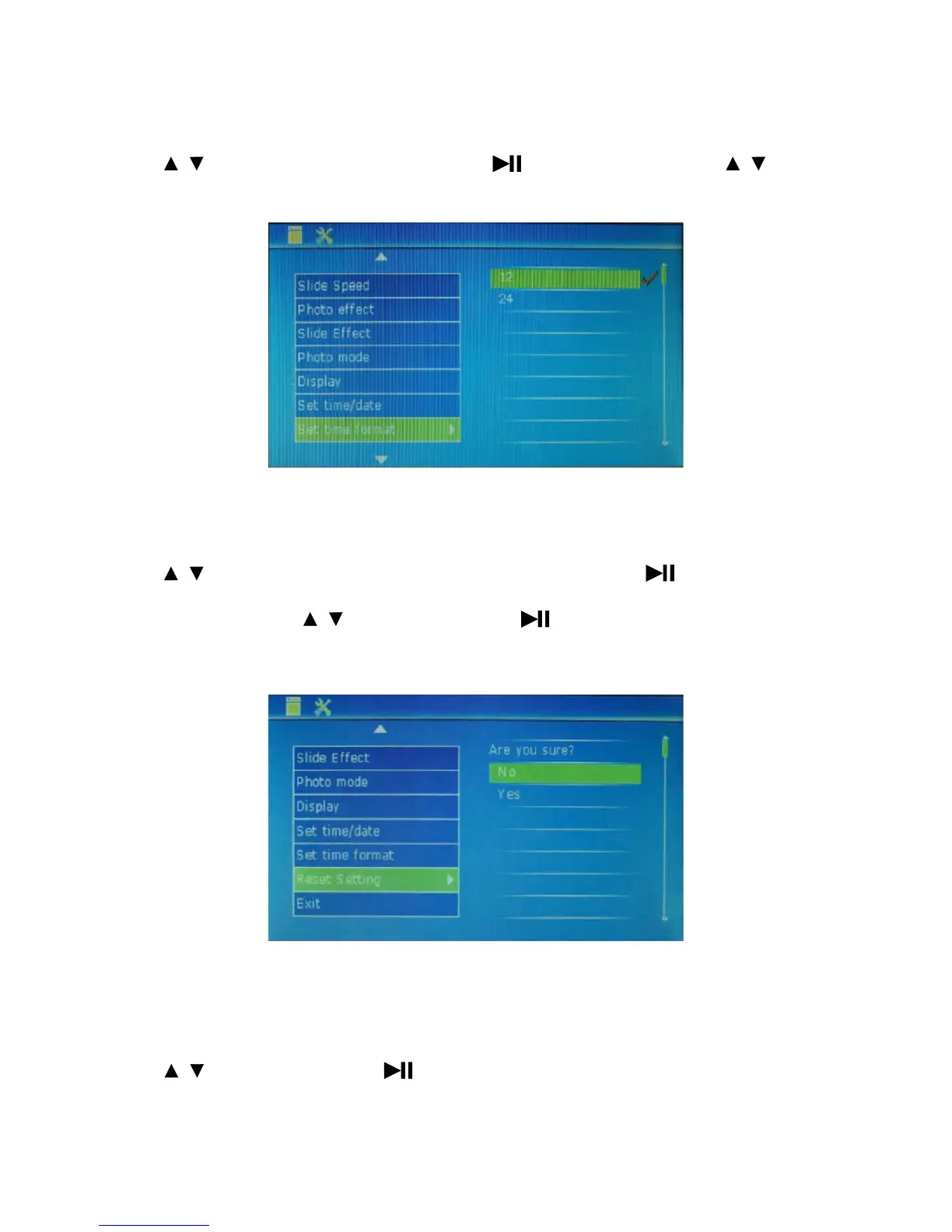
Set time format: used to set time zone.
Press to select this option and set time zone. Press to enter sub-item setting. Press to
set sub-item into 12 hours or 24 hours.
Reset setting: used to set default value.
Press
to select this option and set the default value of all options. Press to enter sub-items
setting NO and YES. Press to select Yes. Then, enter to confirm the selection. Finally, press
MENU to exit the setting interface.
Exit: quit the interface.
Press to select this option. Press to exit the setting interface.
15
/
/
/
/
/



 To Next Page