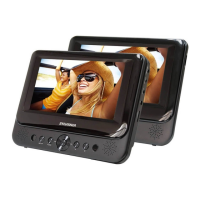
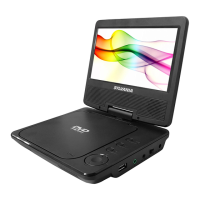
Connecting To The Monitor
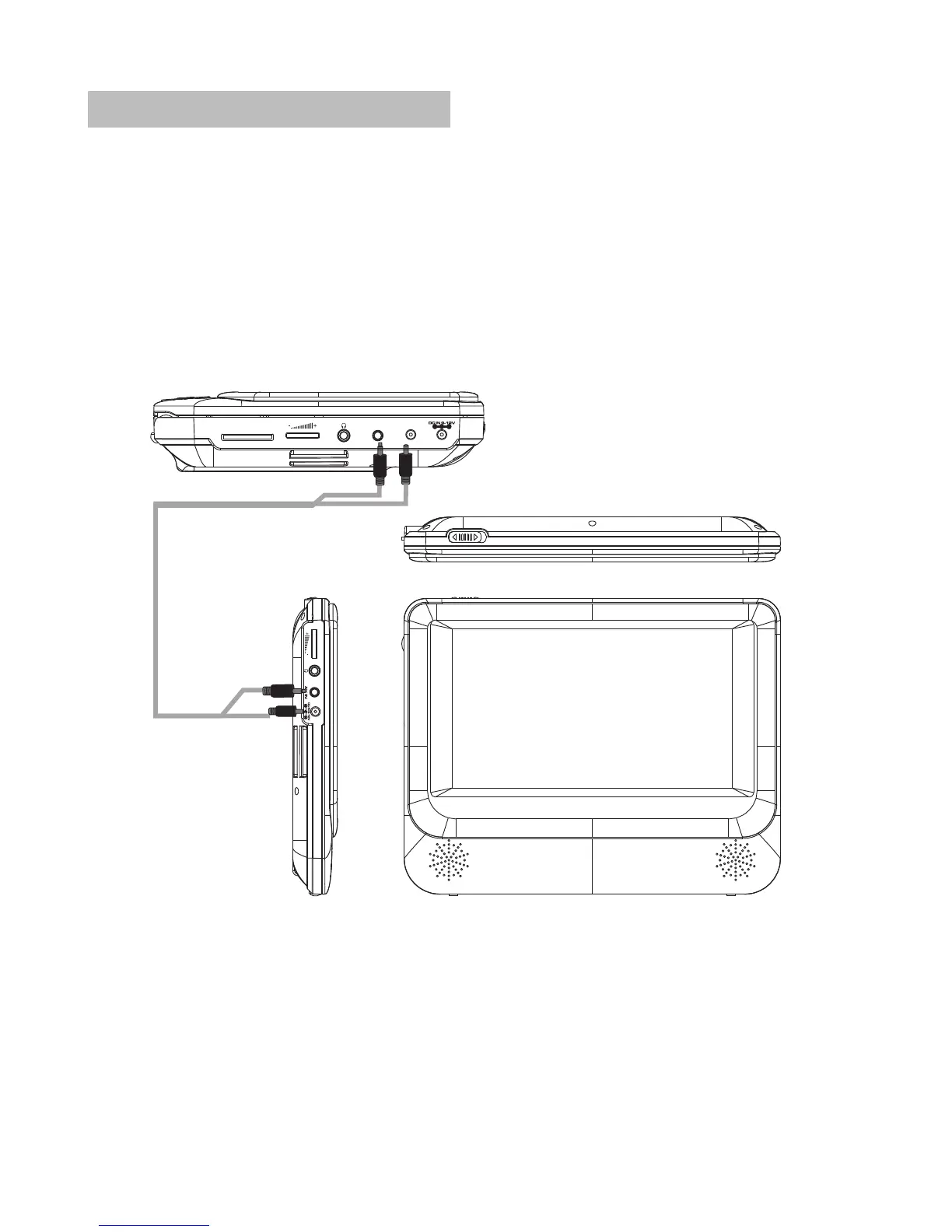
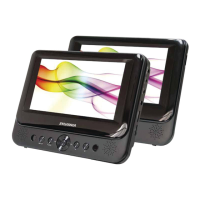
The unit can also be connected to the external LCD monitor.
Connect the unit to power by AC/DC adapter or cigarette lighter adapter.
Then connect the unit DC OUT jack to DC IN 9-12V Jack of the LCD Monitor
by a DC/AV cable. Also use this DC/AV cable to connect the AV OUT jack of
the unit to AV IN jack of the Monitor.
Please refer to the illustration below.
Note: You're advised to supply both units the power by the cigarette lighter
adapter only. The AC/DC adapter is used to supply power of one unit only
and as the charger to charge the main unit if it's with built-in battery.
7
ON OFF
DC OUT
AV O UT
SD


 To Next Page