10
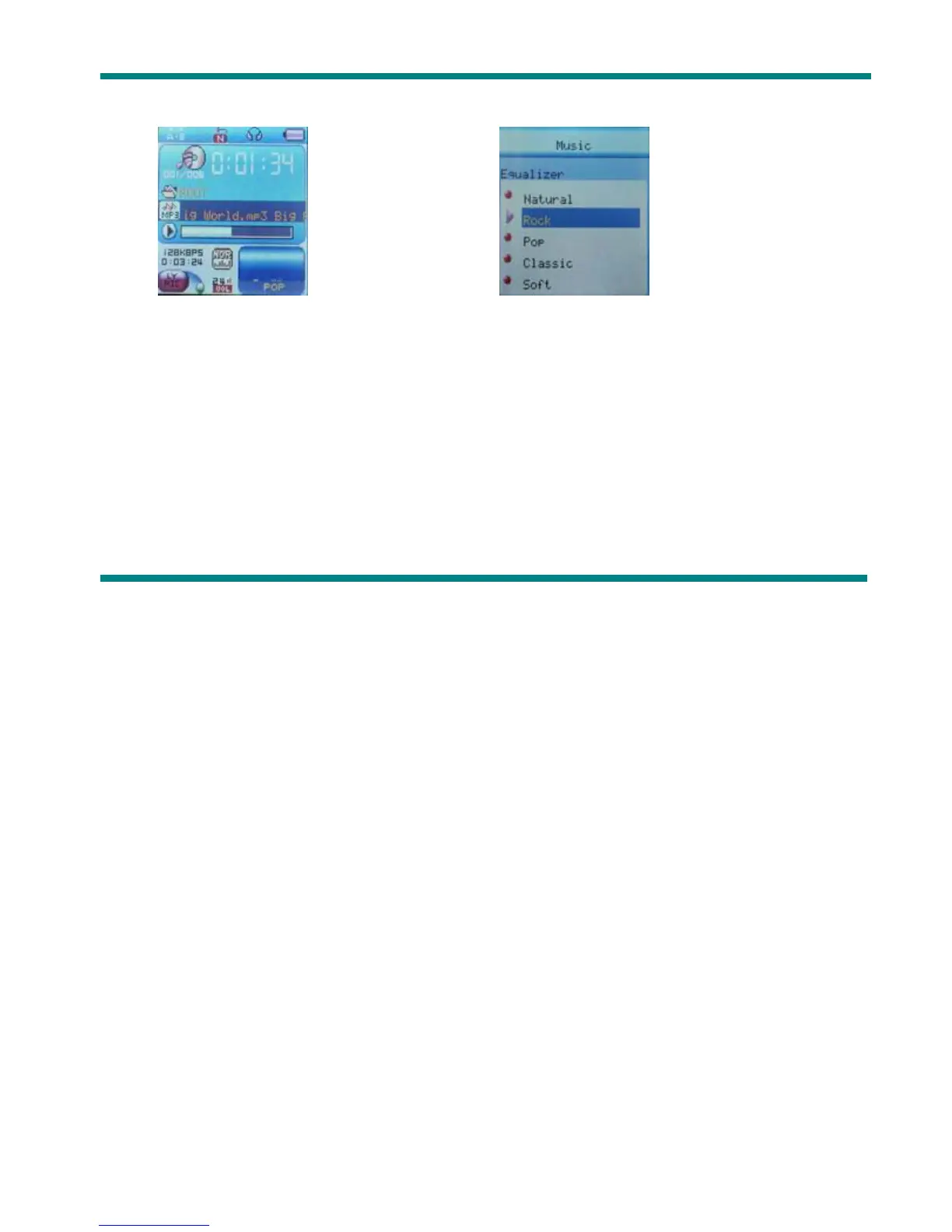
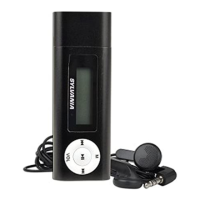
4. Press Mode to enter ‘Equalizer Mode’ submenu.
Select an equalizer:
5. Detail of each equalizer (EQ):
Natural, Rock, Pop, Classical, Soft, Jazz, DBB
6. Press Next to select an EQ and press Mode to confirm.
z Synchronous Lyric Display
The player supports lyric files with *.LRC suffix, and displays synchronously.
How to use lyric files?
Please make sure the lyric has the same name to the music, For example:
Music file: Journey.mp3 Lyric file: Journey.lrc



 To Next Page