11
z How to know if lyric available?
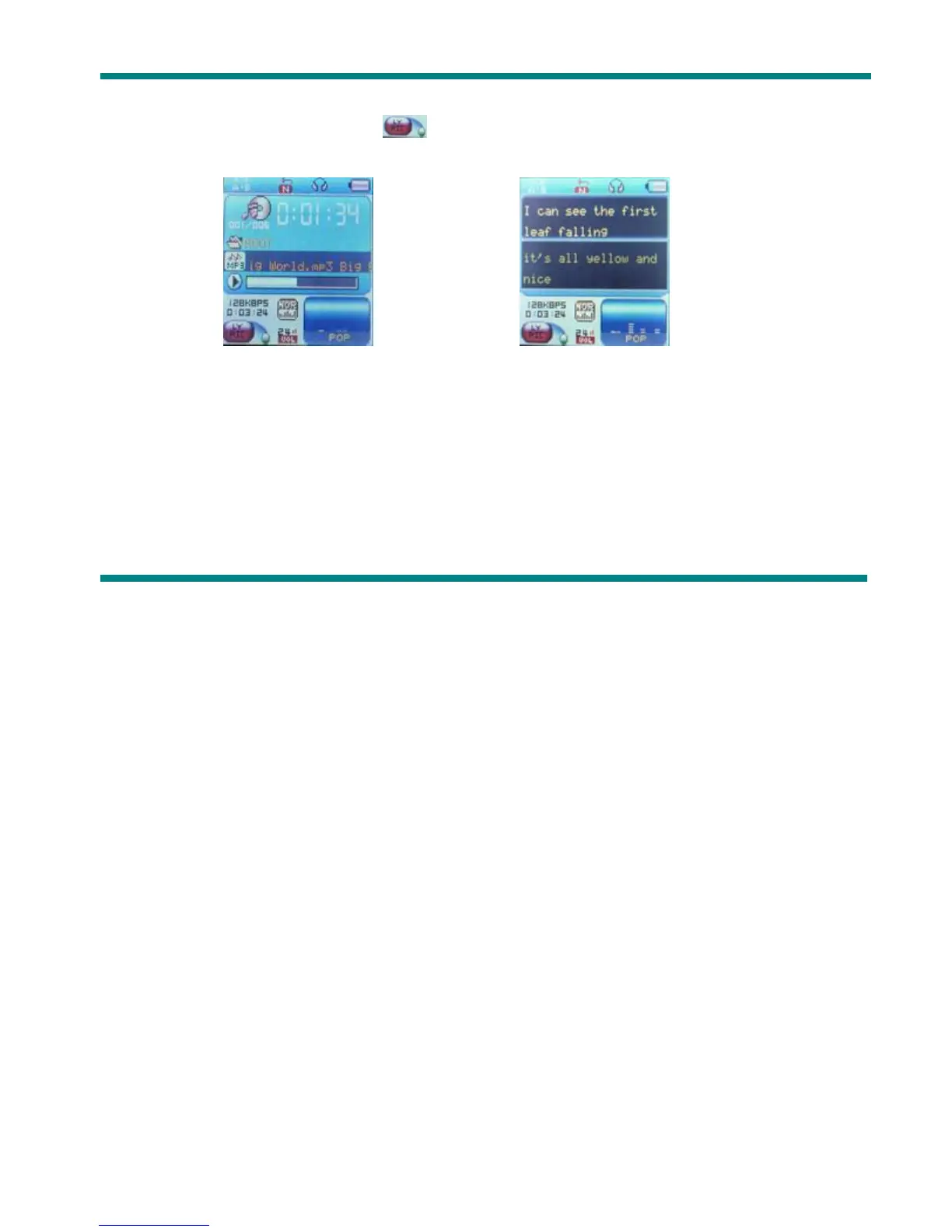
If lyric matched, a green icon will be displayed on the left down corner of screen,
1. When marched lyric available: 2. Press and hold Mode to enter lyric interface;
3. Lyric displays 4. Press Mode return to music mode.
Voice Recording
Please make sure the battery has enough capacity before making record.
Each fold can save up to 99 voice recording files.
z Recording on “Record mode”
1. .Enter main menu.



 To Next Page