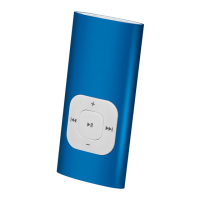
12
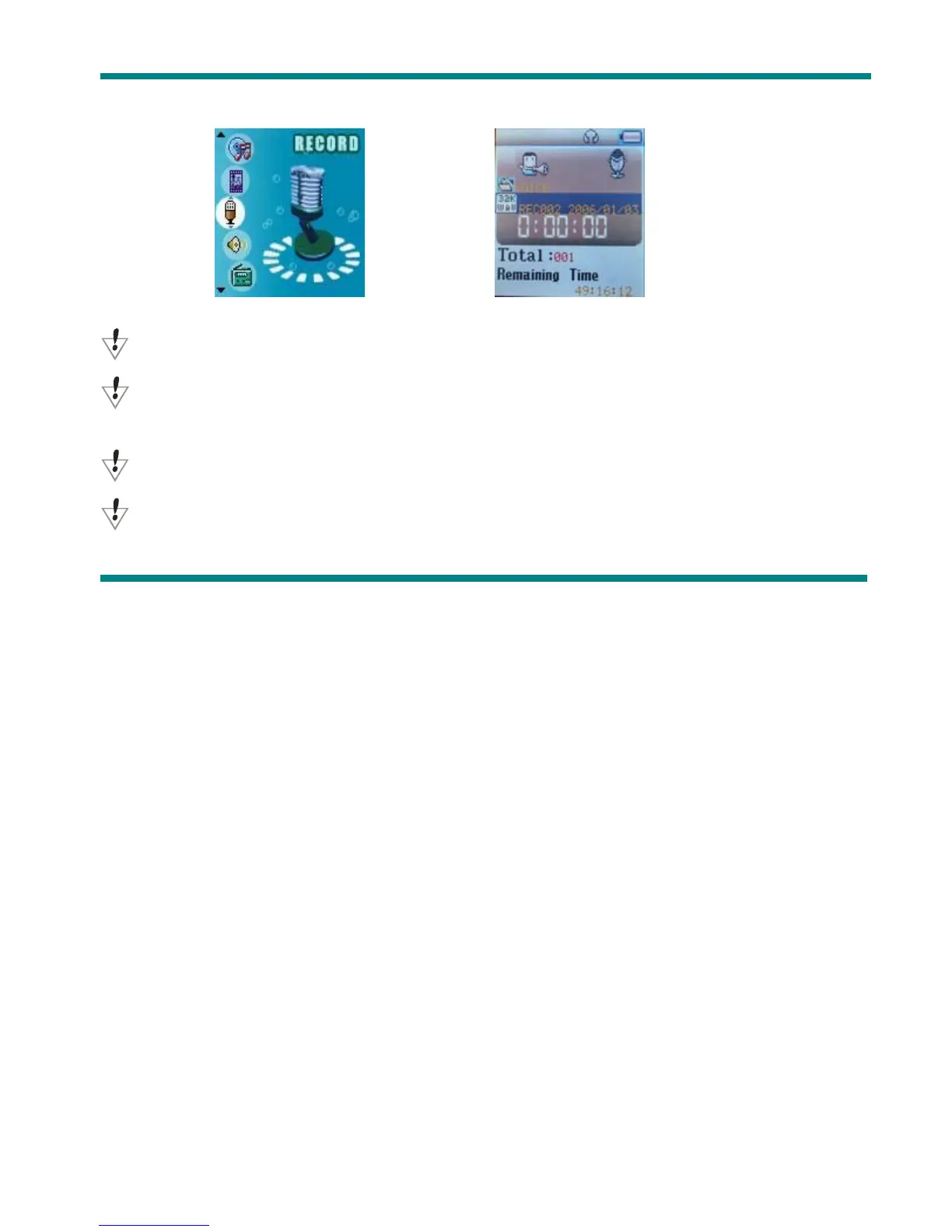
2. Press Next scroll to Record mode
3. Press Mode to select Record mode, screen will display as below:
4. Press Play to start recording.
Voice will be recorded in current fold which set through ’Record stop / Main fold’
If displayed “Memory full”, it means no space to save new record files, please delete other files to
release memory space.
If “Fold full” shown, it means there are 99 record files in this fold. Please choose another one.
The player only responses to Play and A-B when record processing



 To Next Page