22
z Reading files
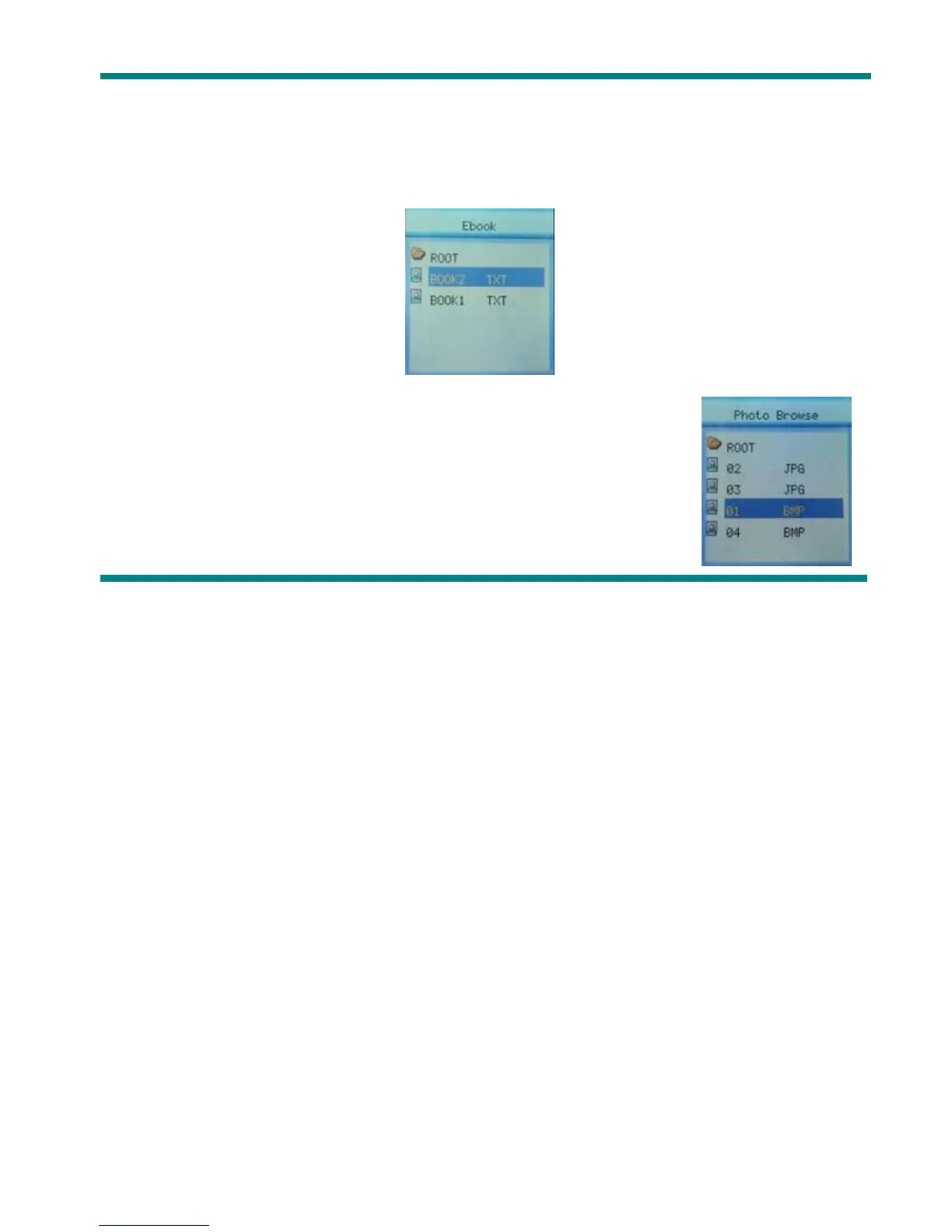
1. On main menu, press Next/PREVIOUS choosing E-BOOK,
2. Press Mode to enter corresponding submenu:
3.Press Next or PREVIOUS choosing the document you want to read,
then press Play to read it.
z Browsing Pictures
This function is available for JPEG /BMP format.
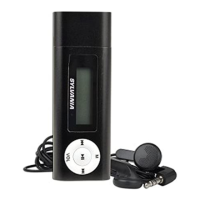
1. On main menu, press Next/PREVIOUS choosing PHOTO.
2. Press Mode to enter submenu:
3. Press Next or PREVIOUS choosing the document you want to read,
then press Play to play it..



 To Next Page