8
z Switch on/off
Press and hold Play to switch on when the player is off.
Press and hold Play to switch off when the player is on.
z Play & Pause; exit from submenu
On music mode, Press Play to play music.
When playing music, press Play to pause; press and hold to stop playing.
z Start / Stop recording
On recording mode, press Play to stop.
Keys Processing
z Keys Functions Definition
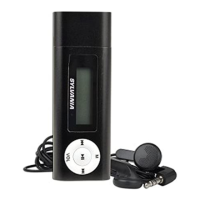
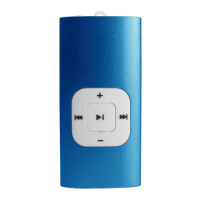
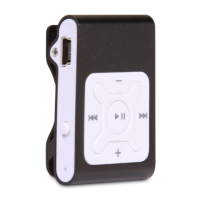
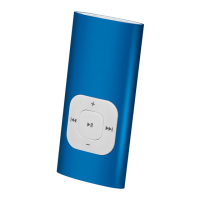
1. Play: Power On/Off, Play, Pause, Stop
2. MODE (Menu ): Enter main menu or exit from current menu.
3. Next: Next, FF, Volume increase
4. PREVIOUS: Previous, Rev, Volume decrease
5. USB: USB outlet
6. Earphone: Standard earphone outlet
7. ON/OFF: Power switch



 To Next Page