13
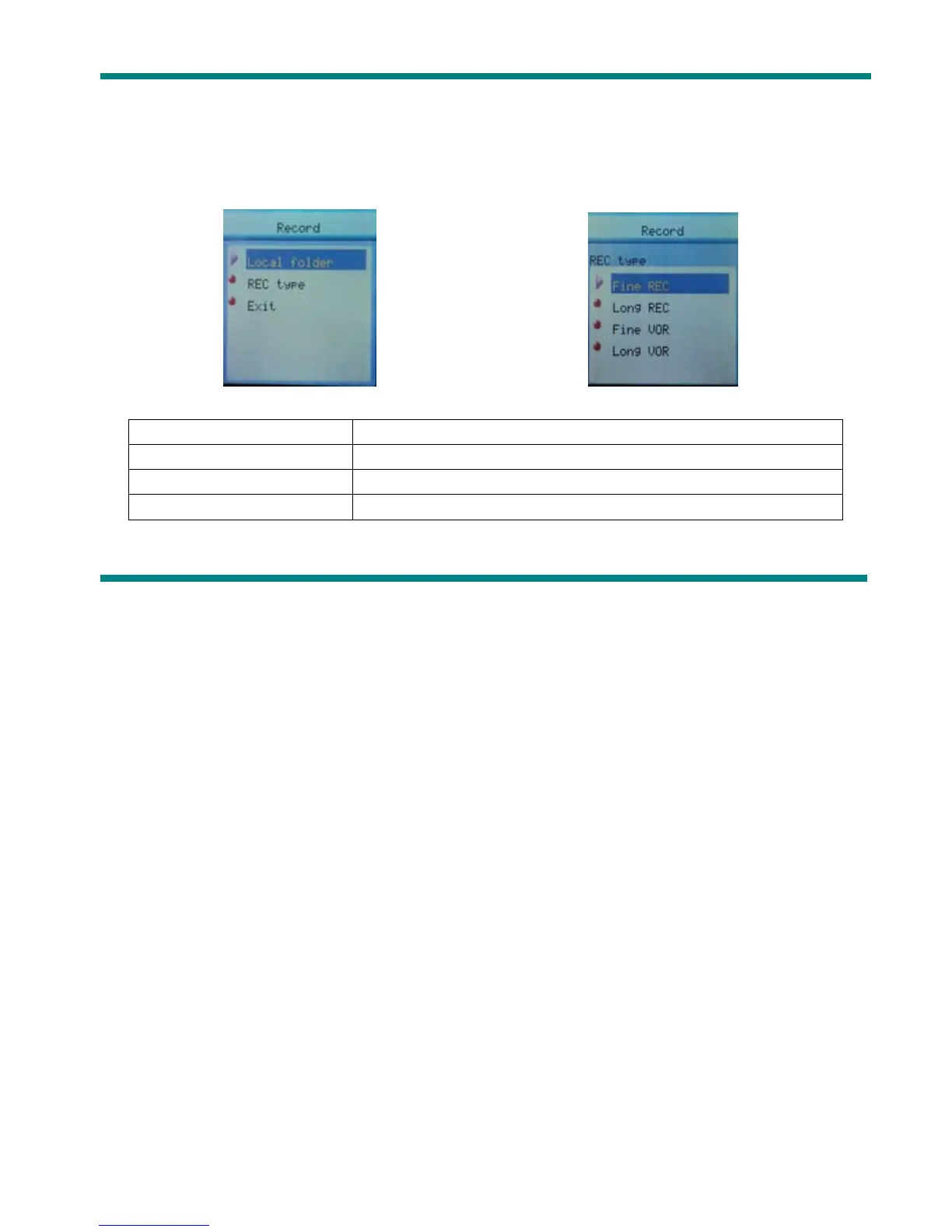
z Select Record Type
1. When in the interface of ‘Record stop’
2. Press Mode to enter record submenu 3. Press next scrolling into ‘Rec type’
submenu then presses Mode to select it.
Fine REC
wav file,fine quality
Long REC act file, normal quality
Fine VOR wav file, (Recording controlled by voice, pause when mute)
Long VOR act file, (Recording controlled by voice, pause when mute)
4. Press Next to choose appropriate type and press Mode to select it



 To Next Page