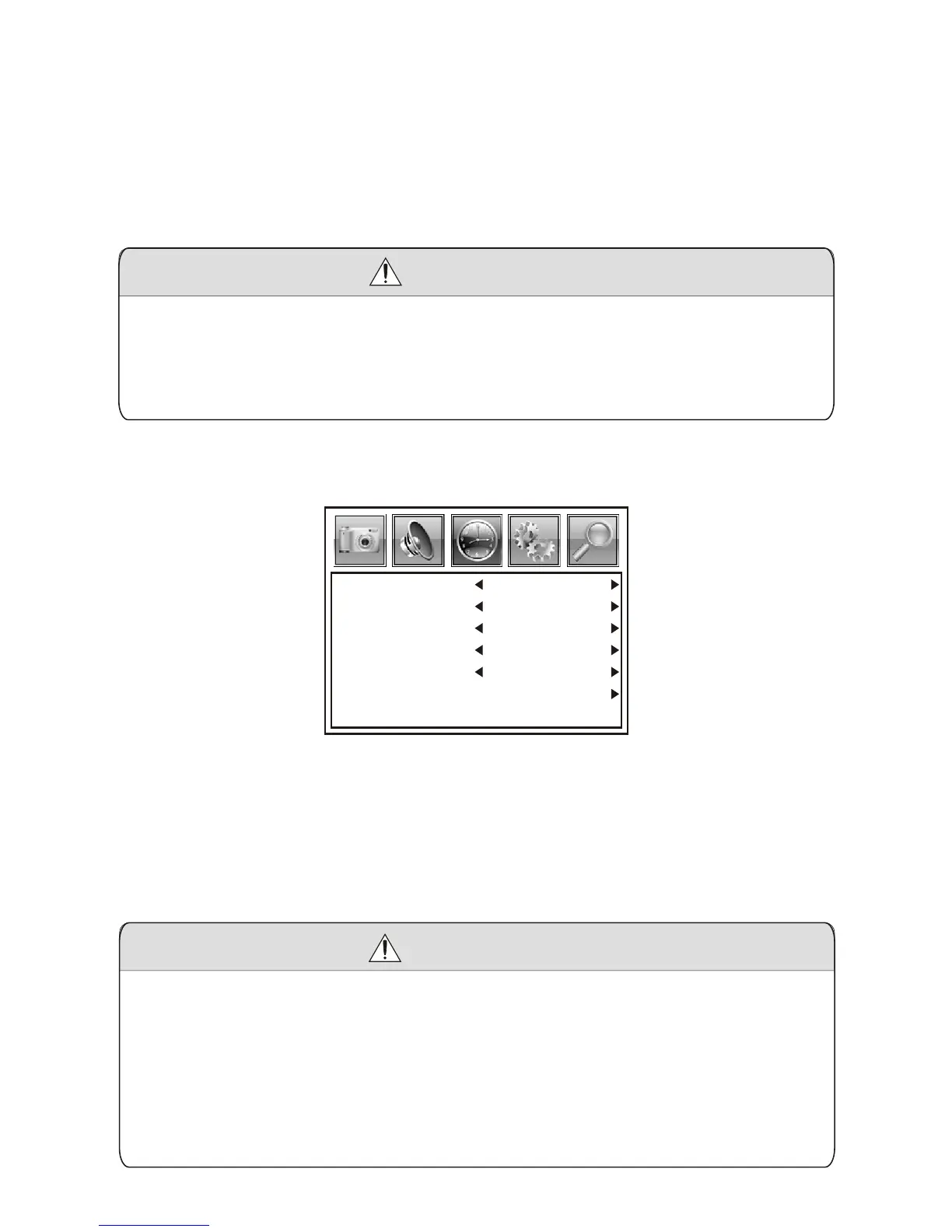
Sleep Timer Off
Time Zone Eastern
DST Off
Time Format 12-hour
Auto Sync Off
Clock 2009/07/08 8:24 PM
Press MENU key to enter the menu list and then press left or right key
to enter the above list. Press up and down key to choose to enter the
sub-list, press left and right key to adjust the numerical value or setup
the contents, then press Menu to confirm and return to previous list.
Press Menu again or press EXIT key on the remote controller to quit
the sub menu list directly after the adjustment of sound effect.
1. There are five options of Sound Mode, which are Personal,
Standard, Music, Movie and Sports.
2. Enter the Treble/Bass for three options of Bass, Treble, Balance.
3. Prefer Language: Set the preferred dubbing language.
Precautions
7.3. Time Adjustment
Press MENU key to enter the menu list and then press left or right key
to enter the above list. Press up and down key to choose to enter the
sub-list, press left and right key to adjust the numerical value or setup
the contents, then press Menu to confirm and return to previous list.
Press Menu again or press EXIT key on the remote controller to quit
the sub menu list directly after the adjustment.
Precautions
1. Sleep Timer: Set up automatic shutdown time 240 minutes.
2. Time Zone: Set your area.
3. DST: Open or close Daylight Savings Time.
4. Time Format: Set time display 12 hours or 24 hours.
5. Auto Sync: Set the system time as the program carrying time
auto-synchnously.
6. Clock: Adjust system time-condition.
-9-



 To Next Page