–
32
–
EN
•
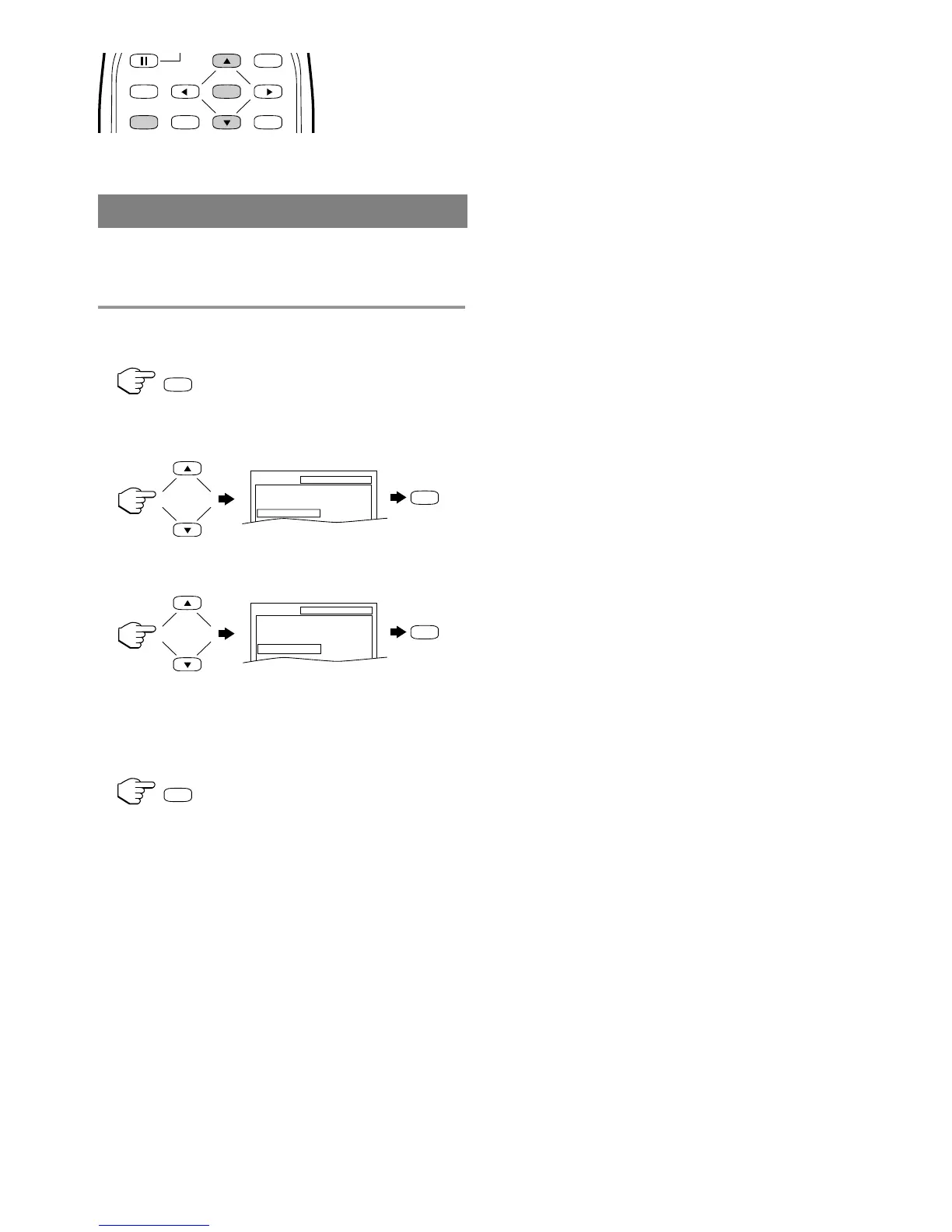
Shaded buttons are used for following operation.
This allows you to return all selections of SETUP
(except for “PARENTAL” and menu language) to
their default settings.
1 Press [SETUP] twice in stop mode so that the
“INITIALIZE” menu appears.
2 Press [K] or [L] to select “INITIALIZE” then
press [ENTER].
3 Press [K] or [L] to select “YES” then press
[ENTER] twice.
All the settings (except for “PARENTAL” and
menu language) will be cleared.
•
To cancel the initialization, select “NO”.
4 Press [SETUP] to exit the menu.
–
32
–
INITIALIZE











 To Next Page