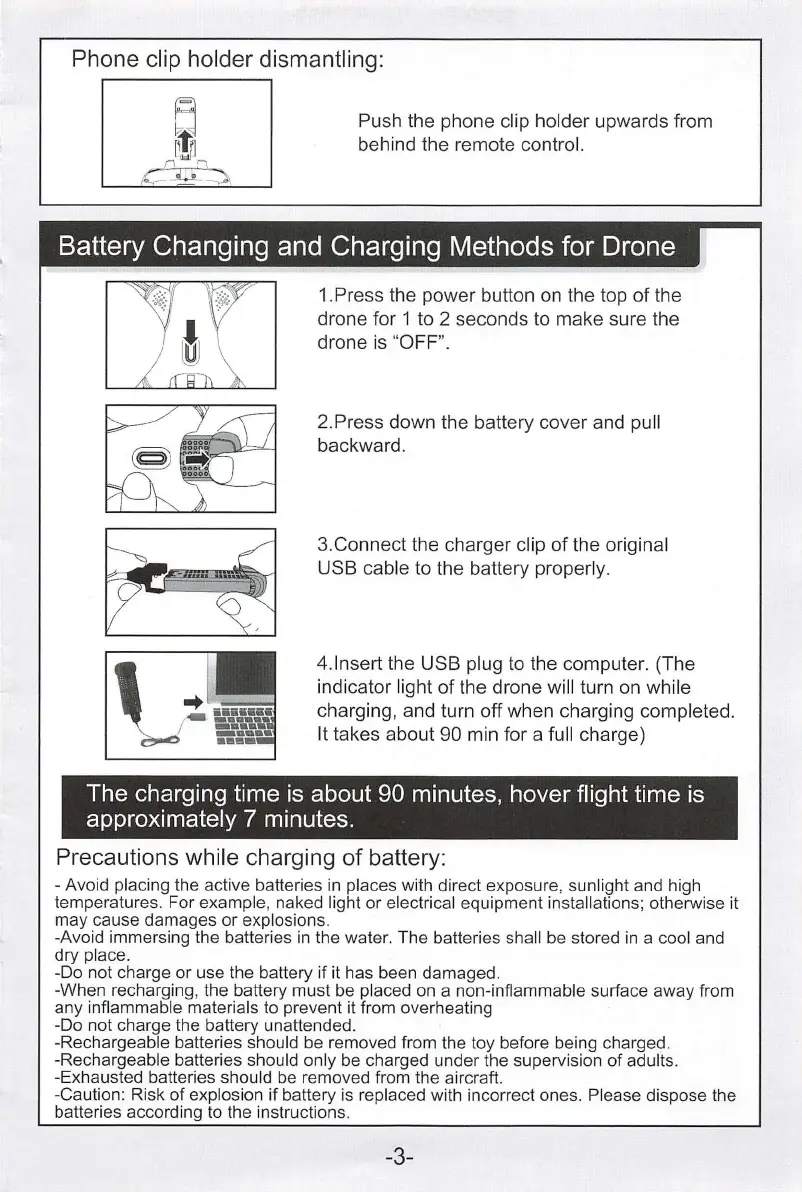
Phone clip holder dismantling:
~
Push the phone clip holder upwards from
) !
ft
behind the remote contro
l.
L
~-...
Battery
Changing
and
Charging
Methods
for
Drone
1.Press the power button
on
the top of the
drone for 1 to 2 seconds to make sure the
drone
is
"OFF
".
2.Press down the battery cover and pull
backward.
3.Connect the charger
c
li
p of the original
USB cable
to the battery properly.
4.
lnsert the USB plug
to
the computer. (The
indicator
light of the drone wi
ll
turn
on
wh
ile
charging, and turn off when charging completed.
It
takes about 90 min for a full charge)
The
charging time
is
about
90
minutes, hover flight time
is
approximately 7 minutes.
Precautions while charging
of
battery:
- Avoid placing the active batteries
in
places with direct exposure, sunlight and high
temperatures. For
exampl
e,
naked light or electrical equipment insta
ll
ations; otherwise it
may cause damages or
explosions.
-Avoid immersing the batteries
in
the water. The batteries shall be stored
in
a cool and
dry
place.
-Do not charge or use the battery if it has been damaged.
-When recharg
in
g, the battery must be placed on a non-inflammab
le
surface away from
any
inflammable materials to prevent it from overheating
-Do not charge the battery unattended.
-Rechargeable batteries should be removed from the toy before being charged.
-Rechargeable batteries should only
be
charged under the supervision of adults.
-Exhausted batteries should
be
removed from the aircraft.
-Caution: Risk of
explosion if battery
is
replaced with incorrect ones. Please dispose the
batteries according to the instructions.
-3-


 To Next Page