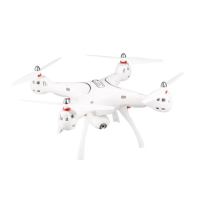
-8-
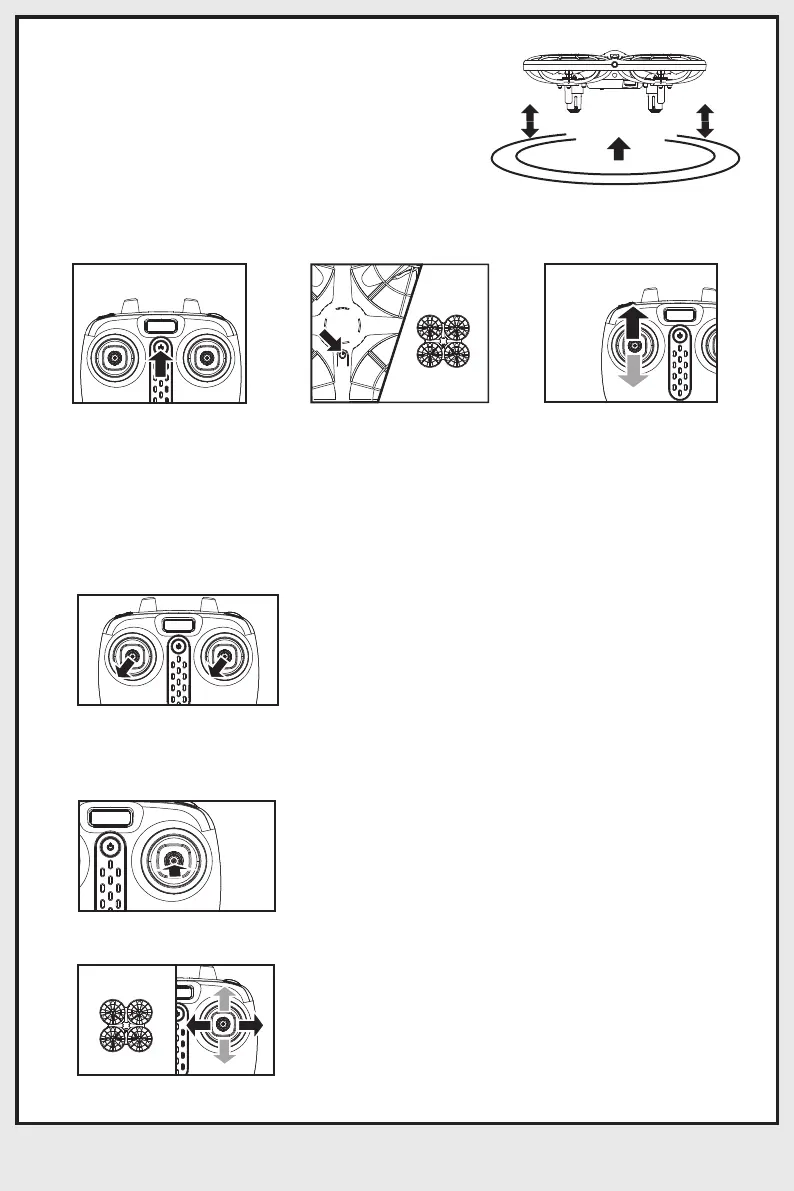
7. Height Hold:
8. Headless Mode:
③.Activating/Deactivating Headless Mode:
②. Calibration
①.Setting Forward Direction
Use the left stick (throttle) to achieve the
desired height and after allow the left stick to
fall back to its default middle position.
1. Turn on the
transmitter.
2. Turn on the drone
and after position the
drone with it’s front
facing forward direction.
3. Move the left stick
(throttle) fully up and after
fully down. The transmitter
will emit one long beep
indicating successful
pairing and defined
forward direction.
When in headless mode, the forward direction may
start deviating due to numerous crashes. Re-set
the forward direction and after push both sticks
simultaneously to the lowest left corners. The
drone indicator lights will start flashing and after 3
seconds will turn solid (glow) indicating successful
calibration.
After successful pairing observe the drone indicator
lights and wait until they turn solid (glow). Press the
right stick and hold it for 2 seconds, the transmitter
will emit 3 beeps indicating headless mode is
activated. Press the right stick agian and hold it for
2 seconds after the transmitter will emit one long
beep indicating headless mode is deactivated.
When flying in the headless mode, it does not
matter in which direction the front of the drone is
facing. It will fly forward/backward/right/left relative
to the position of pilot.
Front(red light)
Back(Green light)
Left Right
Front(red light)
Back(Green light)
Left Right
Front
Back
Left Right



 To Next Page