ES3000 Advanced Concept Guide
8-10
8.3 Displaying QoS Policies
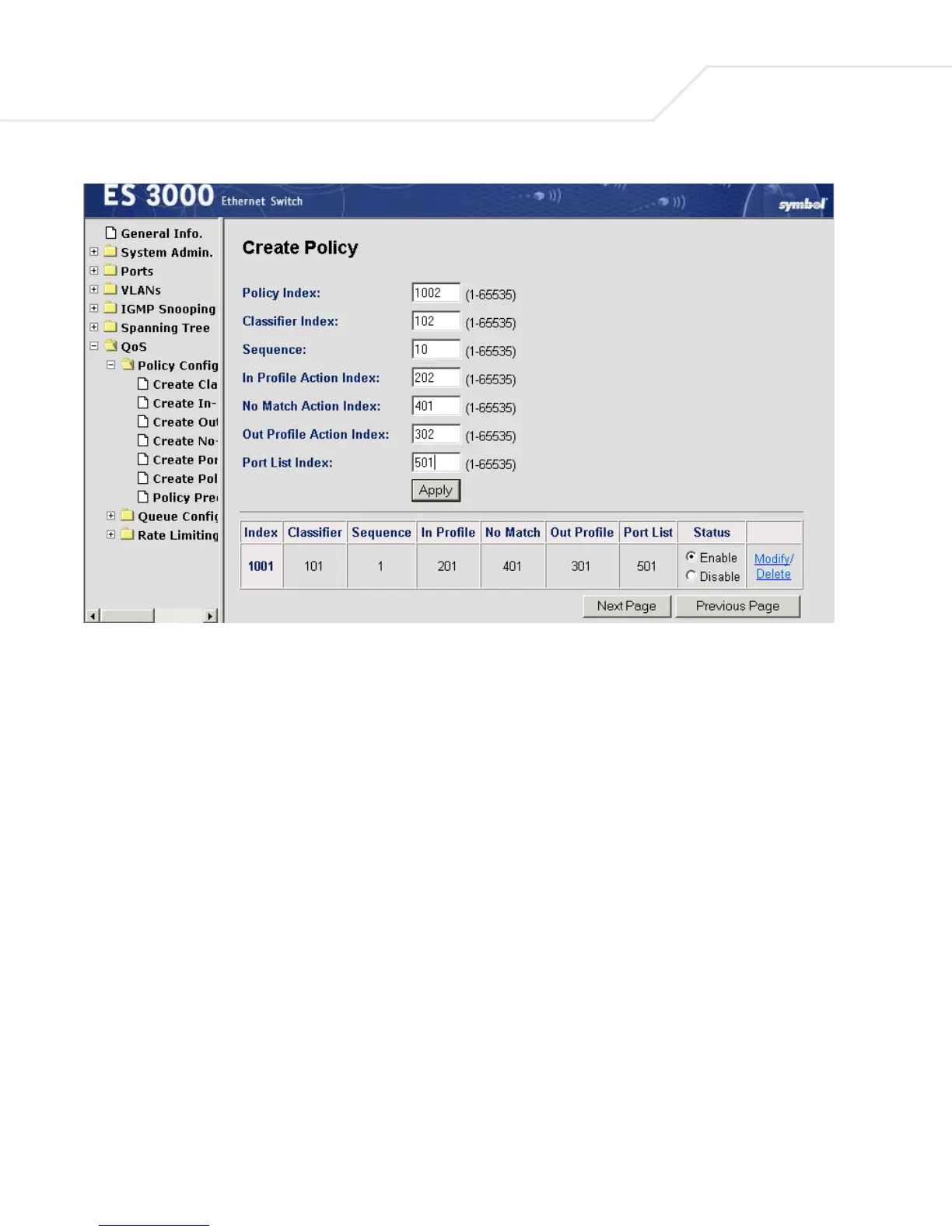
After the QoS policies have been set, the policies which apply to a particular port can be displayed
using the Policy Precedence display in the web interface (QoS > Policy Config. > Policy Precedence),
menu interface, or the CLI command:
show diffserv policy-precedence port <port num> sort {policy-index | precedence}


 To Next Page
 Loading...

