Basic Operations
11
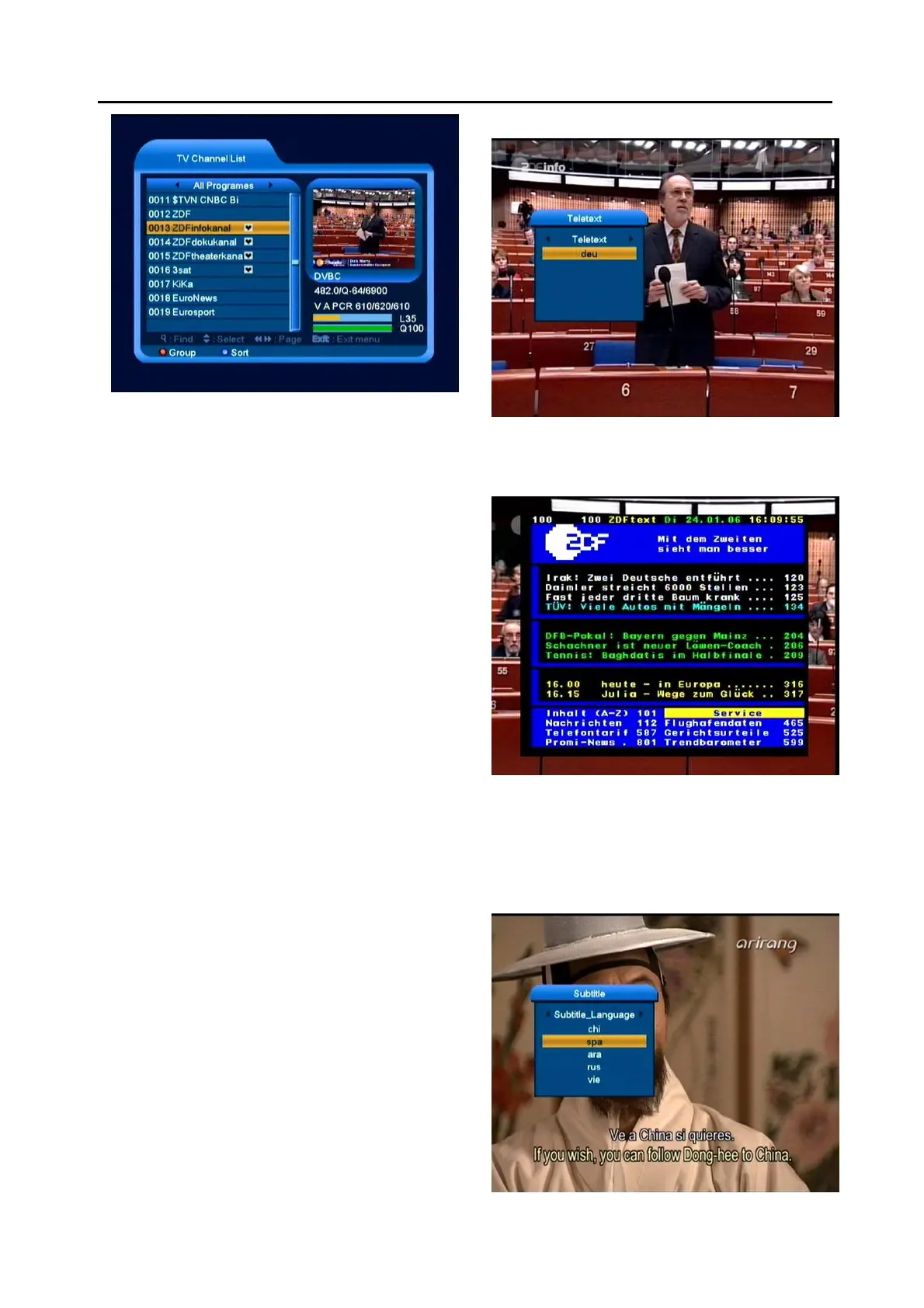
2 Press [Left/Right] key to change satellite group.
3 Press [Up/Down] key to move highlight and press
[OK] key to play the highlighted channel.
4 Press [Page Up/Down] key to page up and page
down.
5 Press [Exit] key to exit the channel list.
5.15 Sleep
1 This function can set sleep timer. When you set a
sleep timer and the time arrive, the system will
enter to standby automatically.
2 Pressing [SLEEP] key, it will switch the mode
between Sleep Timer Off /10/30/60/90/120
minutes.
5.16 Page Up/Page Down
1 In Channel list, press [Page+/Page-] key can page
up and page down the channel list.
5.17 TEXT
1 Press [TEXT] key in full screen, you can open
teletext page on the channel which has teletext
information.
2 If the channel has no teletext information, it will
show “No Teletext Data” on the screen.
5.18 Subtitle
1 Press [SUBTITLE] key in full screen, you can
switch subtitle on or off.



 To Next Page