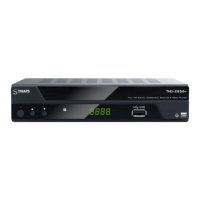
New Features
26
9.3 Software Upgrade
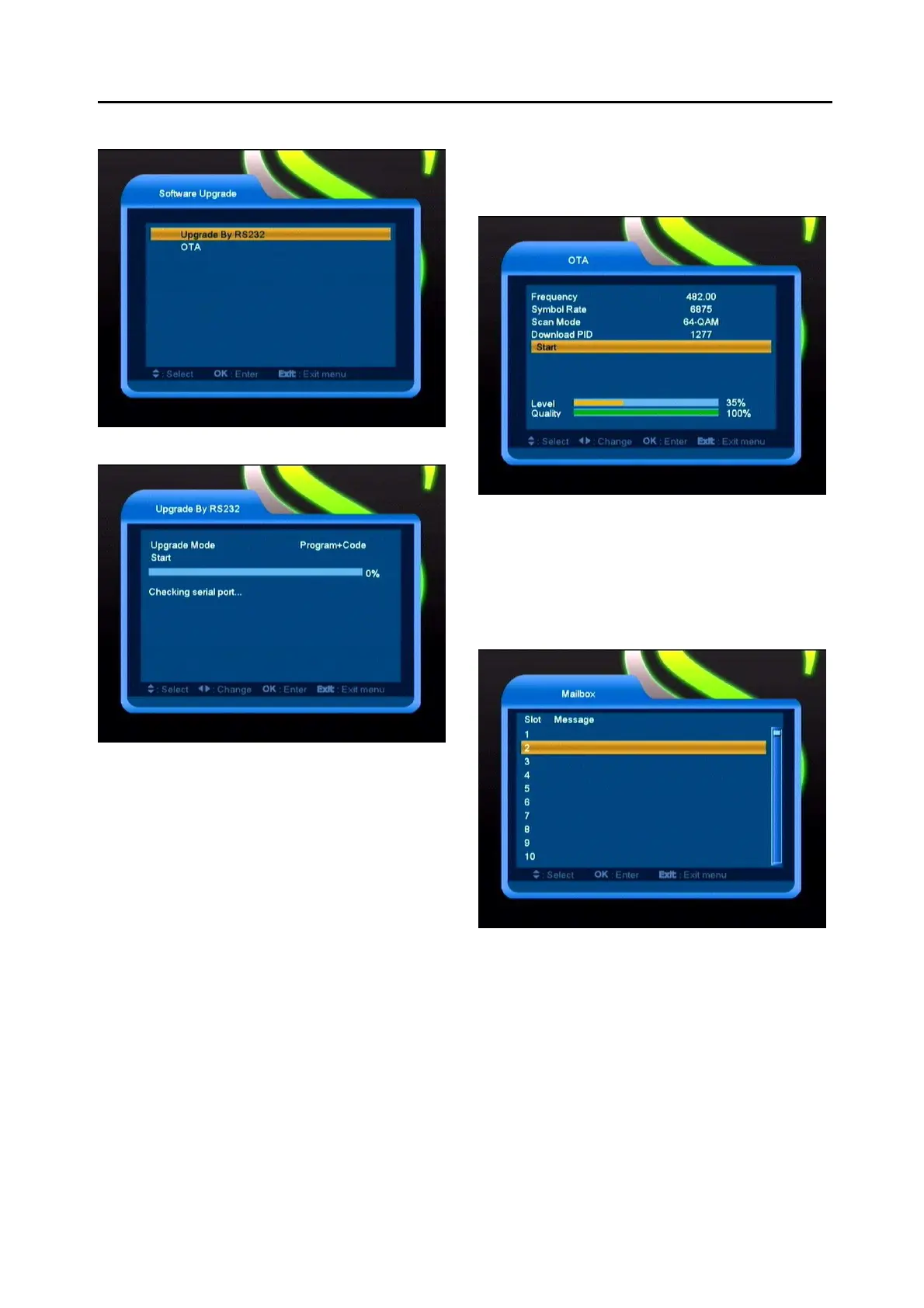
9.3.1 Upgrade by RS232:
1
We offer the functions for user to connecting
receiver (Master) to the other receiver
(Slave) via serial interface.
2
Connect master receiver to slave receiver
via serial interface. Enter “Software
Upgrade” menu in master receiver and
press[Volume Up/Volume Down]keys to
switch upgrade mode.
Upgrade modes include: code / Program
List / user back /video back / radioback /
defaultdb / code + program list.
3
Moving highlight to “Start” on master reeciver
and press[OK]key to start upgrade.
4
Turn on slave receiver and it needn’t operate
any setting.
5
Press [Exit]key to draw back.
9.3.2 OTA
This function can upgrade the software through
signal lines from the cable.
1 Input the frequency, symbol rate value and
download PID, and select scan mode.
2 Then move the highlight to the start button and
press [OK] key to begin to upgrade.
9.3.3 Mailbox
Some messages which come from the smart
card will save to flash memory, and display in
this menu.



 To Next Page