5www.syncoaudio.com
4. Group Management
4.1 Divide Into Groups
1)Set the required number of Master based on the planned group count (see 2. Master
Settings).
2)Set the Level 1 for each group (see 2. Level 1 Settings ).
3)Pair and restart each group one by one (see 3. Pairing/Unpairing).
1)Set 2 Masters, 4 Level 1.
2)Pairing (* Please pair and restart each group before pairing the next.).
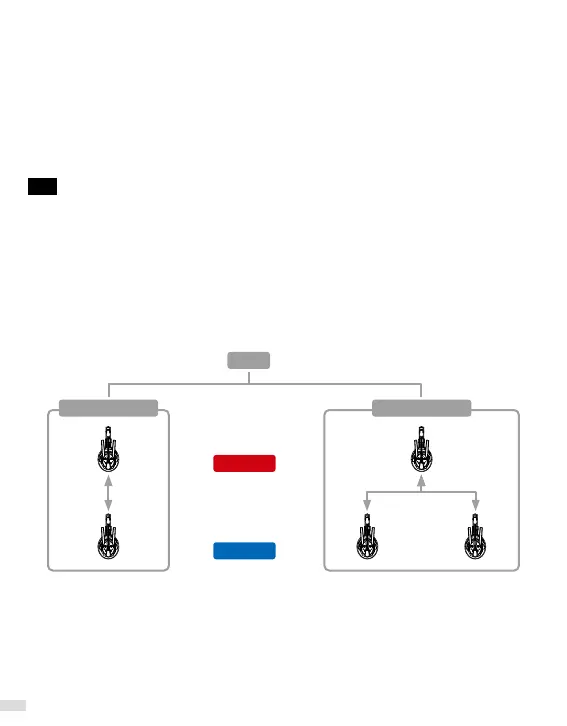
2-Person Group:
Long press the button A on a Master and a Level 1, release after the 1st "Beep" sound and hear
"Connecting and Pairing", then restart the headsets. (Power On Sequence: Master → Level 1)
3-Person Group:
Long press the button A on a Master and 2 Level 1, release after the 1st "Beep" sound and hear
"Connecting and Pairing", then restart the headsets. (Power On Sequence: Master → Level 1)
EG.
You can divide an Xtalk system into independent groups or merge multiple groups into one
single group.
Divide XPro5 into 2 groups: 2-Person Group & 3-Person Group
XPro5
2-Person Group 3-Person Group
Master
+
Level 1



 To Next Page