USBCopy*
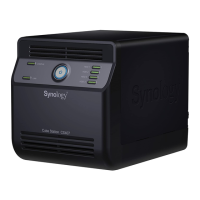
When a USB Device is connected to the USB port at the front panel, by pressing
the “COPY” button all the data in the USB Device will be copied to Synology
Server’s internal HDD.
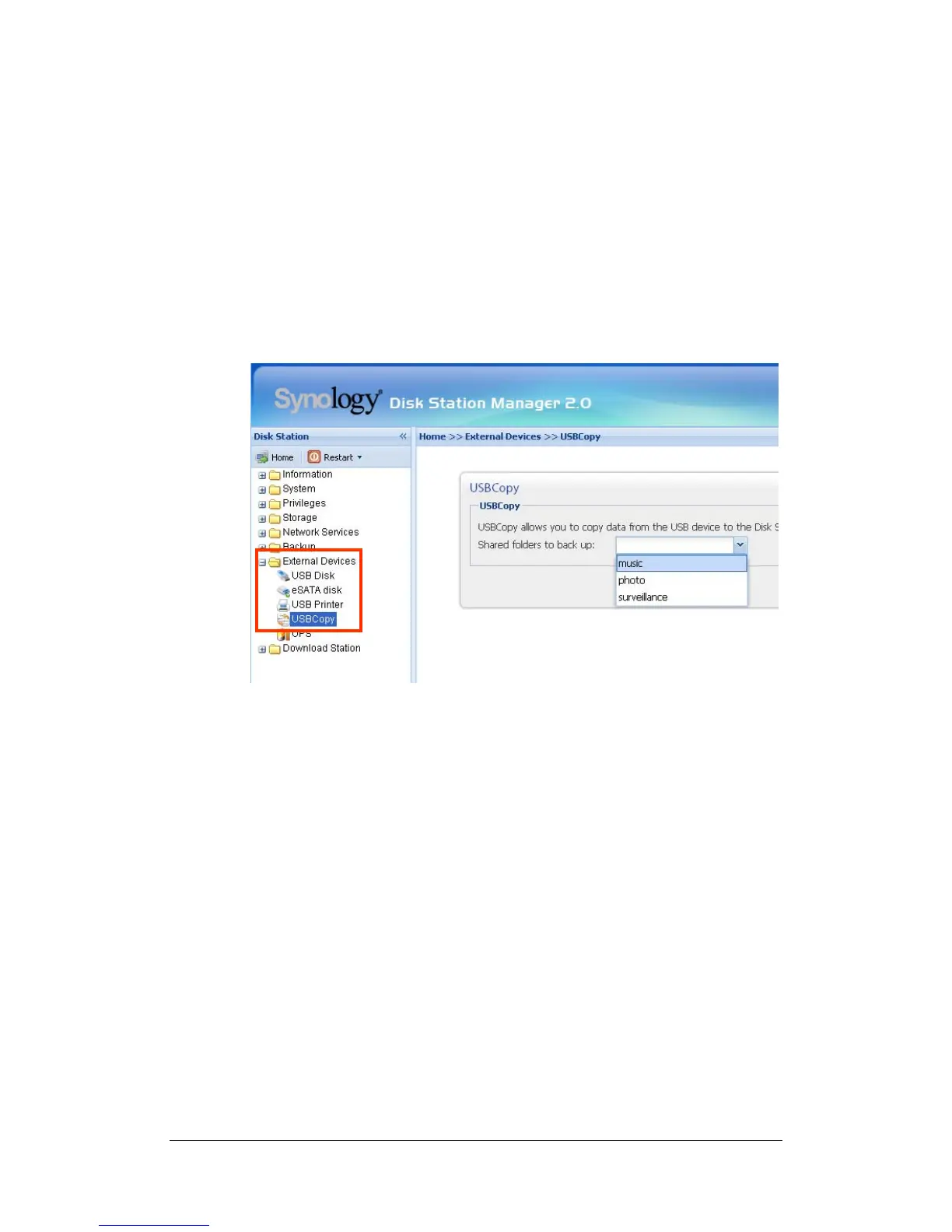
Setting USBCopy Target Location
You can setup USBCopy target location on the “External Devices > USBCopy”
page of the Web Management UI. When pressing the “Copy” button from now on,
data will be copied to the target location.
* Supported on specific models only. Please refer to the product Specification table.
55







 To Next Page