5
Chapter1:BeforeYouStart
Safety Instructions
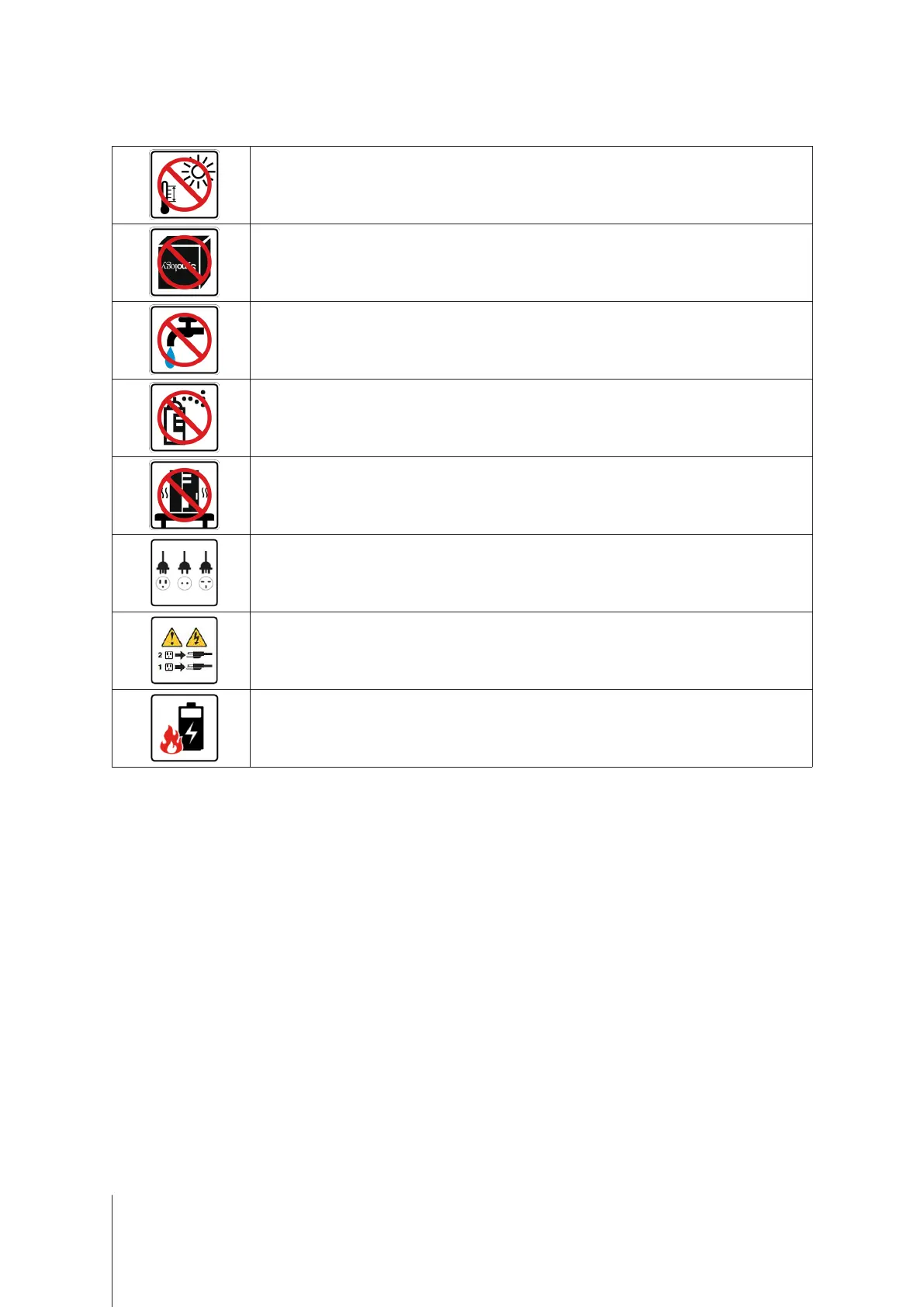
Keepawayfromdirectsunlightandawayfromchemicals.Makesuretheenvironmentdoesnot
experienceabruptchangesintemperatureorhumidity.
Placetheproductrightsideupatalltimes.
Donotplacenearanyliquids.
Beforecleaning,unplugthepowercord.Wipewithdamppapertowels.Donotusechemicalor
aerosolcleaners.
Topreventtheunitfromfallingover,donotplaceoncartsoranyunstablesurfaces.
Thepowercordmustplugintothecorrectsupplyvoltage.MakesurethatthesuppliedACvoltageis
correctandstable.
Toremoveallelectricalcurrentfromthedevice,ensurethatallpowercordsaredisconnectedfrom
thepowersource.
Riskofexplosionifbatteryisreplacedwithanincorrecttype.Disposeofusedbatteriesappropriately.


 To Next Page