机床产品/Machine Tool Products – 60CA/60CB Simple-Type Wood Cutting Machine Operation Manual
Fenu and System Introduction– 25
•
•
•
•
•
•
•
•
•
•
•
•
•
•
•
•
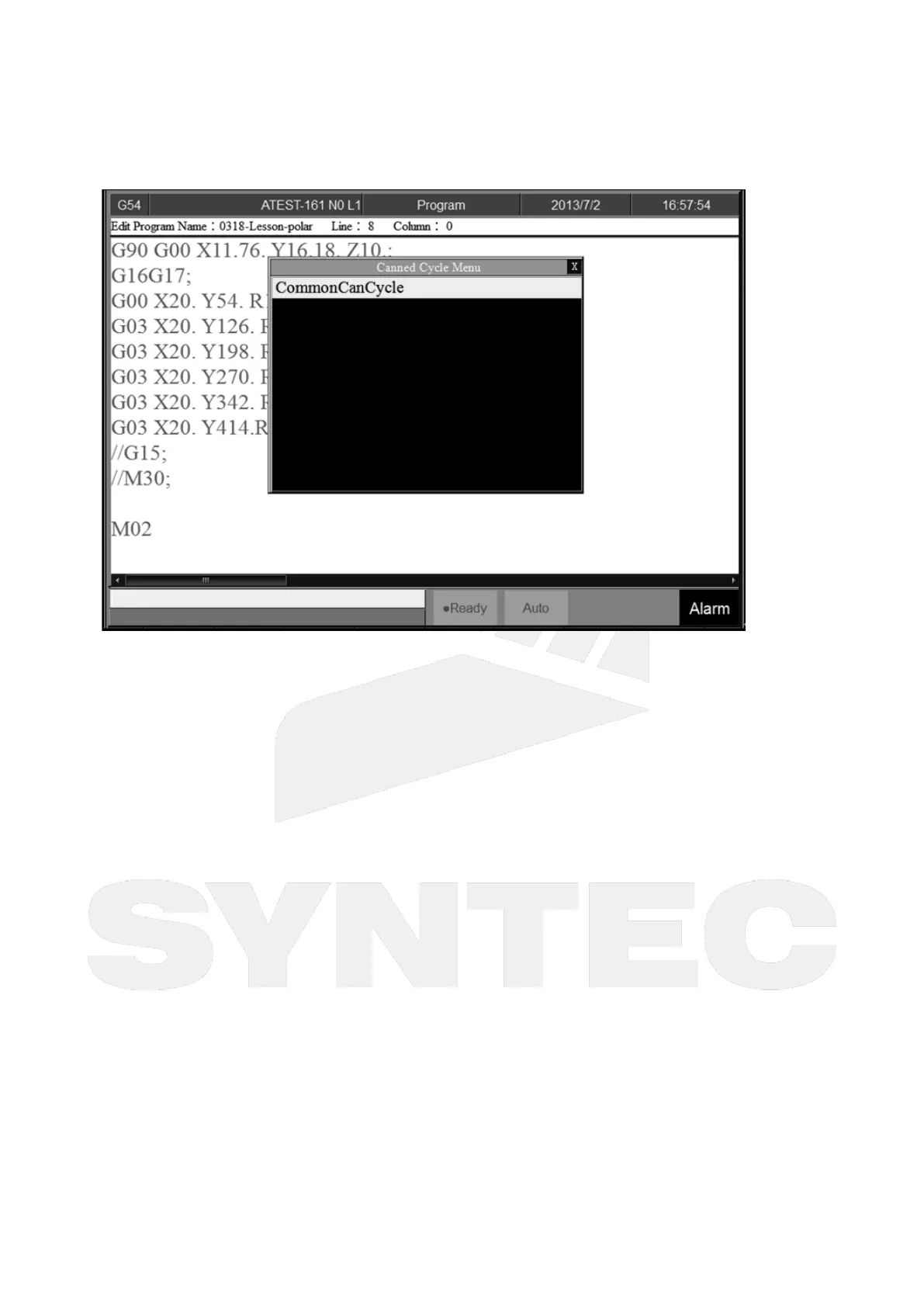
4.6.4 Can Cycle
Command
5 Buttons type: F2 Program→Next→F1 Can Cycle
8 Buttons type: F2 Program→F4Can Cycle
Function
Because SYNTEC system provides many kind of G code and different G code has each function.
When editing the program, this function can help user to edit G code easily.
Insert Cycle
Command
5 buttons type: F2 Program→Next→F1 Can Cycle→F1 Insert Cycle
8 buttons type: F2 Program→F4 Can Cycle→F1 Insert Cycle
Function
Insert the required G code.
Operation Method
Under the program edit mode, move the cursor to the desired location and press 「Insert Cycle」.
Follow the instruction and press 「OK」, the desired G code will insert into the next line of current
cursor.
Edit Cycle
Command
5 buttons type: F2 Program→Next→F1 Can Cycle→F2 Edit Cycle
8 buttons type: F2 Program→F4 Can Cycle→F2 Edit Cycle


 To Next Page