15
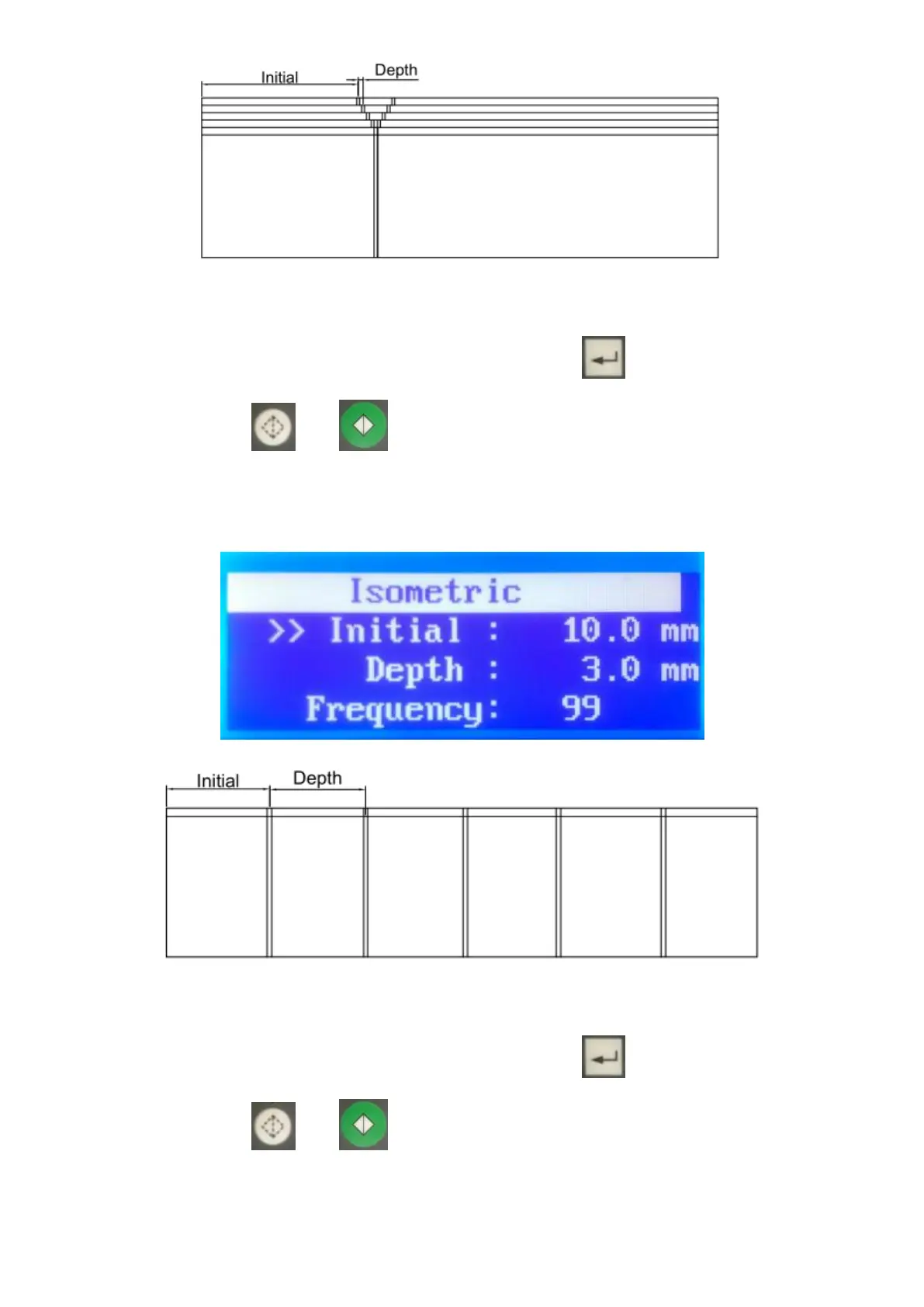
Enter the settings referring to the above illustration and enter the quantity desired
processing sheets. After finishing all settings, press to get into standby
mode then press or to start processing sheets.
6.3.5 Isometric:
Enter the settings referring to the above illustration and enter the quantity desired
processing sheets. After finishing all settings, press to get into standby
mode then press or to start processing sheets.


 To Next Page