9
5. Start-up
5.1 While Machine is Off
5.1.1 Press the main power to on ”I”.
5.1.2 Main screen is showing last settings.
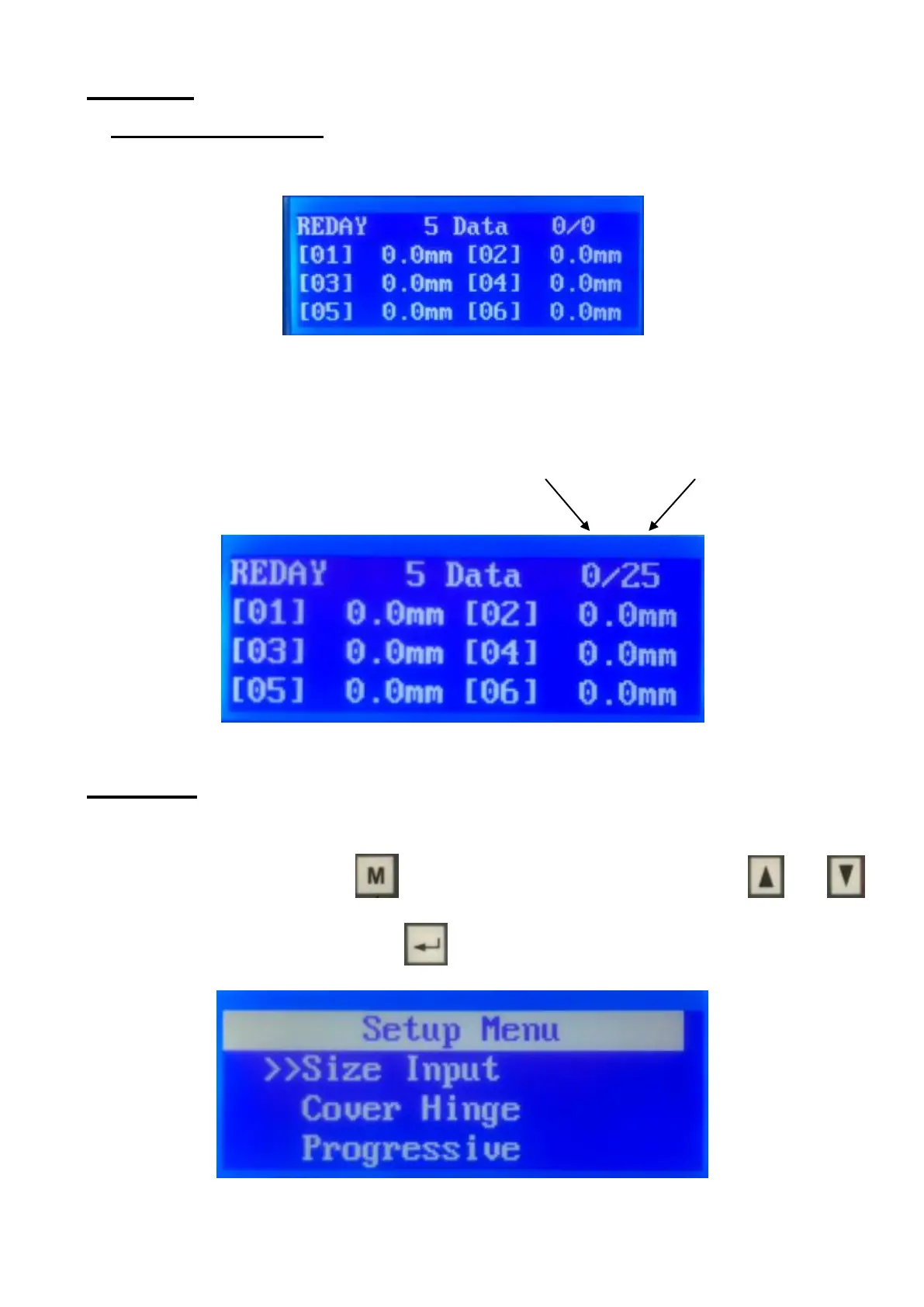
5.1.3 When the machine is standby, enter the quantity of the desired processing
sheets from the keypad. Press the "Enter" key to acknowledge the input. Press the
"C" key to modify the input. If target QTY is set 0, the machine will feed sheets
continuously.
Finished QTY Target QTY
6. Settings
6.1. Size Input
In the standby status, press to access the setting menu. Press or
to choose "size input" then press .


 To Next Page