4 - 23
4 System Program
NA-series Programmable Terminal Hardware User’s Manual (V117)
4-4 System Menu Details
4
4-4-5 NJ/NX/NY Troubleshooter (Project System Menu)
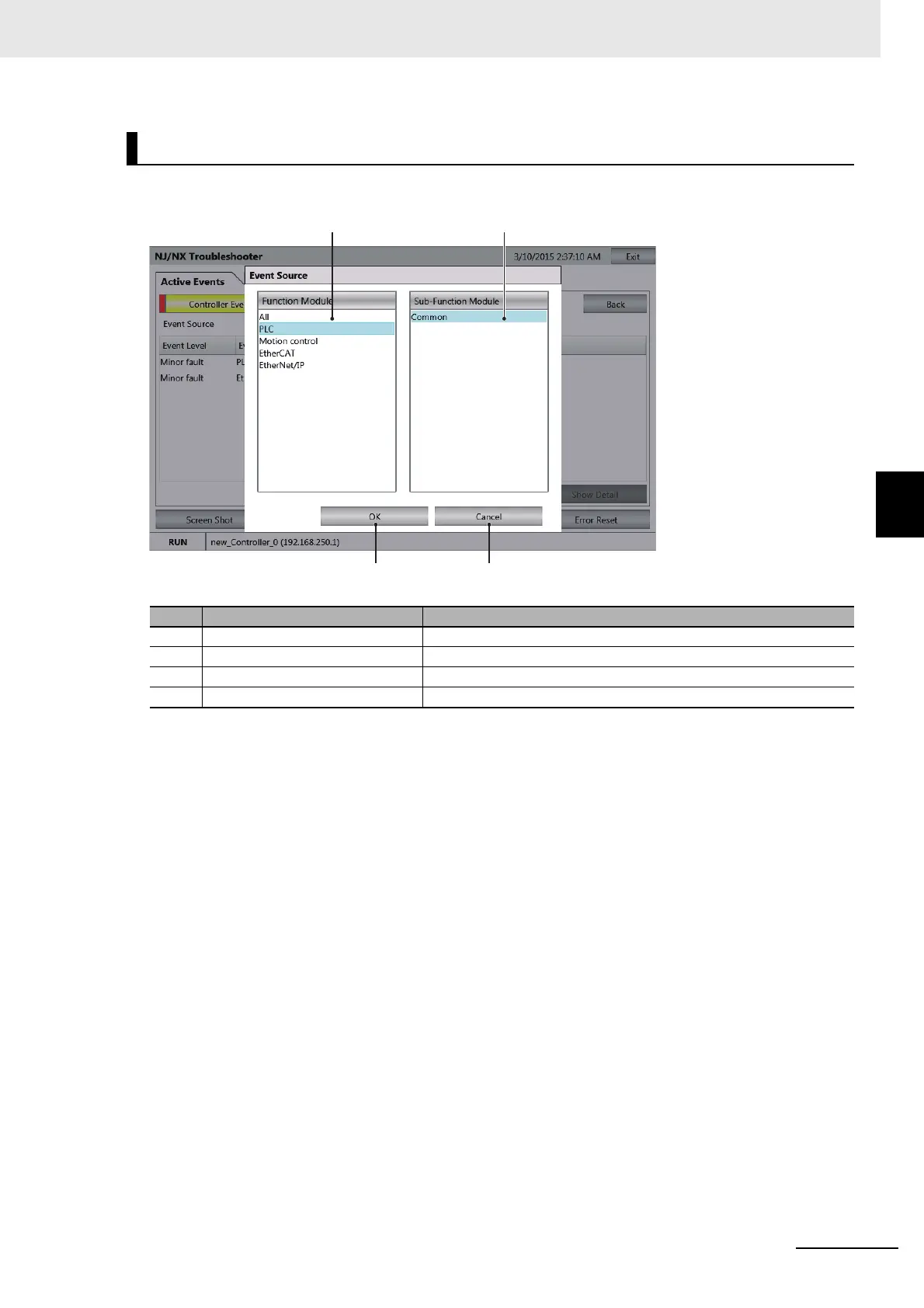
On this screen, the Functional Modules that are the sources of the errors are selected.
Event Source Selection Screen
No. Item Description
1 Functional Module List Displays a list of the Functional Modules in the Controller.
2 Sub Functional Module List Displays a list of the Sub Functional Modules in the Controller.
3 OK Button Confirms the Functional Module to display.
4 Cancel Button Cancels the item selection.



 To Next Page