5 Troubleshooting
5 - 2
NA-series Programmable Terminal Hardware User’s Manual (V117)
5-1 Operation after an Error
This section describes the error status of the NA-series Programmable Terminal and the operation that
occurs after an error is detected. Refer to 5-2 Troubleshooting on page 5-5 for details on corrections for
specific errors.
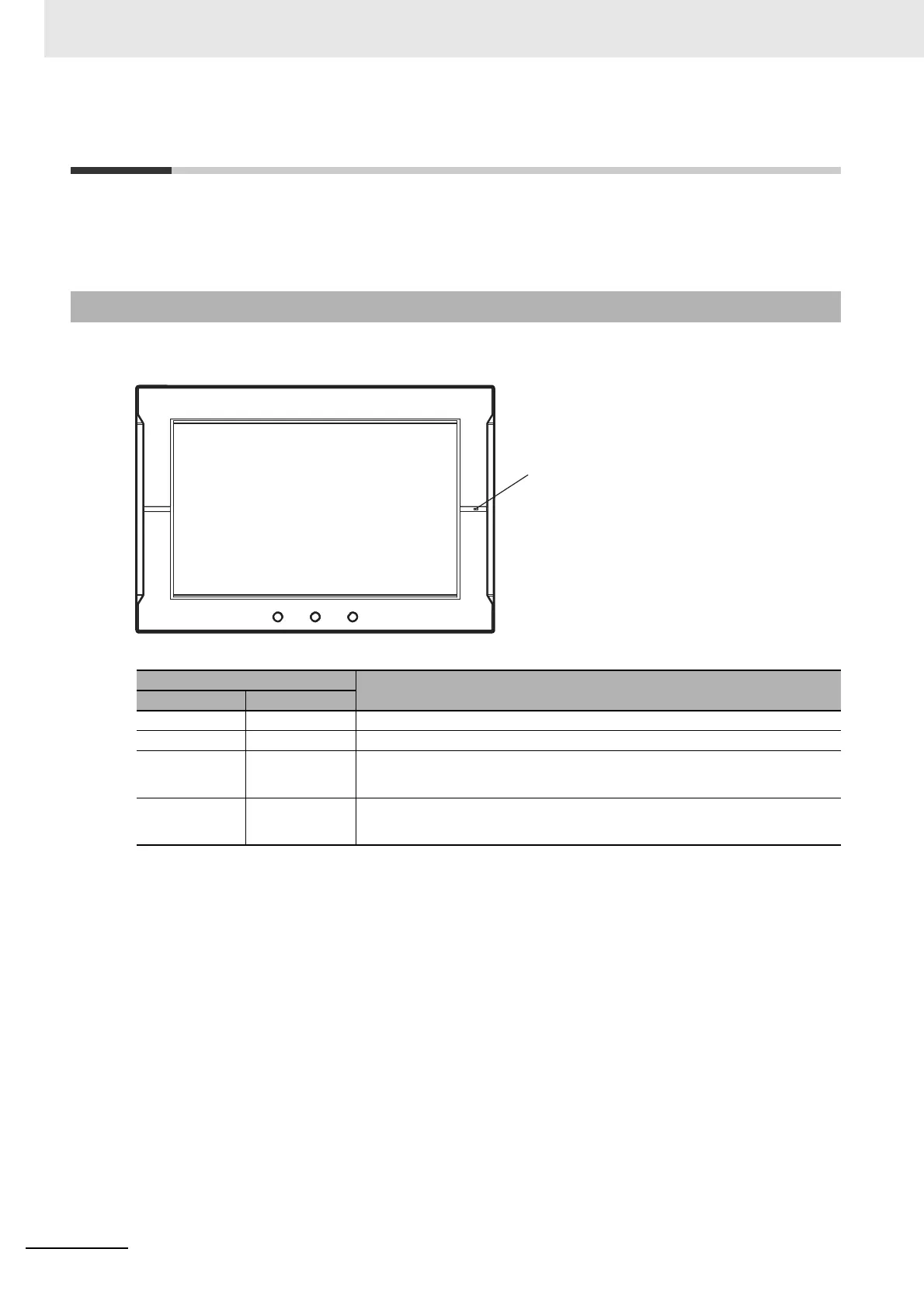
You can check the operating status of an NA Unit with the RUN indicator on the right side of the front
panel.
*1. An error is any status in which normal operation is not performed. Errors include hardware problems, system
program crashes, and user data errors.
5-1-1 Checking NA Unit Status
RUN indicator
Status
Status Color
Not lit. --- Power is not correctly supplied to the NA Unit.
Lit. Green The NA Unit is operating normally.
Lit. Red
A fatal error
*1
occurred in the NA Unit.
Refer to 5-1-2 Fatal Errors in the NA Unit on page 5-3 for details.
Flashing. Red
A nonfatal error
*1
occurred in the NA Unit.
Refer to 5-1-3 Nonfatal Errors in the NA Unit on page 5-4 for details.



 To Next Page