4 - 29
4 System Program
NA-series Programmable Terminal Hardware User’s Manual (V117)
4-4 System Menu Details
4
4-4-7 Project System Menu Settings (Project System Menu)
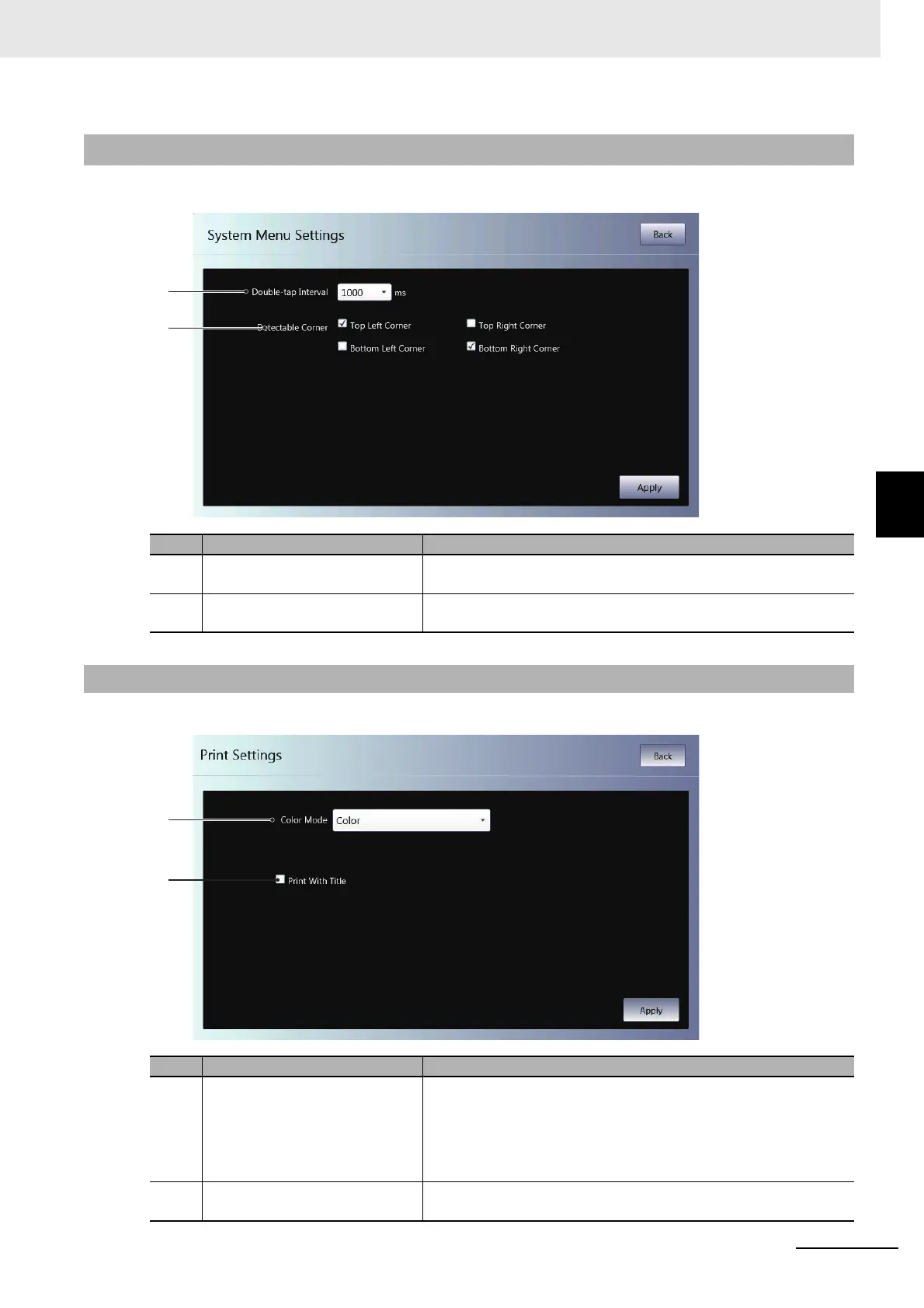
You can use the System Menu settings to set the following items.
You can use the print settings to set the following items.
4-4-7 Project System Menu Settings (Project System Menu)
No. Item Description
(a) Double-tap Interval Sets the double-tap interval for the operation to start the System
Menu.
(b) Detectable Corner Sets the double-tap detection positions for the operation to start the
System Menu.
4-4-8 Print Settings (Project System Menu)
No. Item Description
(a) Color Mode Select from among the following options for colors and/or reverse
display of printing or capturing screens:
•Color
• Grayscale
• Reverse Grayscale
(b) Print With Title Select this check box to insert a screen title during printing/capturing
of the screen.



 To Next Page