MAINTENANCE AND SUPPLIES REPLACEMENT
4-22 Sysmex KX-21 Operator’s Manual -- Revised October 1998
6.2 Reset SRV Cycle Counter
If you have cleaned the SRV other than the time when instructed on the Scheduled
Maintenance screen, always reset the SRV cycle counter manually.
NOTE: • If you continue using the unit without resetting the SRV cycle counter,
the message will instruct you to perform scheduled maintenance within
three months (or before analyzing 7500 samples).
• For SRV cleaning procedure, refer to
Chapter 4, Section 6.1: Clean
Sample Rotor Valve (SRV)
.
(1) Press [SELECT] key in the Ready status. The Select Menu screen appears.
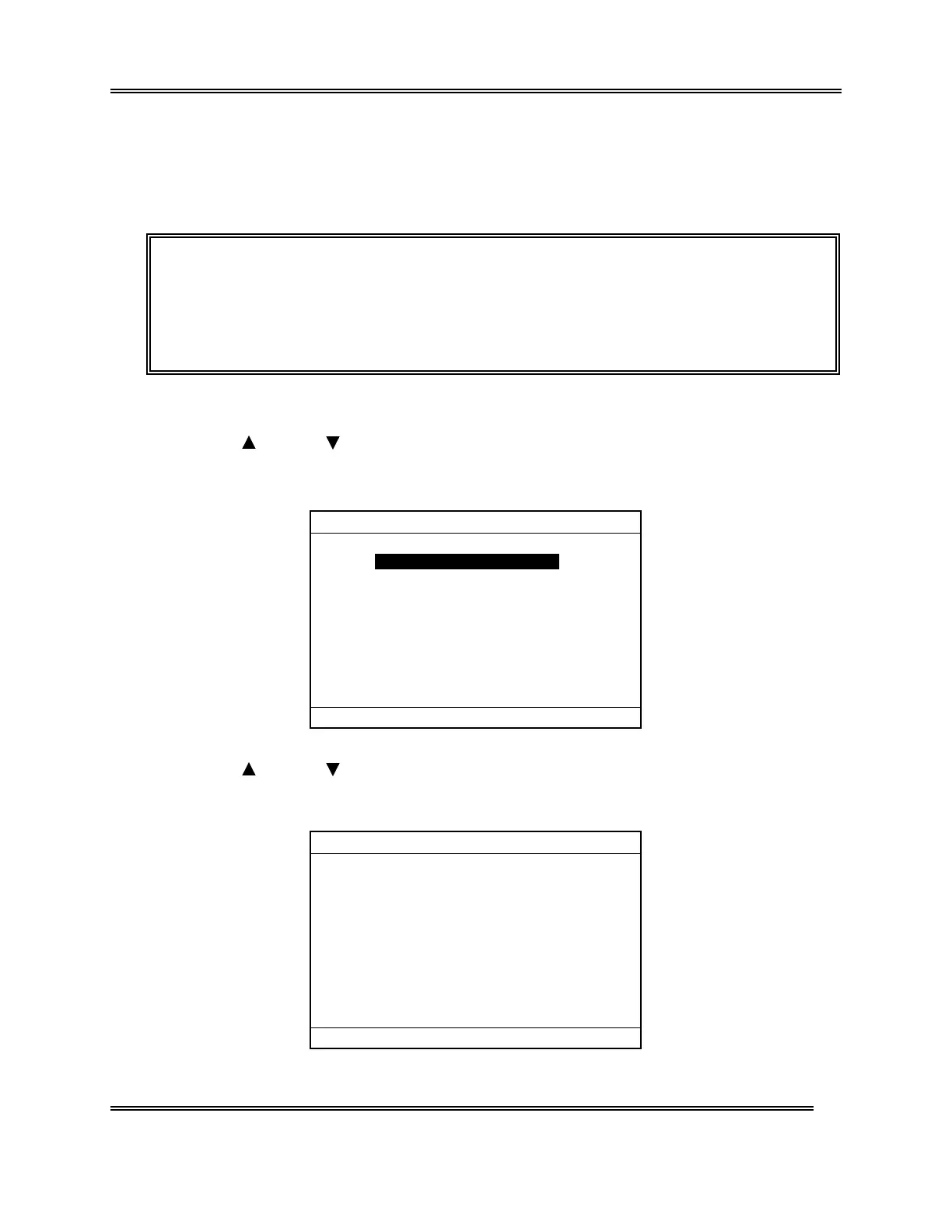
(2) Use [ ] key or [ ] key, move the cursor to select "7: Maintenance."
(3) Press [ENTER] key. The Maintenance Menu screen appears.
*
Maintenance
*
1:Clean W.Chamber
2:Clean Transducer
3:Reset SRV Counter
4:Drain TD Chamber
5:Status Display
Figure 4-6-10: Maintenance Menu Screen
(4) Use [
] key or [ ] key, move the cursor to select "3: Reset SRV Counter."
(5) Press [ENTER] key. The Rest SRV Counter screen appears.
*Reset SRV Counter*
3:Cancel
1:Reset
1 SRV cycle counter will be reset.[ ]
Cycle No. after cleaning. 7567
Date last serviced 31/12/97
Figure 4-6-11: Reset SRV Counter Screen



 To Next Page