MAINTENANCE AND SUPPLIES REPLACEMENT
4-24 Sysmex KX-21 Operator’s Manual -- Revised October 1998
7. AS-NEEDED MAINTENANCE AND PROCEDURE
When the transducer is clogged or the waste tank becomes full, perform the necessary
maintenance.
7.1 Auto Rinse
Execute the Auto Rinse at background check or when the unit has been left idle without
shutdown performed. The Auto Rinse cleans all the lines in the unit and drains all waste.
Background check is also implemented to allow checking whether the unit is in normal status
or not.
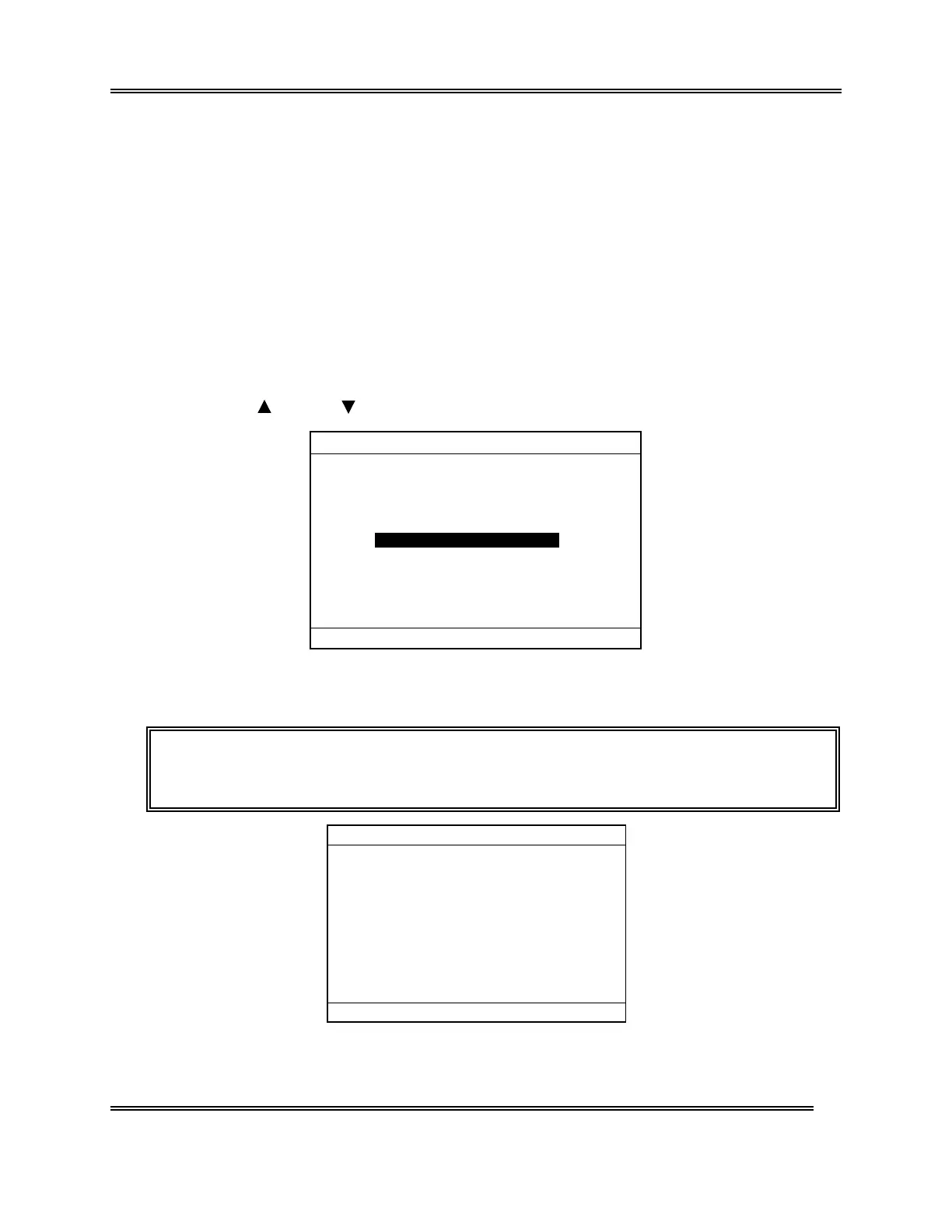
(1) Press [SELECT] key in the Ready status. The Select Menu screen appears.
(2) Using [
] key or [ ] key, move the cursor to select "5: Auto Rinse."
*
SELECT
*
1:Stored Data
2:Quality Control
3:Calibration
4:Replace Lyse
5:Auto Rinse
6:Settings
7:Maintenance
8:Periph. Settings
00:PU Sleep
Figure 4-7-1: Select Menu Screen
(3) Press [ENTER] key. Auto Rinse and background check are performed.
NOTE: • On the Menu screen, each menu can be selected directly by entering a
numeral from the numeric keys.
*
Auto Rinse
*
Please wait.
Figure 4-7-2: Auto Rinse Execution Screen



 To Next Page