MAINTENANCE AND SUPPLIES REPLACEMENT
4-28 Sysmex KX-21 Operator’s Manual -- Revised October 1998
7.3 Clean WBC/RBC Transducer Aperture
If the transducer aperture clogging persists, clean the transducer aperture using the brush by
the following procedure:
• When cleaning the aperture, always wear rubber gloves. After
completion of operation, wash hands with disinfectant. If your hands
are contaminated by blood, etc., infection of bacteria or the like can
occur.
• Since CELLCLEAN is a strong alkaline detergent, take care not to have
it adhere to the skin or clothes. If the skin or clothes should come in
touch with it, flush it away using plenty of water. Otherwise, it can
damage the skin or clothes.
1. Preparation
(1) Press [SELECT] key in the Ready status. The Select Menu screen appears.
(2) Use [ ] key or [ ] key, move the cursor to select "7: Maintenance."
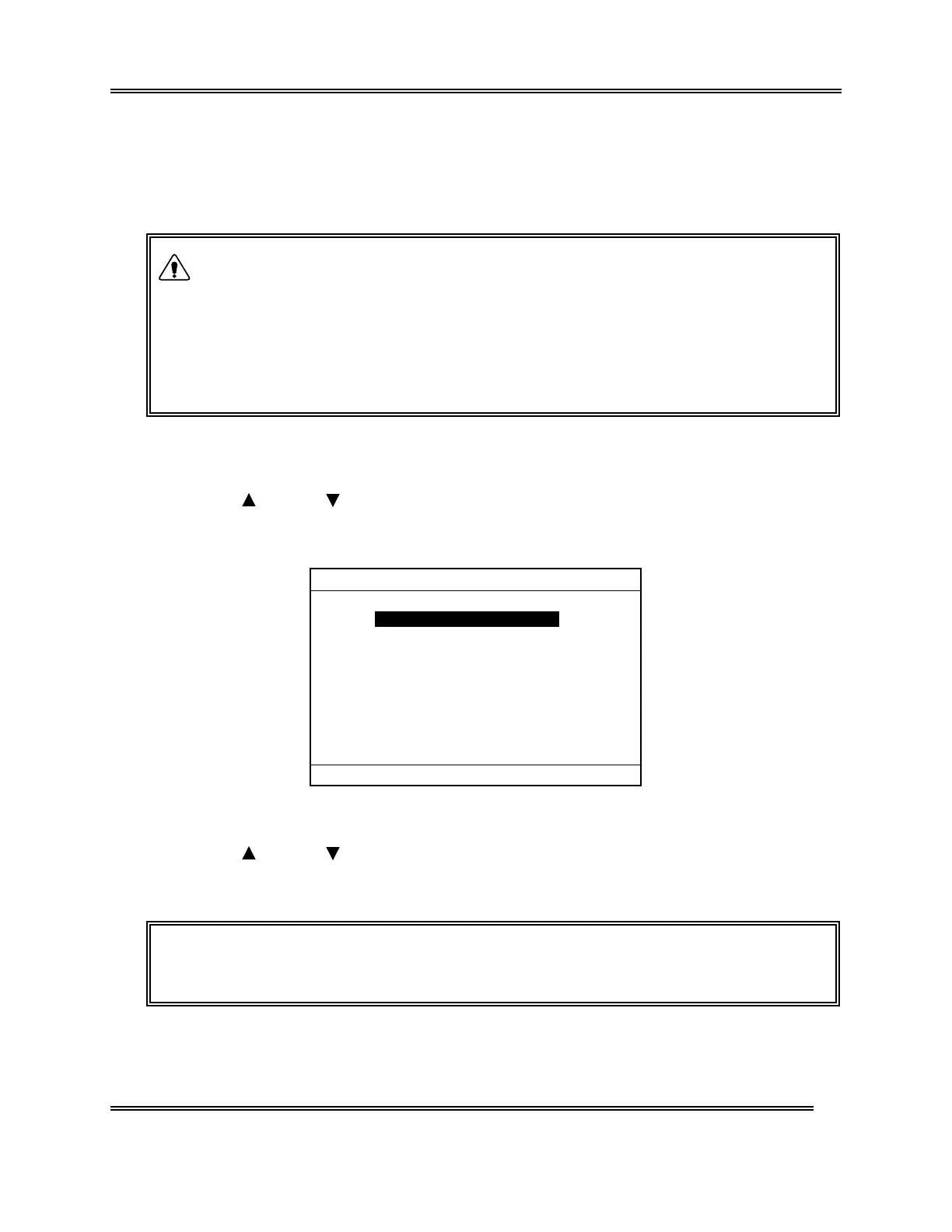
(3) Press [ENTER] key. The Maintenance Menu screen appears.
*
Maintenance
*
1:Clean W.Chamber
2:Clean Transducer
3:Reset SRV Counter
4:Drain TD Chamber
5:Status Display
Figure 4-7-7: Maintenance Menu Screen
(4) Use [ ] key or [ ] key, move the cursor to select "4: Drain TD Chamber."
(5) Press [ENTER] key. Reagent in the transducer chamber is automatically drained.
NOTE: • On the Menu screen, each menu can be selected directly by entering a
numeral from the numeric keys.
WARNING



 To Next Page