QUALITY CONTROL
5-24 Sysmex KX-21 Operator’s Manual -- Revised October 1998
NOTE: • Printing in QC settings is valid only when the "Built-in Printer" is
selected. For detail, refer to
Chapter 10, Section 5: QC Settings
.
• This print format cannot be changed since it is the special format for QC
analysis.
(11) When the serial interface (option) is incorporated, set data is output to the host
computer.
NOTE: • Transmission to the host is valid only when the "Host Output" is
selected. For detail, refer to
Chapter 10, Section 5: QC Settings
.
• As to the host output format, refer to
Appendix B: Technical Information.
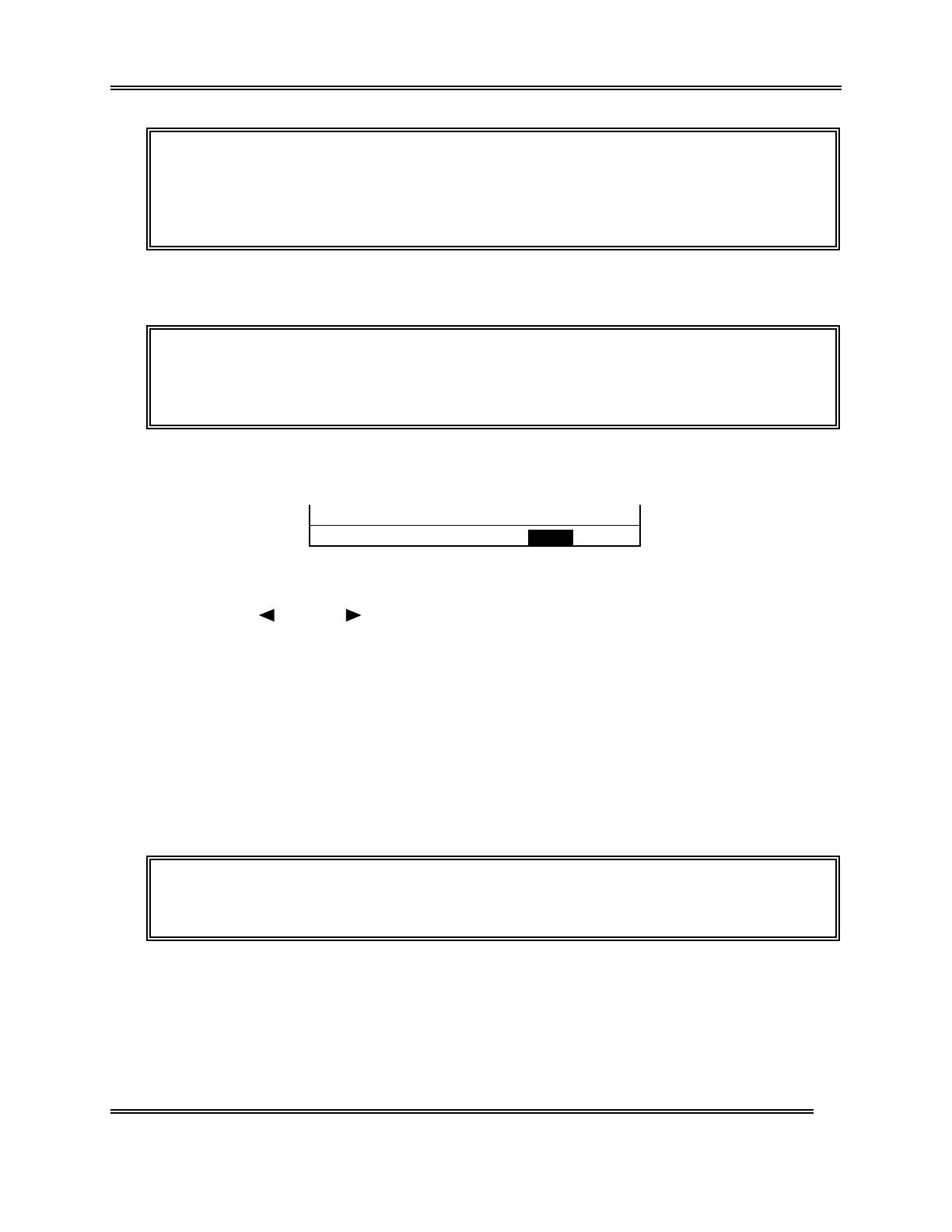
When you press [SELECT] key before setting the QC data, the QC Cancel
Confirmation message appears.
OK to cancel? Yes No
Figure 5-2-36: QC Cancel Confirmation Message
Using [
] key or [ ] key, move the cursor to select "Yes" or "No."
[Yes]: Rejects analysis result, exist from the QC program, and returns to the Analysis
screen.
[No]: Returns to the QC Analysis screen and allows continuous QC analysis.
Press [ENTER] key to execute the selected process.
2.8 Exit from QC Control Program
(1) Press [SELECT] key on the QC Chart screen. The Analysis screen returns.
NOTE: • The sample No. and analysis mode on the Analysis screen return to
those displayed before execution of the QC program.



 To Next Page