QUALITY CONTROL
Sysmex KX-21 Operator’s Manual -- Revised October 1998 5-25
3. DELETION
Using this menu, QC data in the line cursor position can be deleted.
How to delete QC Data
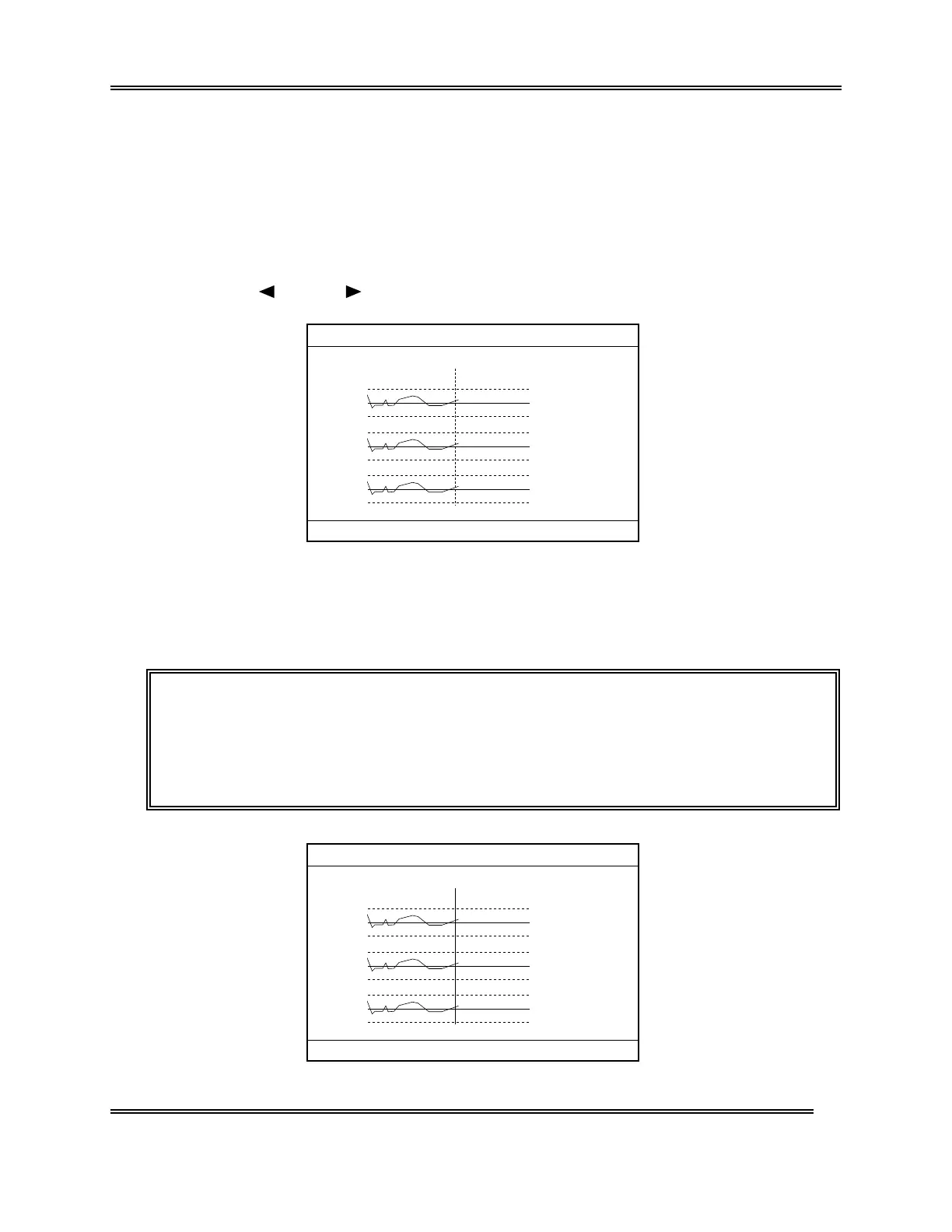
(1) Display the QC Chart screen of QC file that contains the data you want to delete.
For how to select QC file, refer to Chapter 2.3: Select QC File in this chapter.
(2) Using [
] key or [ ] key, move the line cursor to the position of the data to be
deleted.
(N=30) 31/12
UL
WBC
RBC
HGB
LL
UL
LL
UL
LL
LIMIT DATA
(MEAN)
8.1
7.6 7.3
7.1( 7.8)
4.70
4.50 4.52
4.30( 4.55)
15.5
15.0 14.8
14.5( 15.0)
FILE No.1
1:QC Analyze 2:Settings 3:Erase All
Figure 5-3-1: QC Chart Screen
(3) Press [ENTER] key.
The line cursor changes from dotted line to solid line, and the menu in the Menu
Display Area changes over to "1: Delete," "2: Print," "3: HC Output."
NOTE: • Press [ENTER] key again, and the line cursor returns to dotted line and
the menu in the Menu Display Area change to the original status.
• The line cursor that has changed to solid line cannot be moved.
• "3: HC Output" on the menu is displayed only when the serial interface
(option) is incorporated.
(N=30) 31/12
UL
WBC
RBC
HGB
LL
UL
LL
UL
LL
LIMIT DATA
(MEAN)
8.1
7.6 7.3
7.1( 7.8)
4.70
4.50 4.52
4.30( 4.55)
15.5
15.0 14.8
14.5( 15.0)
FILE No.1
1:Delete 2:Print 3:HC Output
Figure 5-3-2: Deletion Menu Screen



 To Next Page