CALIBRATION
6-6 Sysmex KX-21 Operator’s Manual -- Revised October 1998
(3) When all target values have been entered, press [SELECT] key.
The Target Value Setting Confirmation message appears.
OK to set? Cont. Set Cancel
Figure 6-2-7: Target Value Setting Confirmation Message
(4) Using [ ] or [ ] key, move the cursor to select "Cont.," "Set," or "Cancel."
[Cont.]: Returns to the status for entering target values. And the setting operation
can be continued.
[Set]: Sets target values and charges to the Sample Analysis Waiting status.
[Cancel]: Cancels automatic calibration and returns to the Analysis screen.
(5) Press [ENTER] key to execute the selected process.
3. Analysis for Automatic Calibration
(1) When the target values are set, the system turns to the Ready status for automatic
calibration analysis.
NOTE: • Automatic calibration analysis is performed in the whole blood mode.
When the analysis mode is set in the pre-diluted mode, the mode
changeover sequence is activated to switch to the whole blood mode.
Target
HGB
12.5
13.0
13.5
11.0
15.0
HCT
50.0
45.2
51.5
40.8
52.5
HCT
*
Auto Cal.
*
WB
Ready
HCT HCT
1
2
3
4
5
Data
HGB
Compensation
HGB
Current Cal.(%)100.0 100.0
New Cal.(%)
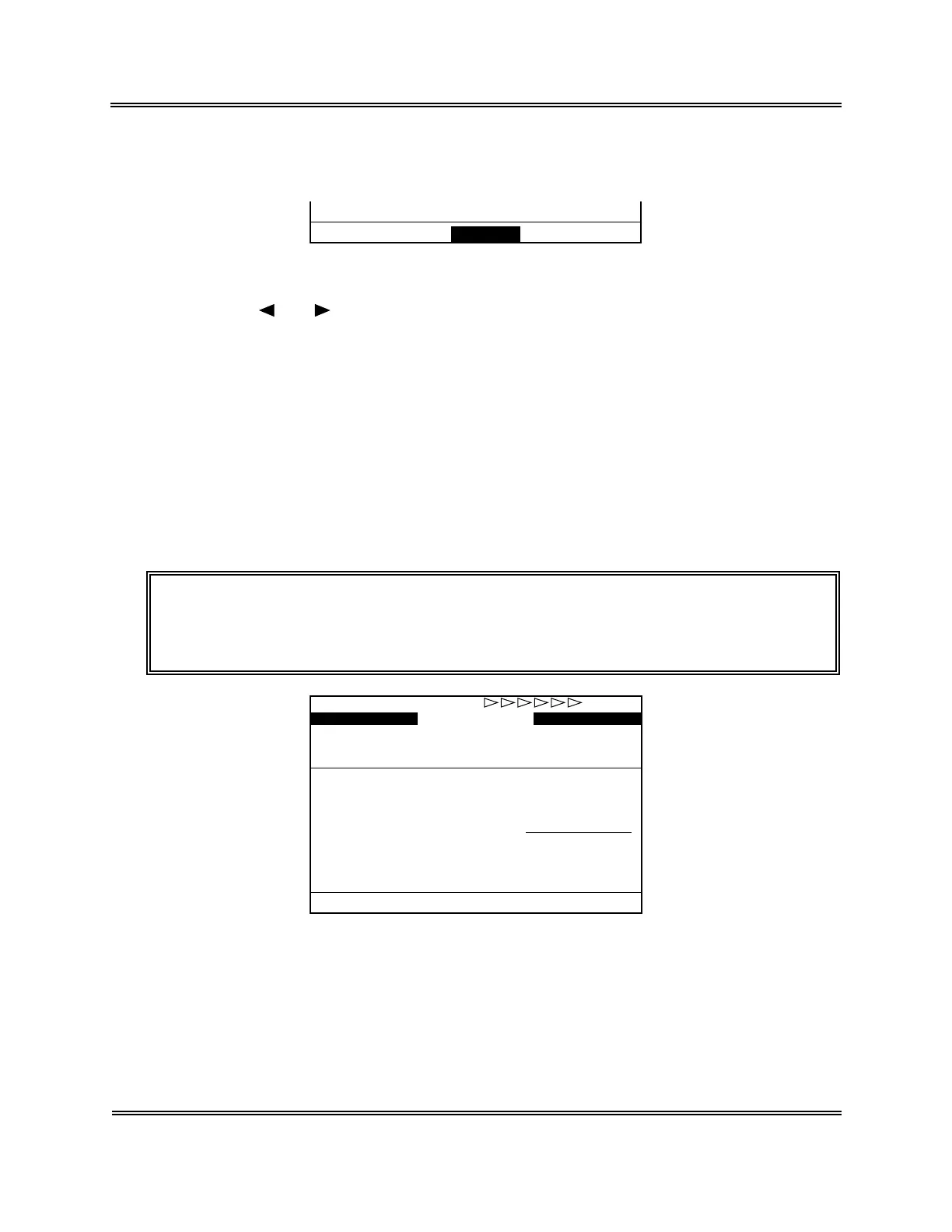
Figure 6-2-8: Automatic Calibration Screen (Before Analysis)
(2) Analyze the samples used for determining the standard value.
The sample being analyzed is indicated by the underline cursor.



 To Next Page