CALIBRATION
Sysmex KX-21 Operator’s Manual -- Revised October 1998 6-7
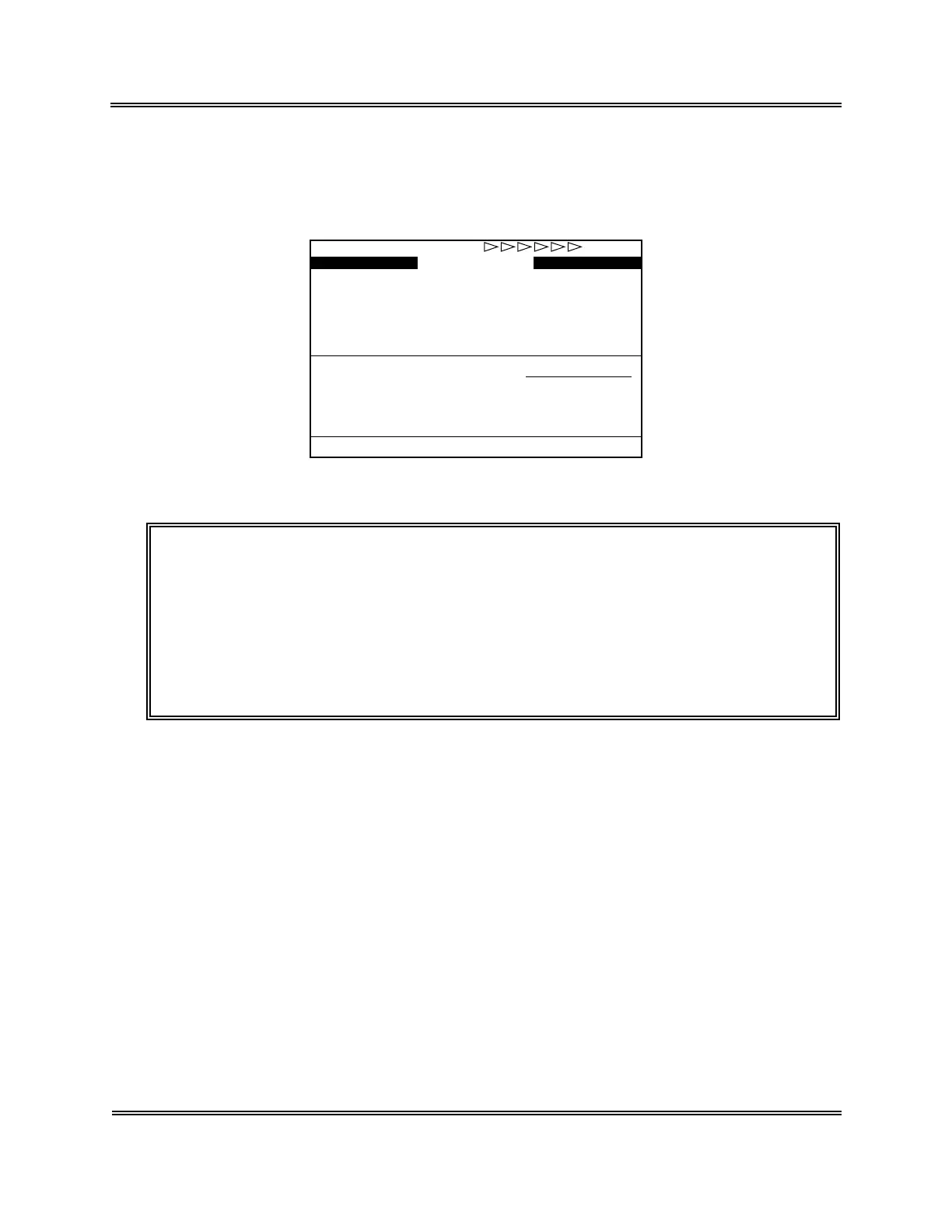
(3) After completion of analysis, analysis result appears in the data column and
compensation rate in the compensation column, then the underline cursor moves to the
next sample. Upon completion of more than one sample, average compensation rate is
automatically calculated and displayed at the bottom of the compensation column.
Target
HGB
12.5
13.0
13.5
11.0
15.0
HCT
50.0
45.2
51.5
40.8
52.5
HCT
48.0
43.9
50.0
95.6 103.4
HCT
104.2
103.0
103.0
1
2
3
4
5
Data
HGB
13.0
13.7
14.1
Compensation
HGB
96.2
94.9
95.7
WB
*
Auto Cal.
*
Ready
Current Cal.(%)100.0 100.0
New Cal.(%)
Figure 6-2-9: Automatic Calibration Screen (After Analysis)
CAUTION: • When an error occurs during automatic calibration analysis, the error
message appears in the system status display area. The result of
analysis in which an error has occurred is masked with "---.-," which is
not calculated for compensation rate and not used for average
compensation rate calculation, either.
• If "0" is input to the target value, compensation rate for the sample is
not calculated and the analysis result is not used for average
compensation rate calculation, either.
Sysmex KX-21 Operator’s Manual -- Revised December 1998



 To Next Page