CALIBRATION
6-8 Sysmex KX-21 Operator’s Manual -- Revised October 1998
4. Updating Calibration Value
(1) When all analyses are finished, press [SELECT] key.
New compensation values will be calculated and the Calibration Value Change
Confirmation message will appear.
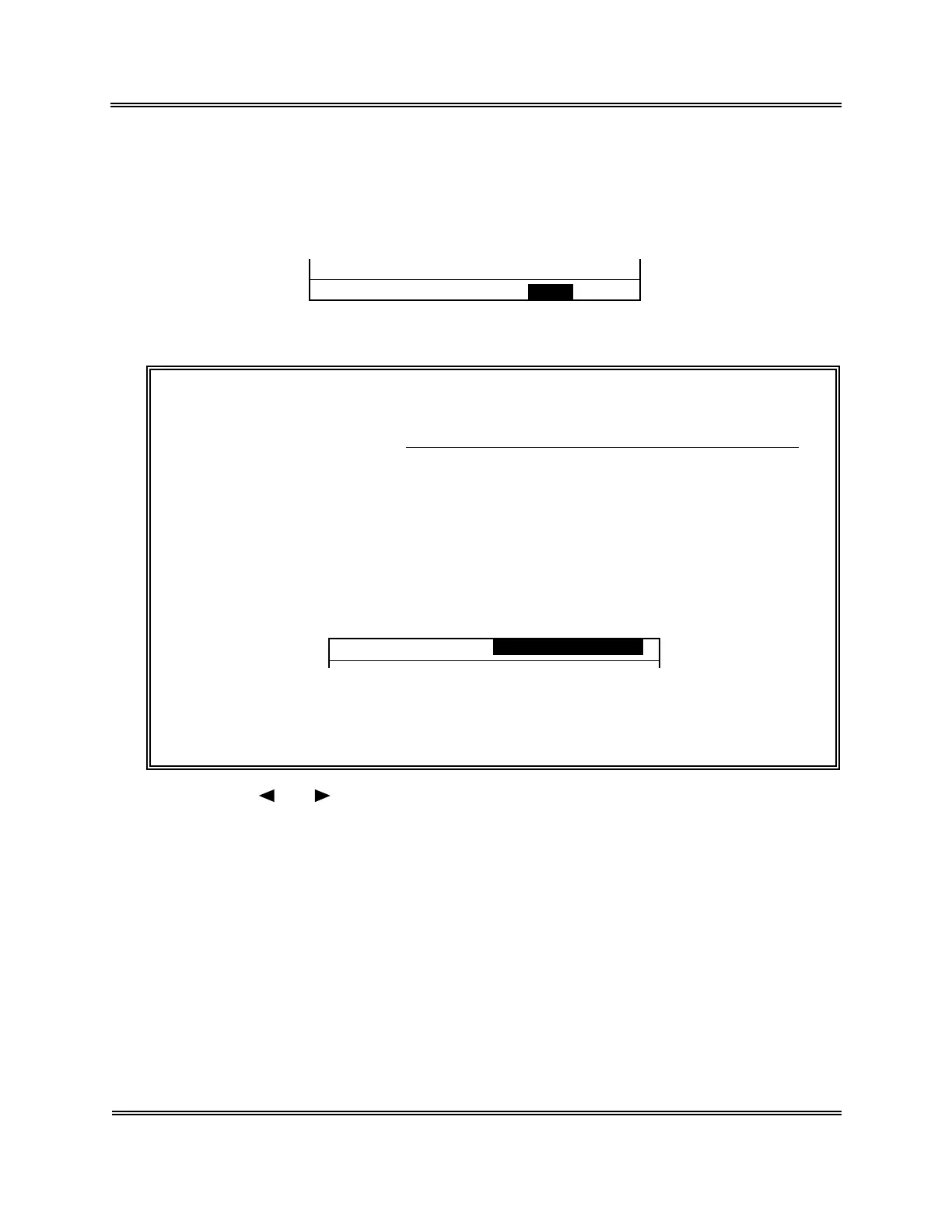
Change? Yes No
Figure 6-2-10: Calibration Value Change Confirmation Message
NOTE: • The new compensation value is calculated as follows:
New compensation
value (%)
Current compensation value (%) × Average compensation rate (%)
100
=
• When the compensation rate exceeds the following range, "Calibration
Error" is displayed and the Calibration Value Change Confirmation
message does not appear.
Average compensation rate > 105%
Average compensation rate < 95%
New compensation value > 120%
New compensation value < 80%
*
Auto Cal.
*
Calibration Error
Figure 6-2-11: Calibration Error Message
About calibration errors, refer to
Chapter 7: TROUBLESHOOTING
.
(2) Using [ ] or [ ], move the cursor to select "YES" or "NO."
[YES] : Updates the calibration value and returns to the Analysis screen.
[NO] : Does not update the calibration value and returns to the Analysis screen.
(3) Press [ENTER] key to execute the selected process.



 To Next Page