CALIBRATION
Sysmex KX-21 Operator’s Manual -- Revised October 1998 6-11
1. Entering Calibration Value
(1) Using [
] or [ ] key, move the cursor to select "HGB" or "HCT."
(2) Using the numeric keys, enter the calibration value obtained by calculation.
NOTE: • Press [C] key to delete one letter at a time.
(3) Press [ENTER] key to set the entered value and move the reverse display to the next
parameter.
HGB
HCT
100.7
100.0
*
Manual Cal.
*
Press [SELECT] to exit.
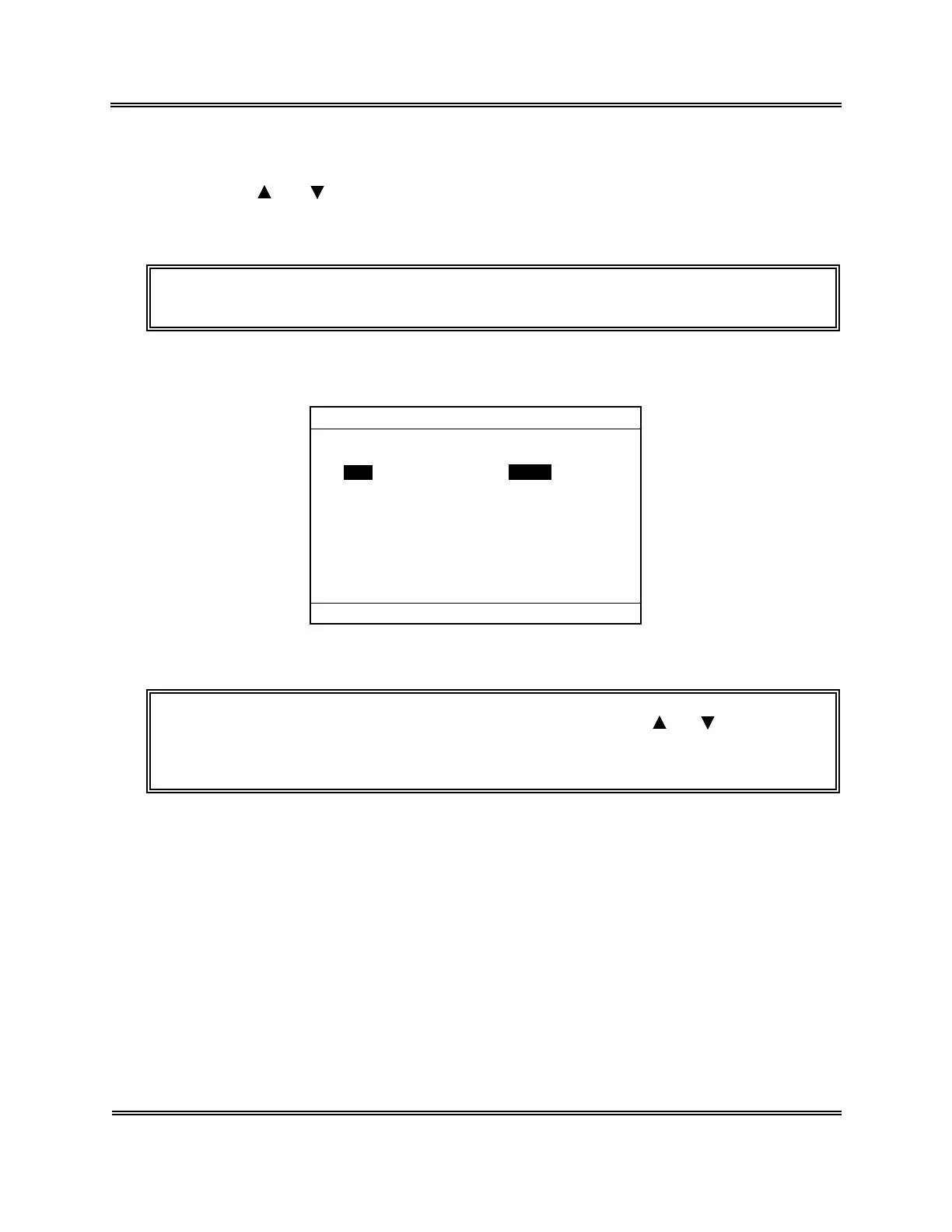
Figure 6-3-3: Entering Calibration Value
NOTE: • An entered value can be set also by pressing [ ] or [ ] key after
entering the calibration value.
• If no input is made or a space is input, it cannot be set.



 To Next Page