TROUBLESHOOTING
Sysmex KX-21 Operator’s Manual -- Revised October 1998 7-15
3.4 Transducer Errors
Error Message Meaning of Message
"WBC Aperture Clog"
"RBC Aperture Clog"
Clog in the aperture
Parameter: WBC RBC
1 Execute clog removal sequence.
If clog persists,
press[SELECT],then
[Maintenance]->[Clean Transducer]
or dab with brush after [SELECT],
[Maintenance]->[Drain TD Chamber]
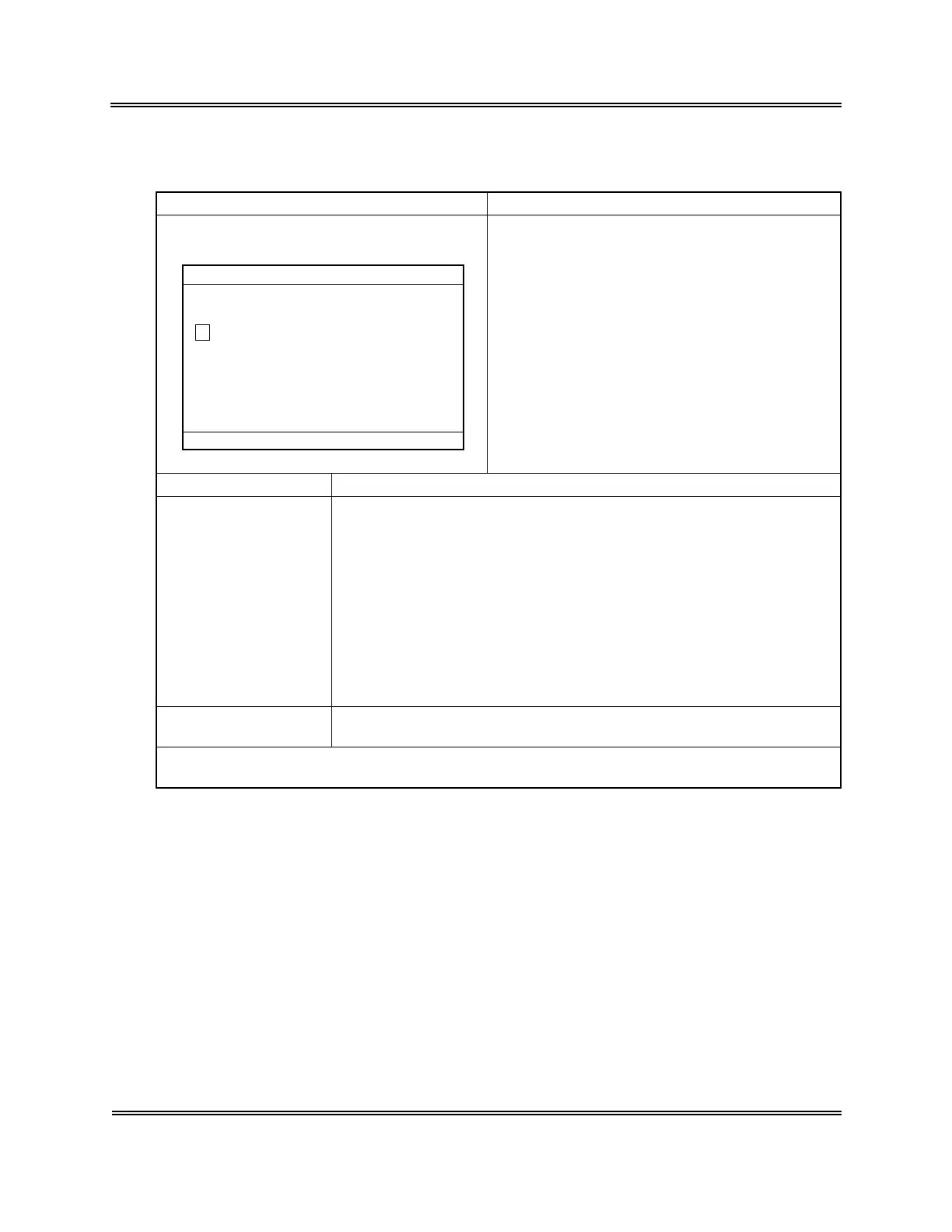
ERR CODE:XXXXX.X.X
1:Clog Remove
*
Help
*
3:Cancel
The monitor value for aperture clog is out of the
prescribed range.
Cause 1) Transducer aperture clogging
Action 1) Remove Aperture Clogging.
Press [1] key to execute automatic clog removal sequence.
2) Transducer Rinse Sequence
Pour 1 mL each of CELLCLEAN in the transducer chamber to
perform auto rinse sequence.
Refer to
Chapter 4, Section 5.2: Clean Transducer
.
3) Clean the Transducer with Brush
Clean the aperture with brush.
Refer to
Chapter 4, Section 7.3: Clean WBC/RBC Transducer
Aperture.
Analysis after error
occurrence
Ready for analysis (although the next sample could be affected)
NOTE: • Press [3] key to return to the Analysis screen. Although the system is
ready for analysis, the error may occur in the next analysis.



 To Next Page