ADJUSTMENT
Sysmex KX-21 Operator’s Manual -- Revised October 1998 8-3
2.2 Pressure and Vacuum Display
(1) Press [SELECT] key when the status is "Ready." The Select Menu screen appears.
(2) Move the cursor using [ ] key or [ ] key, and select "7: Maintenance."
(3) Press [ENTER] key.
The Maintenance Menu screen appears.
*
Maintenance
*
1:Clean W.Chamber
2:Clean Transducer
3:Reset SRV Counter
4:Drain TD Chamber
5:Status Display
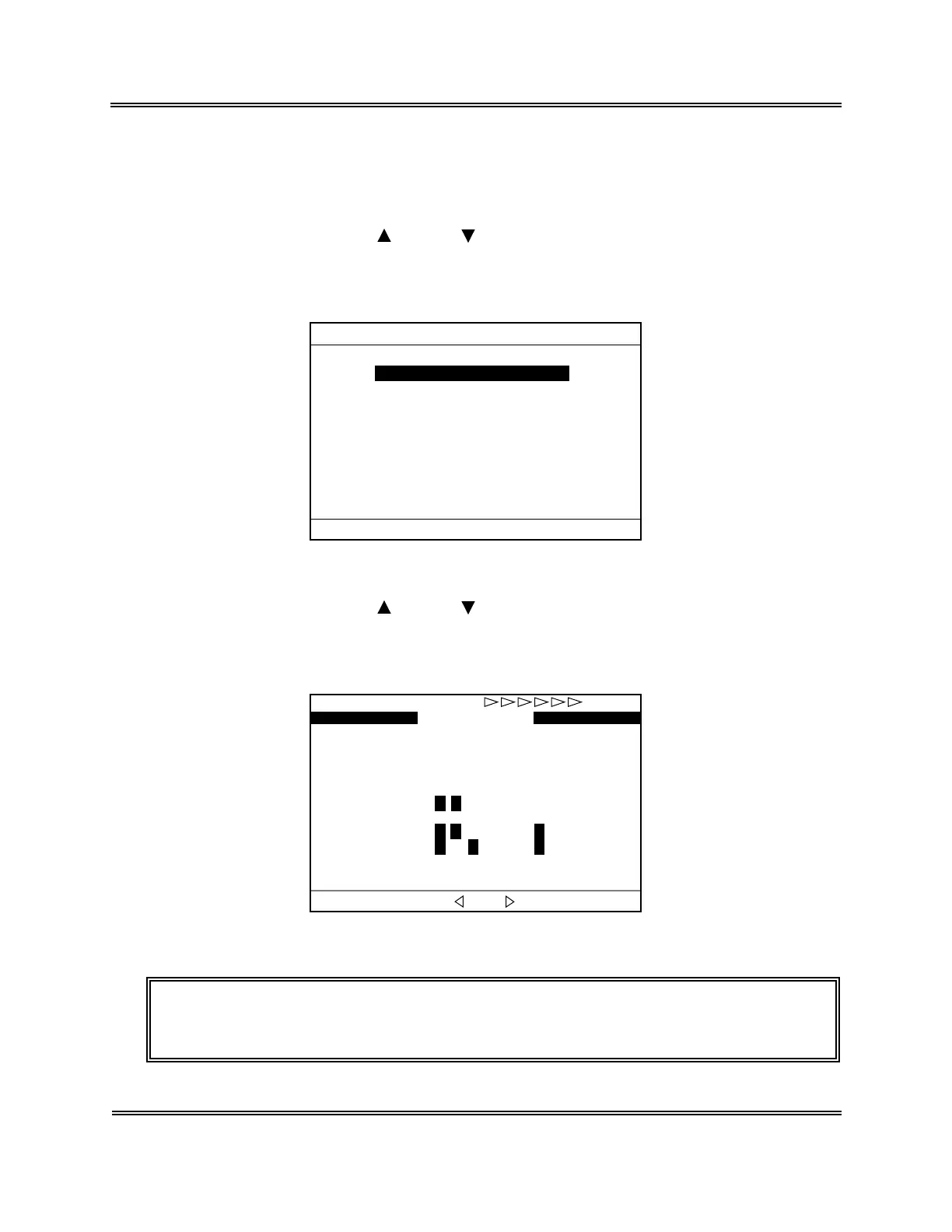
Figure 8-2-3: Maintenance Menu Screen
(4) Move the cursor using [ ] key or [ ] key, and select "5: Status Display."
(5) Press [ENTER] key.
The Status Display screen appears.
SEQ.No. 12
1 2 3 4
SV 1 2 3 4 5 6 7 8 9 0
SENSOR 1 2 3 4 5 6 7
HGB CONVERT 550
VACUUM 240
1 2 3 4 5 6 7 8 9 0
PRESSURE 0.52
WB
Ready
*
Status
*
Change screen with [ ] or [ ]
Figure 8-2-4: Status Display Screen
NOTE: • Each menu can be selected directly on the Menu screen by entering a
numeral from the numeric keys.



 To Next Page