INSTRUMENT SETUP
10-2 Sysmex KX-21 Operator’s Manual -- Revised October 1998
2. SYSTEM SETUP
This program is used to set unit system, display language, WBC analysis parameters, and
RDW calculation method.
How to Setup System Status
(1) Press [SELECT] key on the Analysis screen. The Select Menu screen appears.
(2) Using [ ] or [ ] key, move the cursor to select "6: Settings."
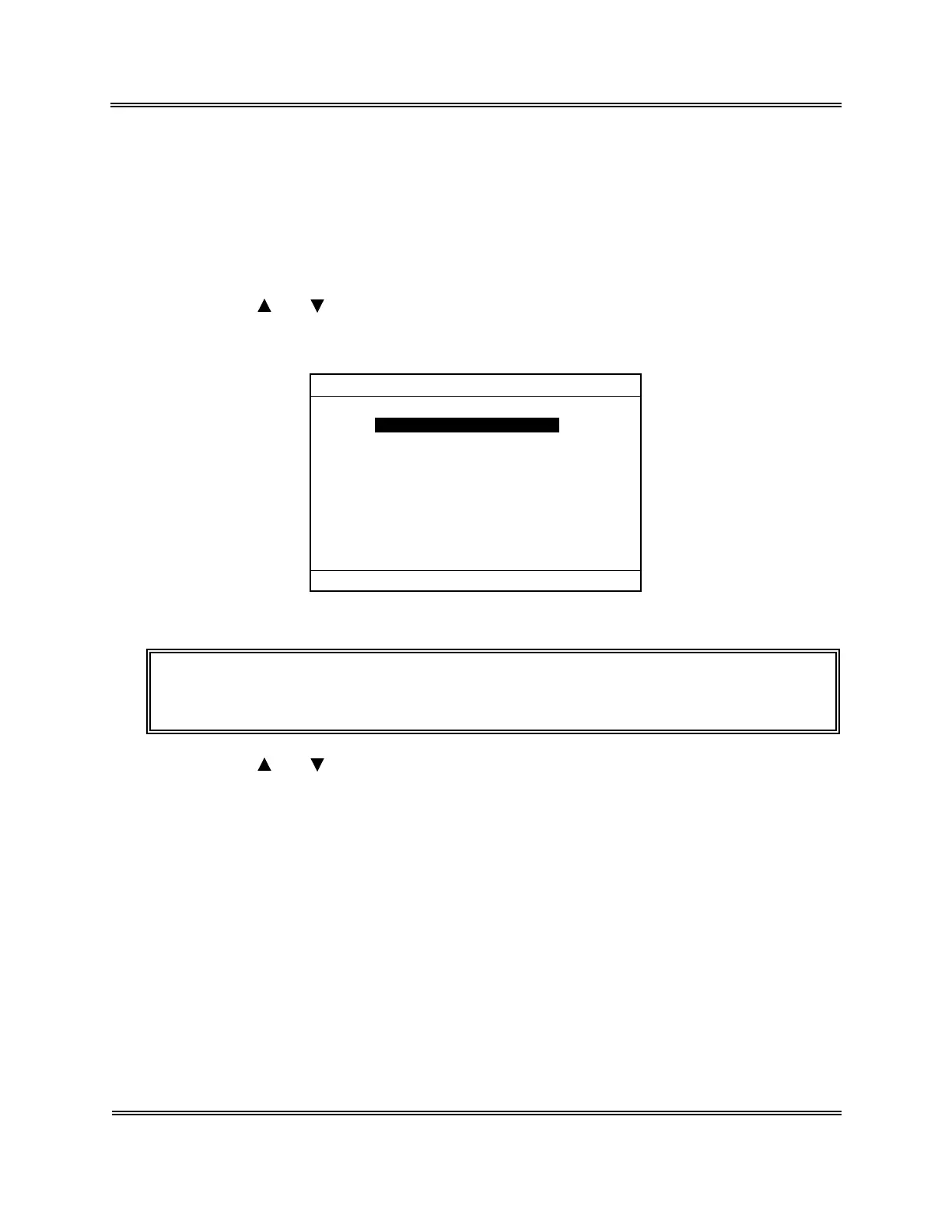
(3) Press [ENTER] key. The Setting Menu screen appears.
*Settings*
1:System Setup
2:Date/Time
3:Patient Limit
4:QC Settings
5:Host Settings
6:Printer Settings
7:Print Set Values
Figure 10-2-1: Setting Menu Screen
NOTE: • "5: Host Settin
s" is displa
ed onl
when the optional serial interface is
incorporated.
(4) Using [ ] or [ ] key, move the cursor to select "1: System Setup."
Sysmex KX-21 Operator’s Manual -- Revised January 2000



 To Next Page