INSTRUMENT SETUP
10-8 Sysmex KX-21 Operator’s Manual -- Revised October 1998
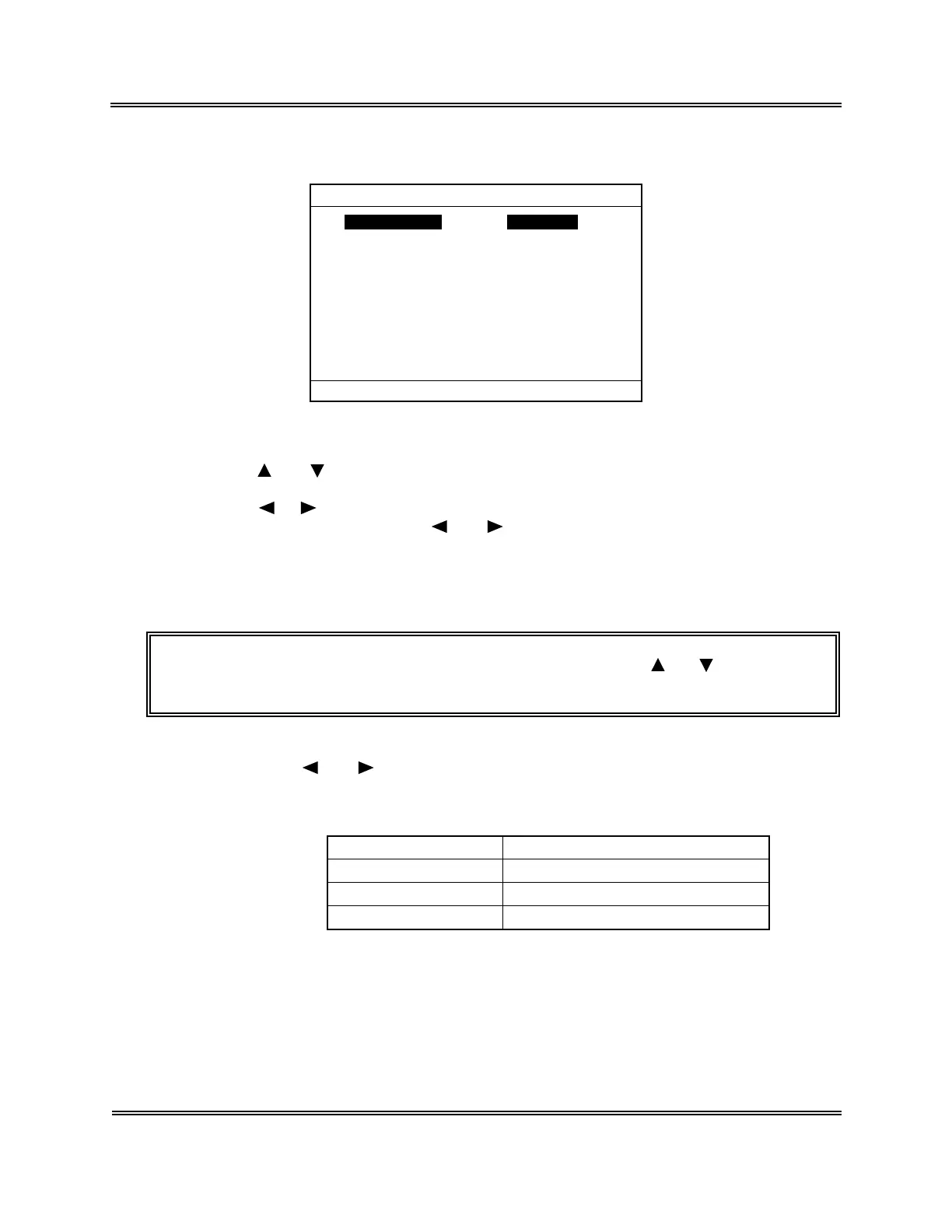
(5) Press [ENTER] key. The current setting status is displayed on the Date/Time screen.
Date Format dd/mm/yy
dd 31
mm 12
yy 1997
mm 59
hh 23
*
Date/Time
*
Press [SELECT] to exit.
Figure 10-3-2: Date/Time Screen
(6) Using [
] or [ ] key, move the cursor to select the desired set parameter.
(7) Using [ ], [ ], or the numeric keys, set each parameter.
In setting the date format, use [ ] or [ ] key. Year, month, day, hour, and minute
are entered using the numeric keys.
(8) Press [ENTER] key. The content of the settings is set and the cursor moves to the
next set parameter.
NOTE: • The settings can also be set when you press [ ] or [ ] key after
changing the content of settings.
1) Date Format Setting
Using [ ] or [ ] key, select the date format.
The date format can be selected from the following three types. It changes each
time you press the key.
Settings Example of display
yy/mm/dd 97/12/31
mm/dd/yy 12/31/97
dd/mm/yy 31/12/97
Table 10-3-1: Date Format Setting
2) Year Setting
Enter in the dominical year using the numeric keys.
3) Month Setting
Enter using 1 - 12 from the numeric keys.



 To Next Page