INSTRUMENT SETUP
Sysmex KX-21 Operator’s Manual -- Revised October 1998 10-9
4) Day Setting
Enter using 0 - 31 from the numeric keys.
5) Hour Setting
Enter in the 24-hour system using 0 - 23 from the numeric keys.
6) Minute Setting
Enter using 0 - 59 from the numeric keys.
(9) When the setting of each parameter is completed, press [SELECT] key.
The date entered is checked and when there is no setting error, the Setting Change
Confirmation message is displayed.
If there is any setting error, the alarm sounds and the Setting Change Confirmation
message is not displayed.
NOTE: • About the date setting, the following items are checked:
Leap year check: whether 2/29 is set in non-leap year
Month/day check: whether 4/31, e.g., is set
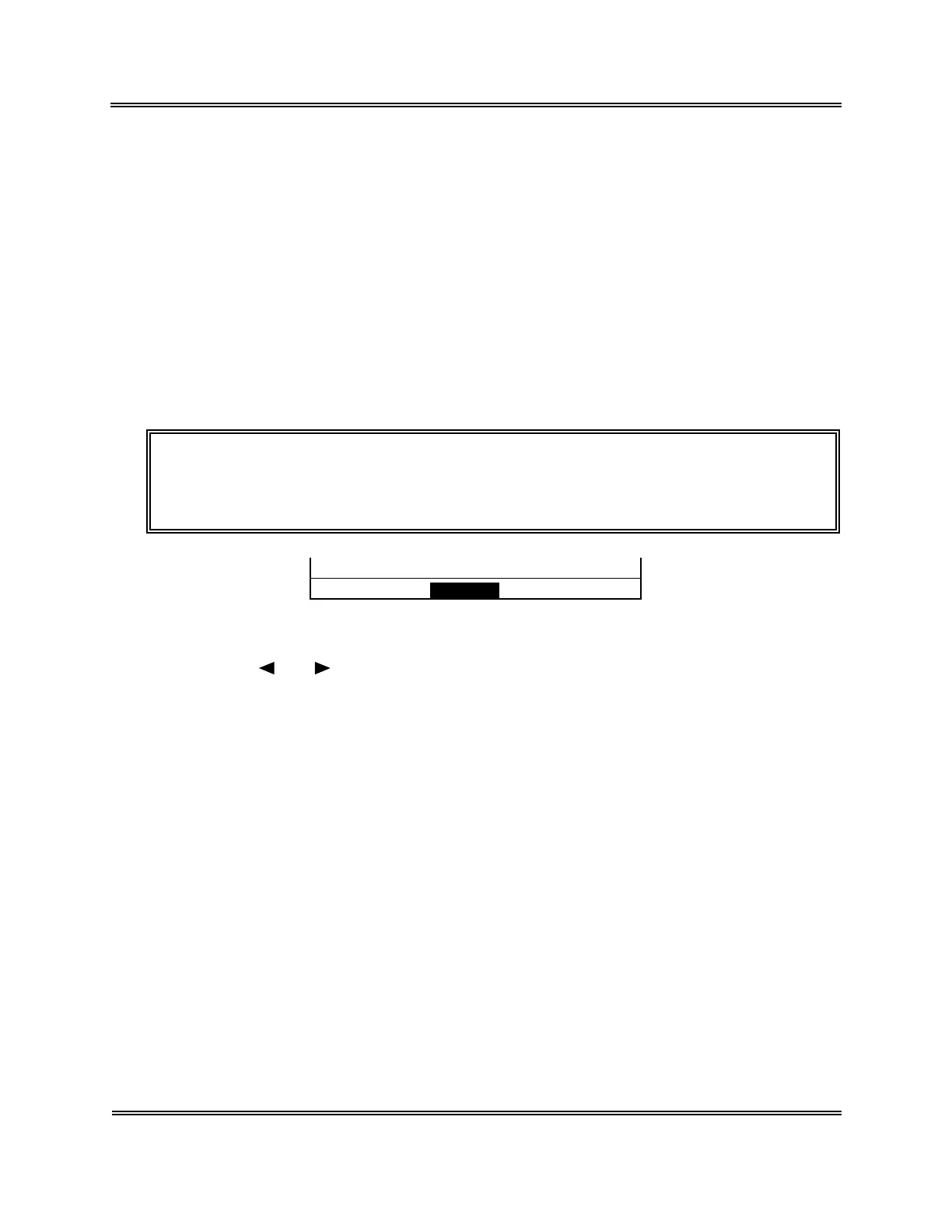
Change? Cont. Set Cancel
Figure 10-3-3: Setting Change Confirmation Message
(10) Using [
] or [ ] key, move the cursor to select "Cont.," "Set," or "Cancel."
[Cont.]: Returns to the Date/Time screen. And the setting operation can be
continued.
[Set]: Updates the settings and returns to the Analysis screen.
[Cancel]: Cancels the changed settings and returns to the Analysis screen.
(11) Press [ENTER] key to execute the selected process.



 To Next Page