INSTRUMENT SETUP
10-10 Sysmex KX-21 Operator’s Manual -- Revised October 1998
4. PATIENT LIMIT
For Patient Limit, you can set Mark Limits.
The Mark Limits are the values set to determine whether analysis values are within the
normal range or not. This program can be used to set the upper and lower Mark Limits for
each analysis parameter.
When analysis data exceeds the upper Mark Limit, it is flagged with [+] mark, and when it
exceeds the lower Mark Limit, it is flagged with [-] mark. Analysis data output to the built-in
printer or the host computer is also attached with either marks.
How to Set Mark Limits
(1) Press [SELECT] key on the Analysis screen. The Select Menu screen appears.
(2) Using [ ] or [ ] key, move the cursor to select "6: Settings."
(3) Press [ENTER] key. The Setting Menu screen appears.
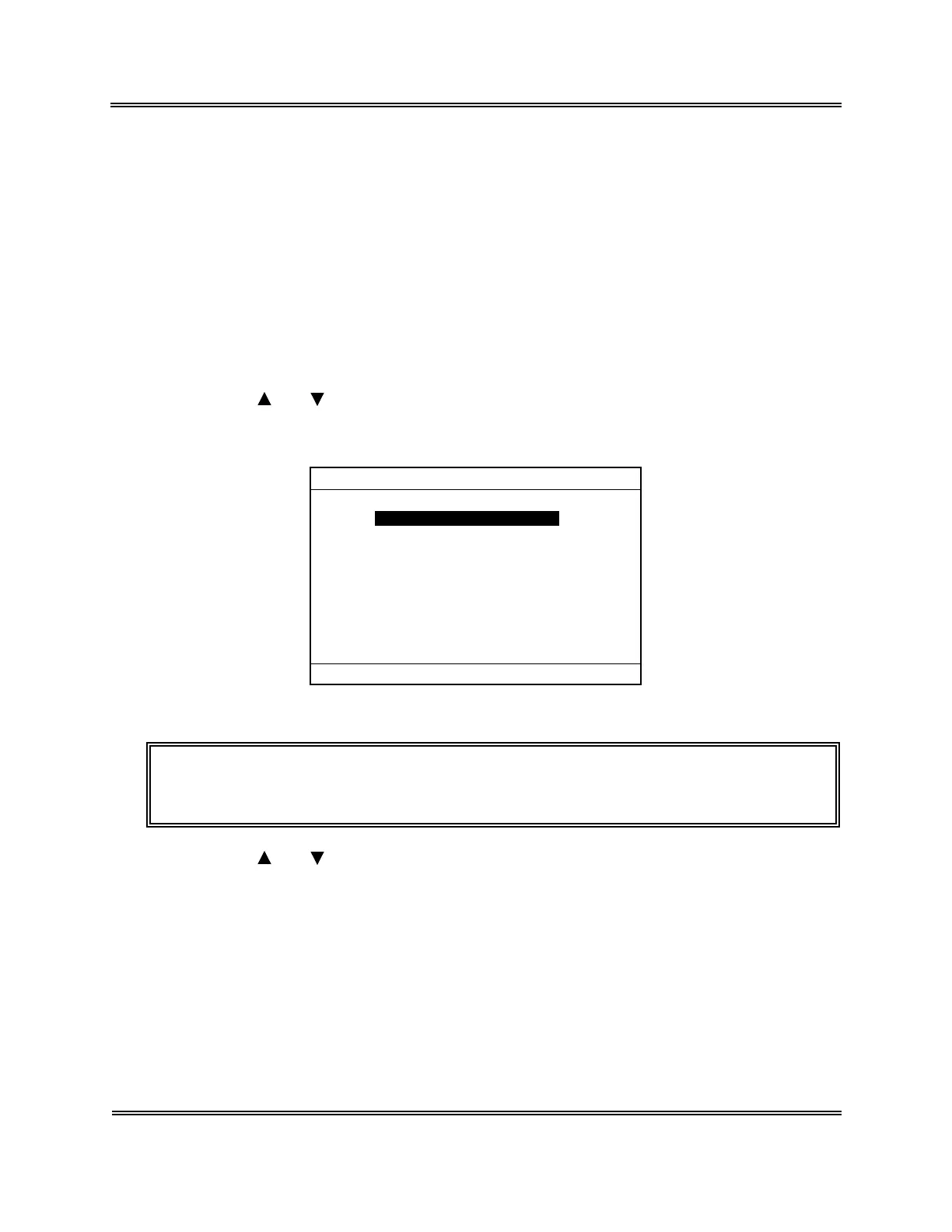
*Settings*
1:System Setup
2:Date/Time
3:Patient Limit
4:QC Settings
5:Host Settings
6:Printer Settings
7:Print Set Values
Figure 10-4-1: Setting Menu Screen
NOTE: • "5: Host Settin
s" is displa
ed onl
when the optional serial interface is
incorporated.
(4) Using [ ] or [ ] key, move the cursor to select "3: Patient Limit."
Sysmex KX-21 Operator’s Manual -- Revised January 2000



 To Next Page