INSTRUMENT SETUP
10-12 Sysmex KX-21 Operator’s Manual -- Revised October 1998
(9) Press [ENTER] key. The content of settings is set and the cursor moves to the next set
parameter.
NOTE: • When [ ], [ ], [ ], or [ ] key is pressed after entering, the contents
of settings are also set.
• When both the upper and lower limits are set at "0," the judgment on
patient limit is not executed.
(10) When the setting of each parameter is completed, press [SELECT] key.
When the set values are checked and there is no setting error, the Setting Change
Confirmation message is displayed.
In case Upper Limit
<
Lower Limit is set, the alarm sounds and the Setting Change
Confirmation message is not displayed.
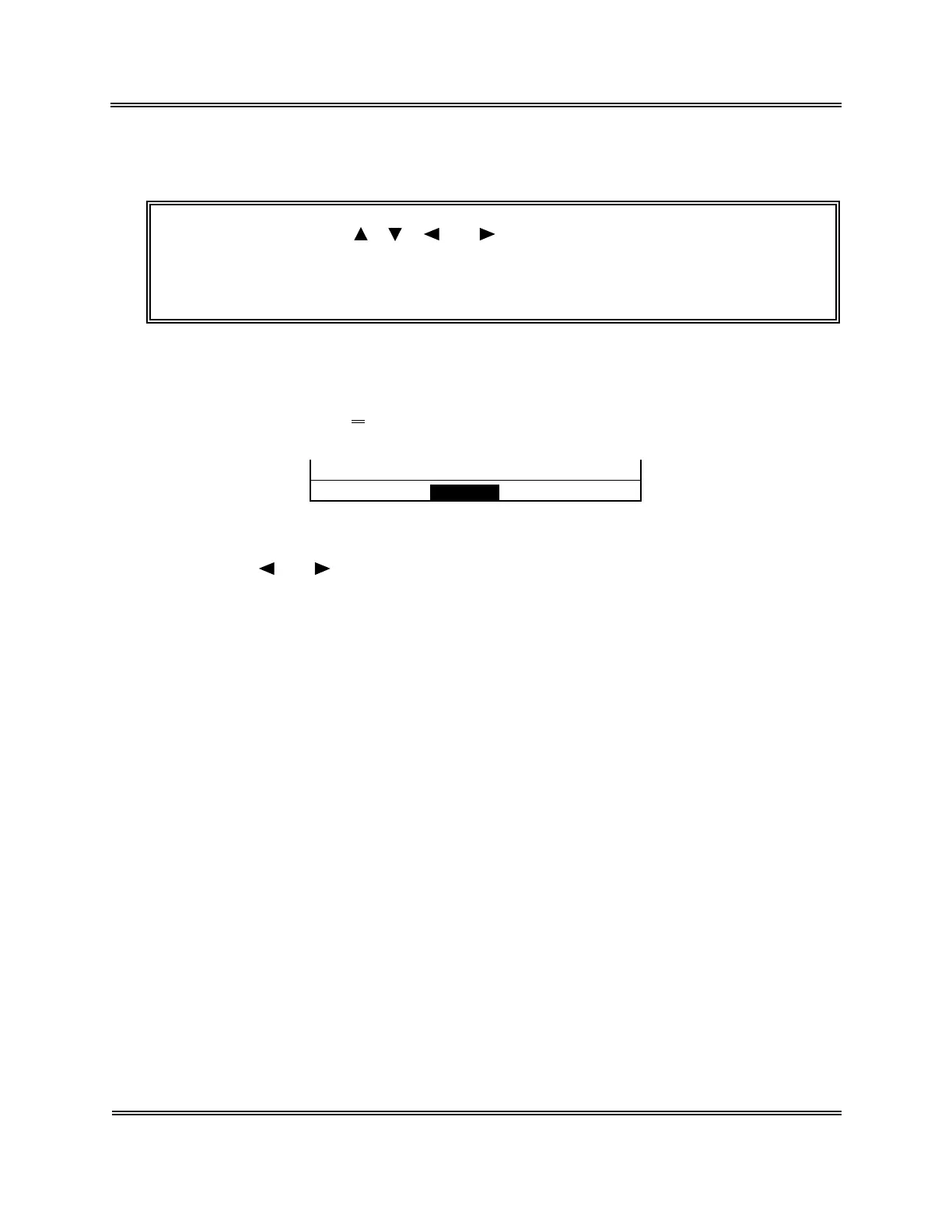
Change? Cont. Set Cancel
Figure 10-4-4: Setting Change Confirmation Message
(11) Using [ ] or [ ] key, move the cursor to select "Cont.," "Set," or "Cancel."
[Cont.]: Returns to the Patient Limit screen. And the setting operation can be
continued.
[Set]: Updates the settings and returns to the Analysis screen.
[Cancel]: Cancels the changed settings and returns to the Analysis screen.
(12) Press [ENTER] key to execute the selected process.



 To Next Page