INTRODUCTION
Sysmex KX-21 Operator’s Manual -- Revised October 1998 1-11
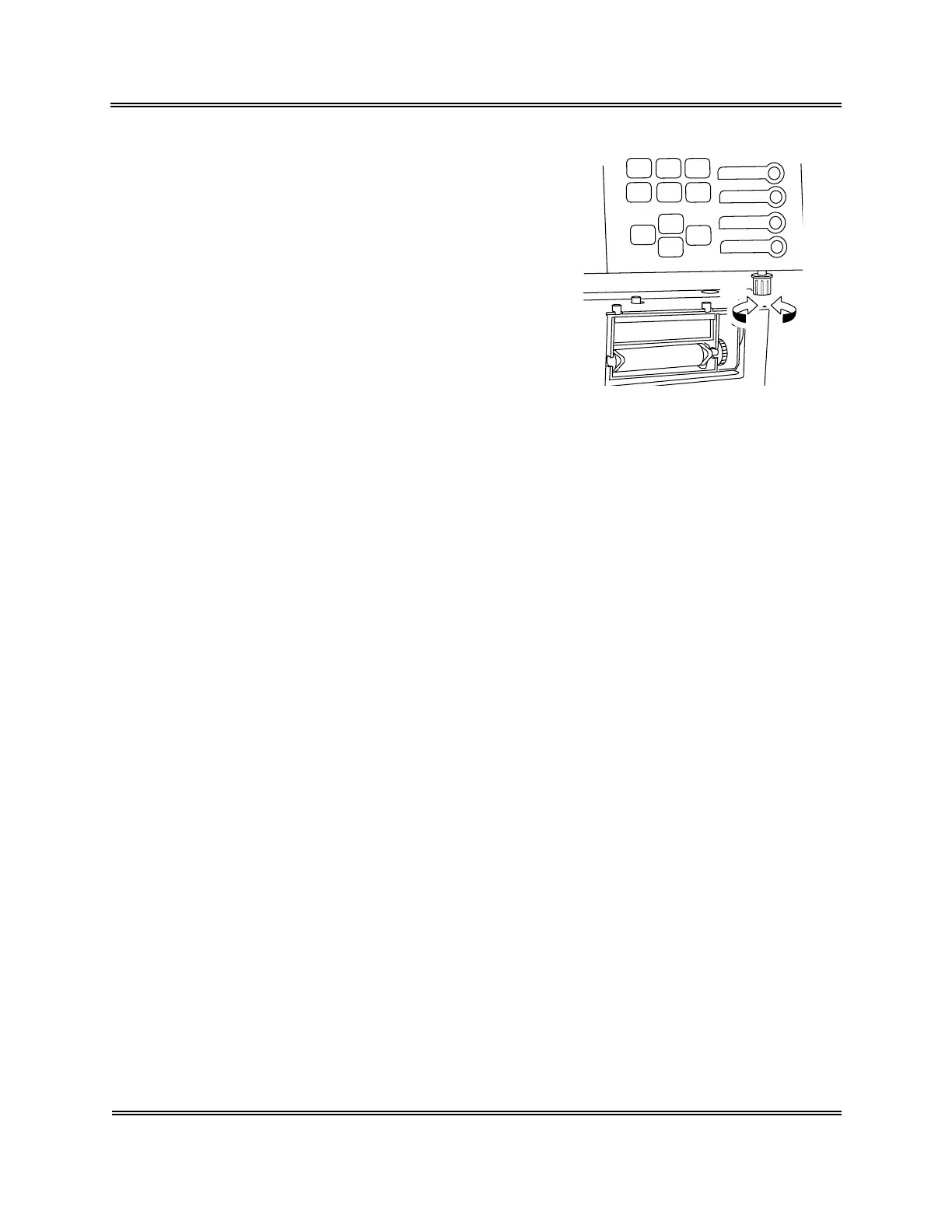
8.3 LCD Brightness Adjustment
Open the front cover of the instrument. LCD
brightness can be adjusted using the brightness
adjustment knob under the panel keyboard.
Turning to the right brightens the light and turning
to the left dims it.
9. EMERGENCY STOP PROCEDURE
When there arises the need to stop the instrument urgently because of power outage, etc., in
the laboratory, turn off the instrument power switch.
10. ALARM SOUNDS
The KX-21 indicates different situations by five kinds of alarm sounds:
1. Key sound (single beep)
Sounds about 0.1 second when a key on the panel keyboard is pressed.
2. Input error sound (short beep)
Sounds about 1 second when a wrong key is pressed on the panel keyboard.
3. Analysis error sound (long beep)
Sounds when an error occurs in the instrument and continues until you press [C] key
or [HELP] key on the panel keyboard.
4. Sound at sample aspiration
Usually: A single "beep" when the start switch is pressed; "beep, beep" when
aspiration is finished.
Sample No. "0" or in pre-diluted mode: Beep sounds (beep, beep, ...) continue from
pressing the start switch until aspiration ends.
11. CONTENTS OF PACKAGE
The instrument is fully inspected before leaving the factory and carefully packed to withstand
shocks in transit. Upon arrival, check the package to see that there is no external damage.
Sysmex service representative will unpack, install the instrument, and make initial settings.
To confirm the contents of the package, refer to "Appendix A: Installation."
Dark
Light



 To Next Page