SAMPLE ANALYSIS
Sysmex KX-21 Operator’s Manual -- Revised October 1998 2-11
3. Inputting sample No.
• Input from the panel keyboard
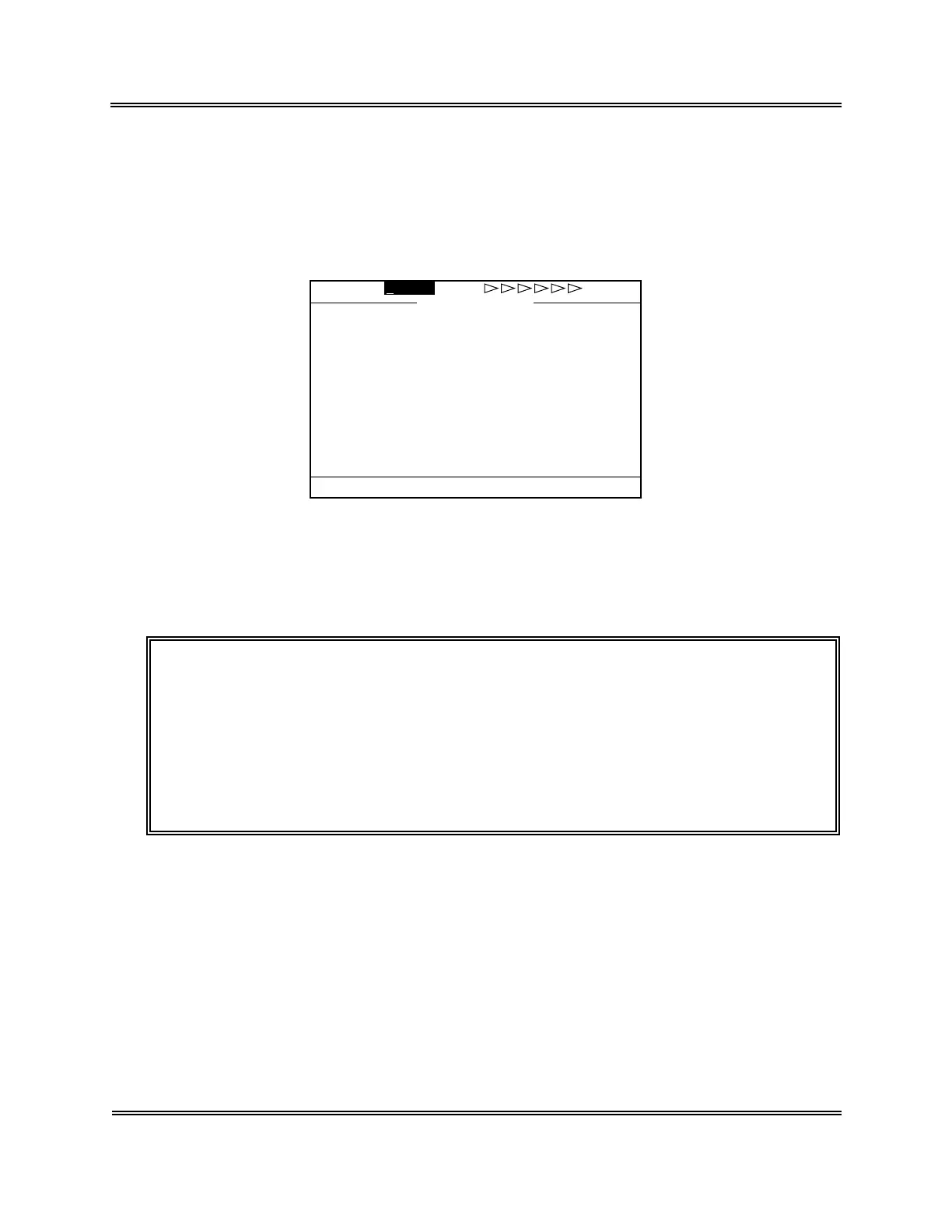
(1) Press [SAMPLE No.] key in the Ready status. In the system status area on the LCD
screen, the next sample No. turns to the reverse display and the system is waiting for
Sample No. input (in the "Not Ready" status).
00/00 00:00No.0 WB
P-LCR ---.-%
MPV ---.-fL
PLT 0
×10
3
/µL PDW ---.-fL
MCHC ---.-g/dL RDW ---.-fL
MCH ---.-pg NEUT# ---.-×10
3
/µL
MCV ---.-fL MXD# ---.-×10
3
/µL
HCT 0.0% LYM# ---.-×10
3
/µL
HGB 0.0g/dL NEUT% ---.-%
RBC 0.00×10
6
/µL MXD% ---.-%
WBC 0.0×10
3
/µL LYM% ---.-%
No.1 WB
1:M.Discri. 2:Print 3:Paper Feed
Not Ready
Figure 2-4-3: Inputting Sample No.
(2) The cursor appears under sample No. Input sample No. using the numeric keys.
[Example] Input of sample No. 5
Press [5] key on the numeric keys.
CAUTION: • Sample No. "0" (zero) is treated as a special sample number.
1) Judgement on patient limit is not made for analysis data.
2) Analysis data is not stored.
3) Data is not transferred to the host computer.
4) Sample No. is not incremented.
5) Judgment on abnormal histogram is not made.
6) When one attempts to make analysis with the sample No. of "0"
(zero), the buzzer sounds during sample aspiration.



 To Next Page