DISPLAY AND PROCESSING OF ANALYSIS RESULTS
Sysmex KX-21 Operator’s Manual -- Revised October 1998 3-9
(8) When Discri. change is finished, press [SELECT] key. The Setting Change
Confirmation Message appears.
OK to set? Cont. Set Cancel
Figure 3-2-9: Setting Change Confirmation Message
(9) Using [ ] key or [ ] key, move the cursor to select "Cont.," "Set," or "Cancel,"
then press [ENTER] key.
[Cont.]: Returns to the M. Discri. screen and allows M. Discri. operation.
[Set]: Updates the contents and returns to the Analysis screen.
[Cancel]: Cancels the changed contents and returns to the Analysis screen.
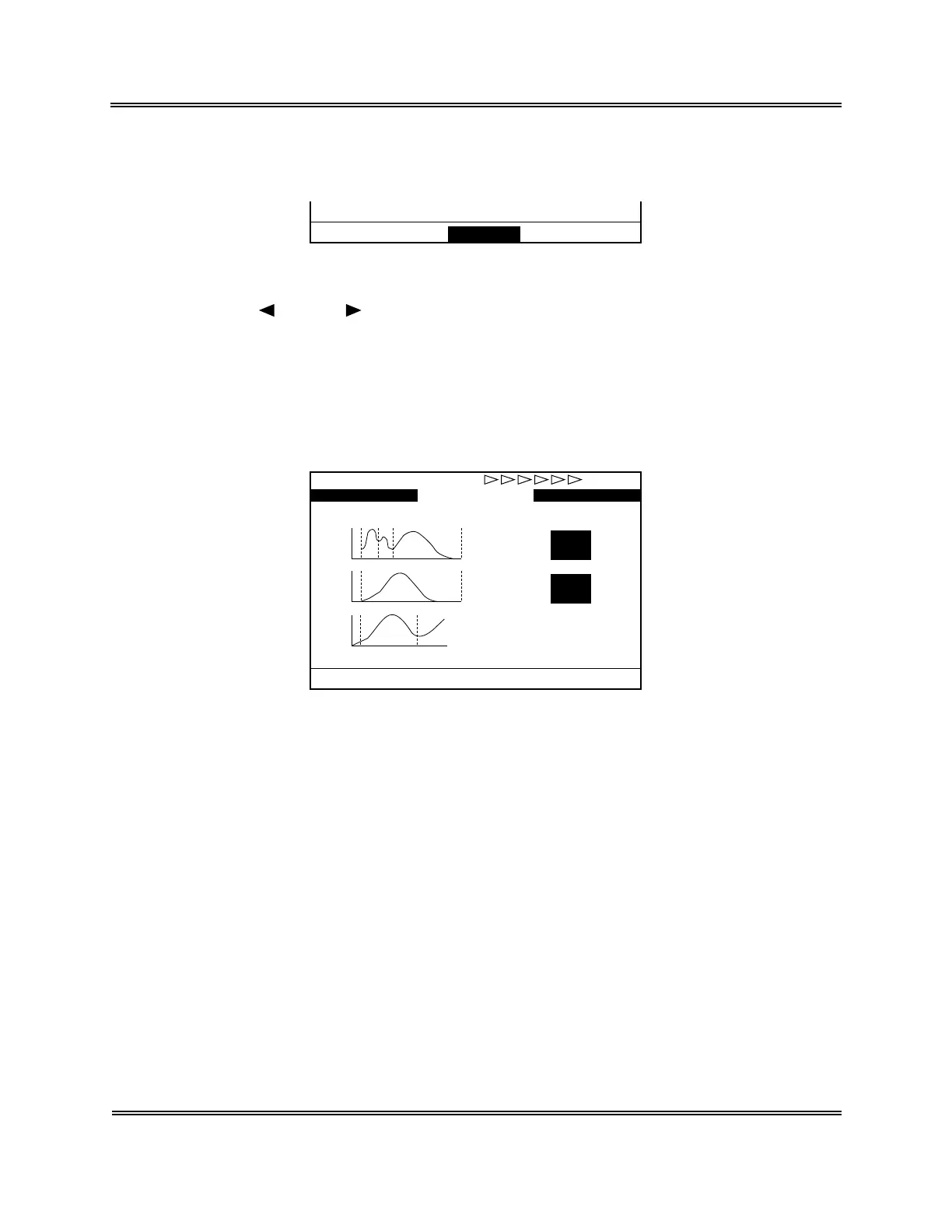
(10) When you update the contents, analysis values changed in M. Discri. on the Analysis
screen are reverse-displayed.
31/12 23:59No.123458 WB
P-LCR - 9.5%
MPV 9.3fL
PDW - 7.9fL
RDW - 25.6fL
WBC
RBC
PLT
NEUT# 3.5
×10
3
/µL
MXD# 1.4×10
3
/µL
LYM# 2.2×10
3
/µL
NEUT% 49.2%
MXD% 19.6%
LYM% 31.2%
No.123457 WB
Ready
1:M.Discri. 2:Print 3:Paper Feed
Figure 3-2-10: Analysis Screen



 To Next Page