DISPLAY AND PROCESSING OF ANALYSIS RESULTS
Sysmex KX-21 Operator’s Manual -- Revised October 1998 3-11
3. PROCESSING STORED DATA
This instrument is capable of storing data of up to 240 samples. The stored data is retained
after the power is turned off and can be called up unless deleted.
NOTE: • The particle distribution chart is not stored.
• When the stored data exceeds 240, the oldest data are automatically
deleted.
3.1 Executing and Quitting Stored Data Processing Program
Executing the Program
(1) Press [SELECT] key in the Ready status. The Select Menu screen appears.
(2) Using [ ] key or [ ] key, move the cursor to select "1: Stored Data."
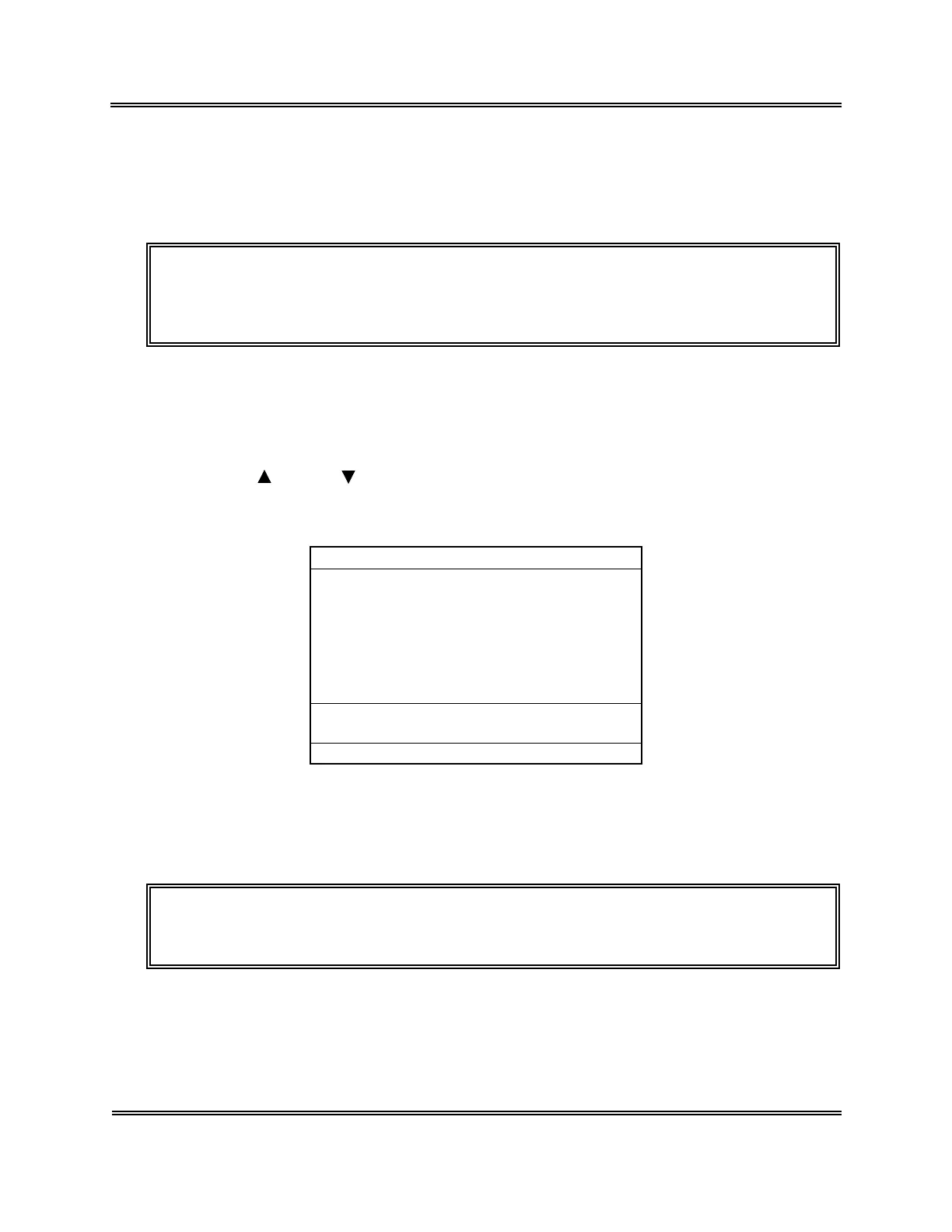
(3) Press [ENTER] key. The Stored Data screen [1/5] appears.
No.
123451*
QC01
123453
123454 PD
123455* PD
123456 PD
123457
123451*
Date 31/12/97 12:59
[1/5]
WBC
7.7+
7.5
7.5+
7.1
7.2
5.5-
7.0
7.6+
RBC
3.97
4.51
3.85
4.30+
3.91
3.90
4.05
3.98
HGB
14.7
14.1
13.8
12.2
14.3
15.1
18.5
15.0
HCT
32.8
34.7
30.5
29.5-
32.0
40.2+
31.4
35.1
*
Stored Data
*
[ENTER] to mark, [SELECT] to exit.
Figure 3-3-1: Stored Data Screen
Quitting the Program
(1) Press [SELECT] key on the Stored Data screen. The Analysis screen returns.
NOTE: • The sample No. and analysis mode on the Analysis screen return to
the status before the execution of the stored data processing program.



 To Next Page