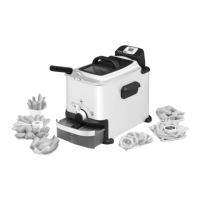
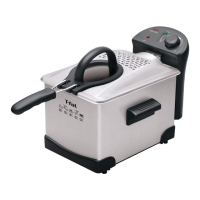
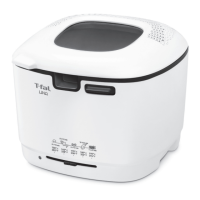
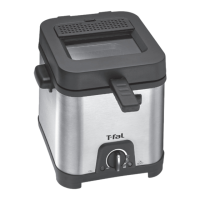
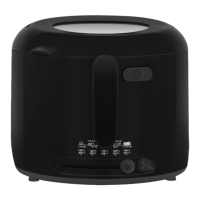
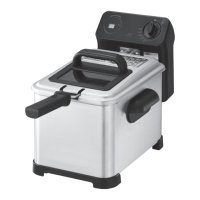
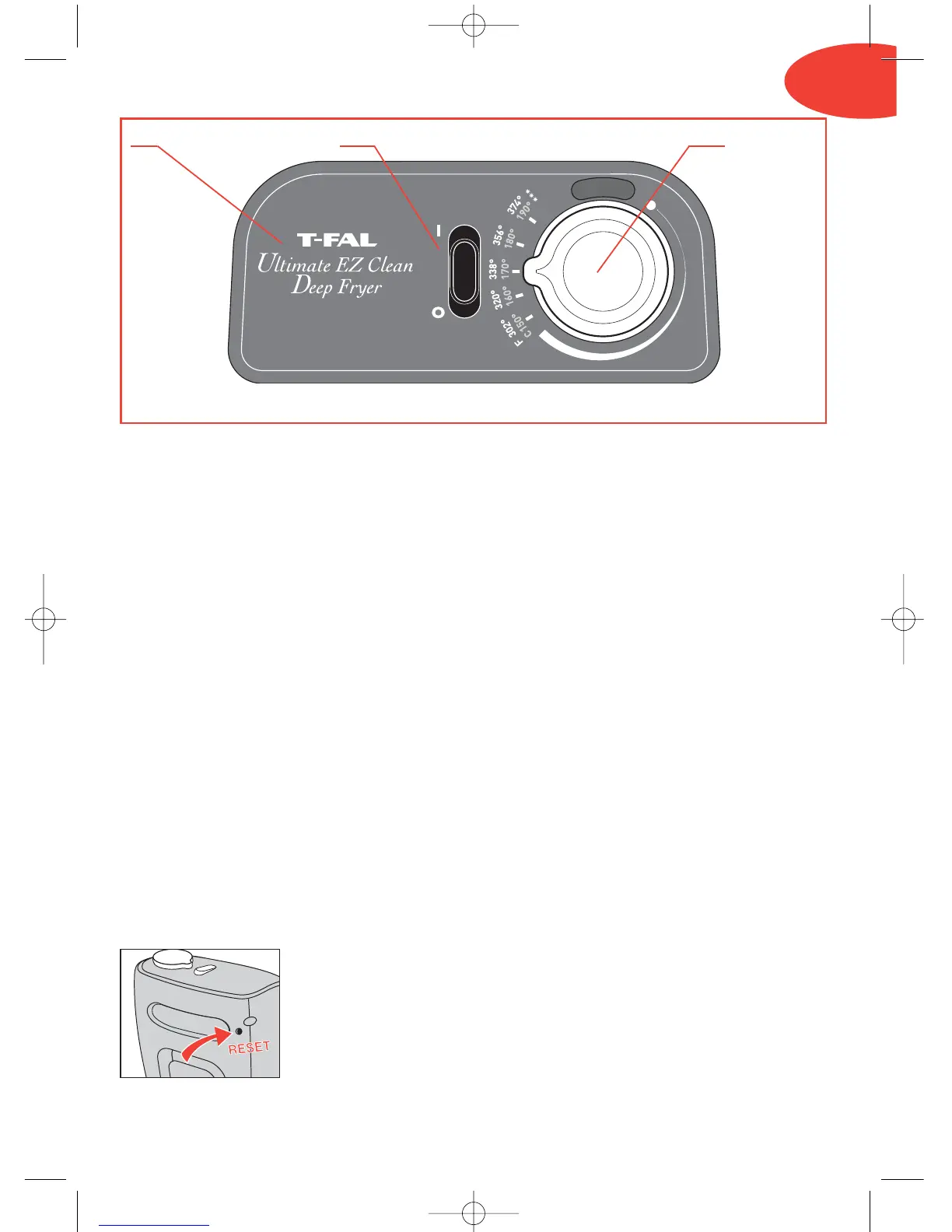
13. 13.a 13.b
3
Eng
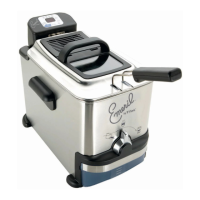
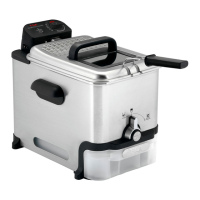
Description
1. Lid
a. Permanent filter
b. Filter cover
c. Handle
d. Viewing window
2. Removable control unit and
heating element
3. Frying basket
a. Handle
b. MAX food level marker
4. Removable bowl
5. MIN and MAX oil level markers
6. Basket high position
7. Fixed oil filter grid
8. Safety carrying handles
9. Oil box control button
10. Housing
11. Oil box
a. Lid
b. Cap
12. Feet
13. Panel
a. On/Off switch
b. Adjustable thermostat
RESET function: Your appliance is equipped with an overheating security feature
if you use your fryer without oil. If the overheat function is activated, the appliance
will shut off automatically.
Wait until the heating element has completely cooled.
To reset the fryer, push the RESET button (found on the back
of the control unit) with a toothpick or similar non-metallic
object after the bowl has been filled with oil. If the overheating
security feature is activated several times, please contact the
T-FAL Consumer Service Department for assistance.


 To Next Page
 Loading...