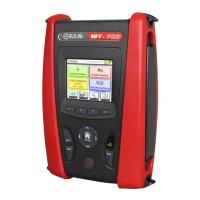
MFT-PRO
Quick reference guide
EN – 8
4.2. M - INSULATION TEST
CAUTION
The instrument can be used for measurements on installations with overvoltage category CAT III 240V
to earth and CAT III 415V between inputs. Category CAT III is suitable for measurements carried out on
installations inside buildings with low voltage (examples are distribution boards, wirings, switches, fixed
installation sockets, electric motors, industrial equipment).
We recommend holding the alligator clamp respecting the safety area created by the hand protection
(see § 2.4)
Check that the circuit being tested is not live and that all possible loads normally connected to it are
disconnected before carrying out insulation measurement.
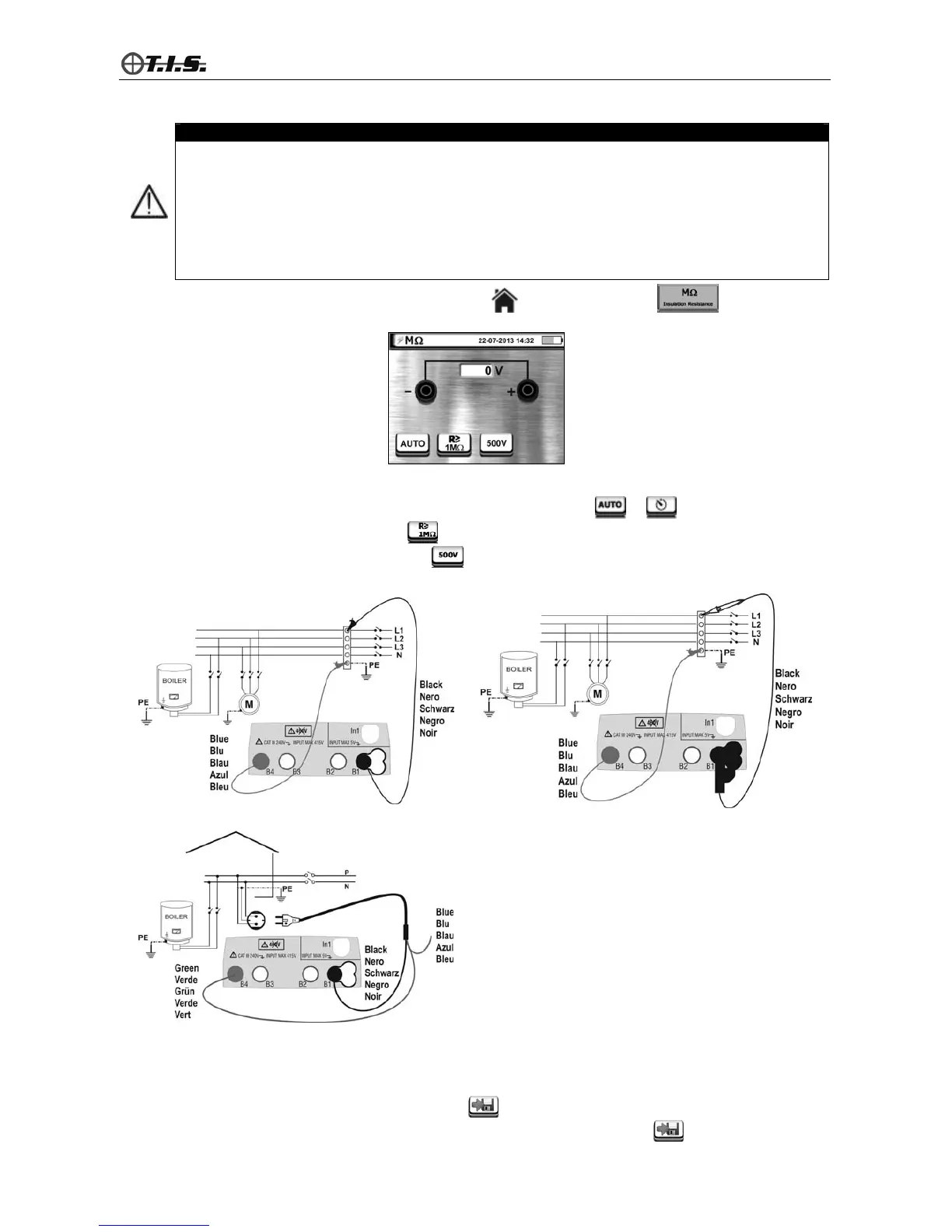
Access the general menu by pressing the HOME key and select function . The instrument
shows the following screen:
4.2.1. Measuring in AUTO mode
1. Select AUTO mode by pressing key F1 or touching the relevant icon or
2. Press key F2 or touch the relevant icon
to set the minimum level for measurement
3. Press key F3 or touch the relevant icon (e.g.:
) to set the value of test voltage.
4. Connect the measuring leads as shown in the following figures:
Insulation with measuring leads Insulation with remote lead PR400
Insulation with cable with Shuko-plug
5. Press the GO/STOP key on the instrument or the START key on the remote lead PR400. The instrument
starts measuring and provides a result on the display, then gives out a double sound in case the result is
positive.
6. Press the SAVE key or touch the relevant icon
to save the result of measurement shown on the
display. Confirm saving by pressing the SAVE key again, or the relevant icon.


 To Next Page